A calm, welcoming wedding card
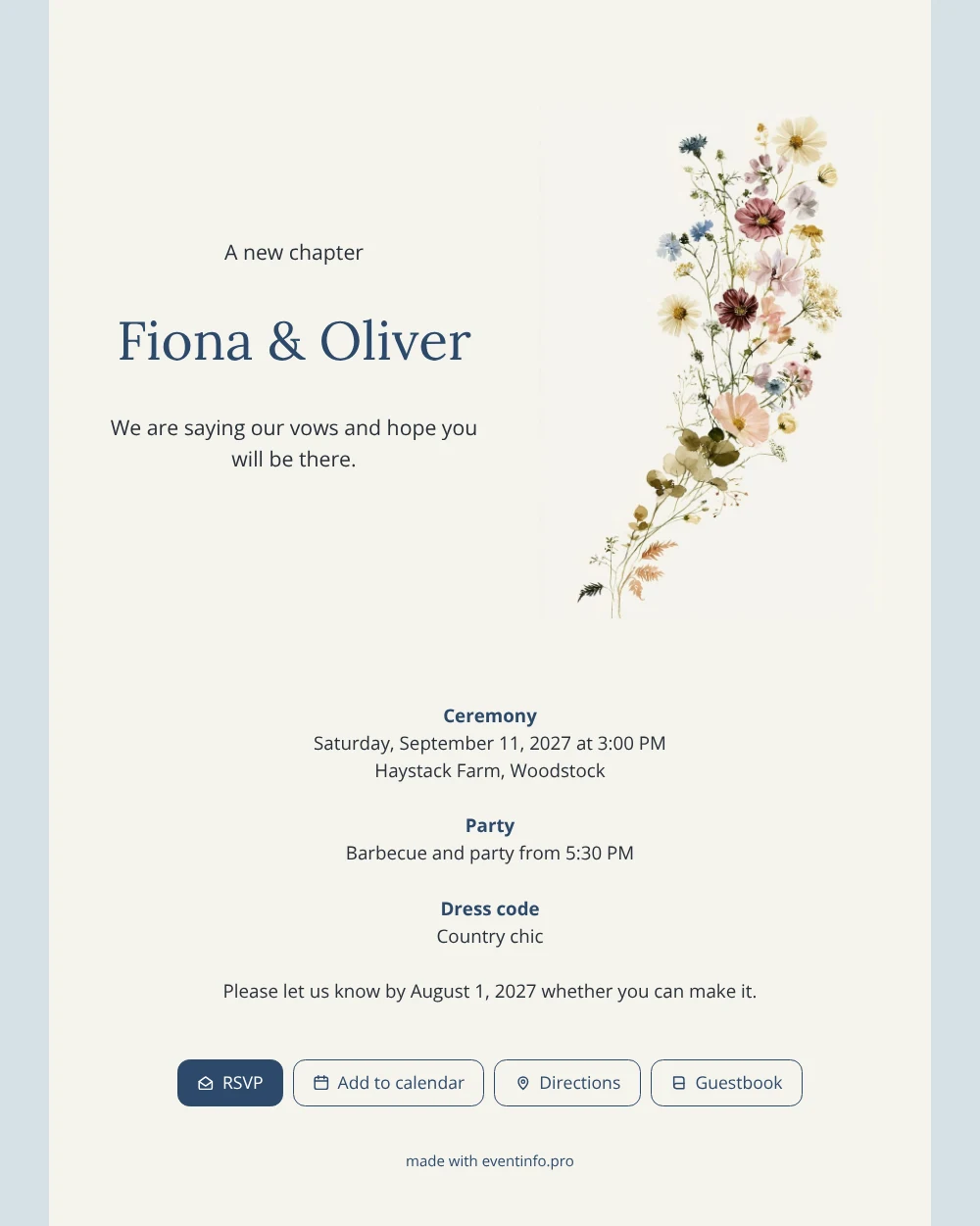
From a guest’s point of view, an online wedding invitation is a message that opens in one tap and answers every practical question about your wedding. This dusty blue design makes that experience calm and clear. The text sits on a light card with plenty of breathing room, while a fine stem of wildflowers in pink, burgundy, cream and blue rises along the right edge. Nothing competes for attention, so guests of all ages find the date, the farm and the reply deadline at once.
Most couples share it in a group chat; read how to send your invitation via WhatsApp. Guests then reply via the RSVP button, open the route and save the date. You can also share by e-mail, text message, social media or a QR code.
Create your own online wedding invitation
Use this design as a starting point and create a fitting wedding invitation within minutes.
Frequently asked questions
How soon can guests open the card?
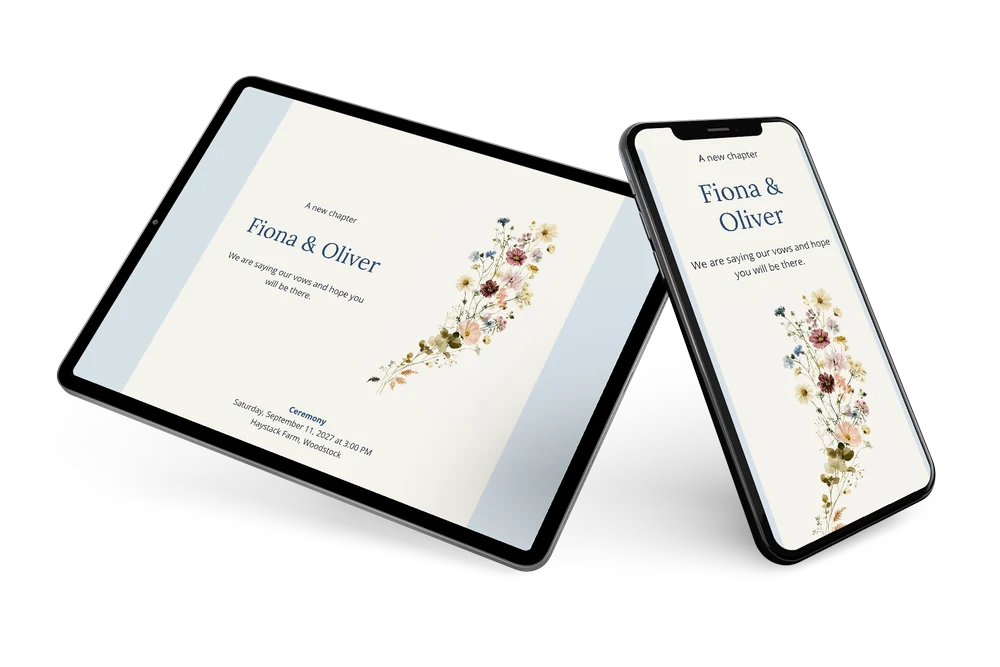
Straight after you share the link. Filling in the details takes about a quarter of an hour, and a quick look at the preview on your phone tells you how guests will see it.
How do guests let us know if they are coming?
Through the online RSVP on the card. One tap is enough, and you see each answer in your dashboard. Guests can also open the route, save the date and leave a note in the guestbook.
Will guests understand the dress code “Country chic”?
Most will picture smart but comfortable clothes that suit a farm: linen, summer dresses, no high heels on the grass. If you want to be specific, add a short line under the dress code; the open layout has room for it.
Can we add information for guests who travel?
Yes. Add a block about overnight stays, parking or a shuttle, and adjust text, colors or image in the editor. Changes appear on the same link.
How do we follow up with guests who have not replied?
Your dashboard shows who has replied and who has not. You can remind guests in a few steps, which helps when you need final numbers for the barbecue.
Design details: fonts and colors
Fonts
- Header 1 — Open Sans
- Header 2 — Lora
- Text — Open Sans
Colors
- #283038 — Header 1
- #2D4A6B — Header 2
- #283038 — Text
- #F5F3ED — Card
- #D7E1E8 — Background
Use this design
Copy this design to your dashboard to use it as a starting point.
All example invitations are fictional. Photos of people are AI-generated; illustrations are licensed or AI-generated.