A quiet, sleek invitation
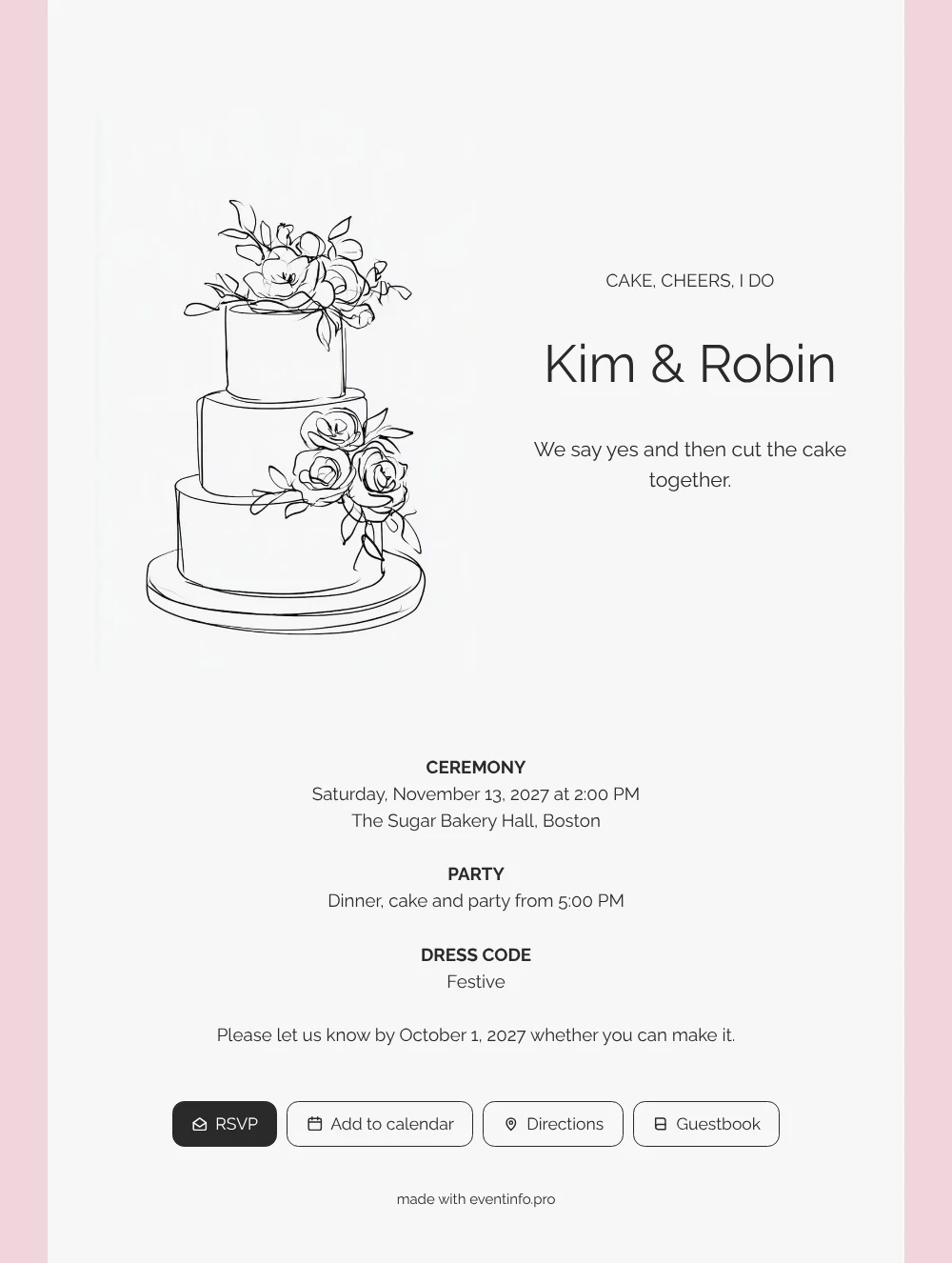
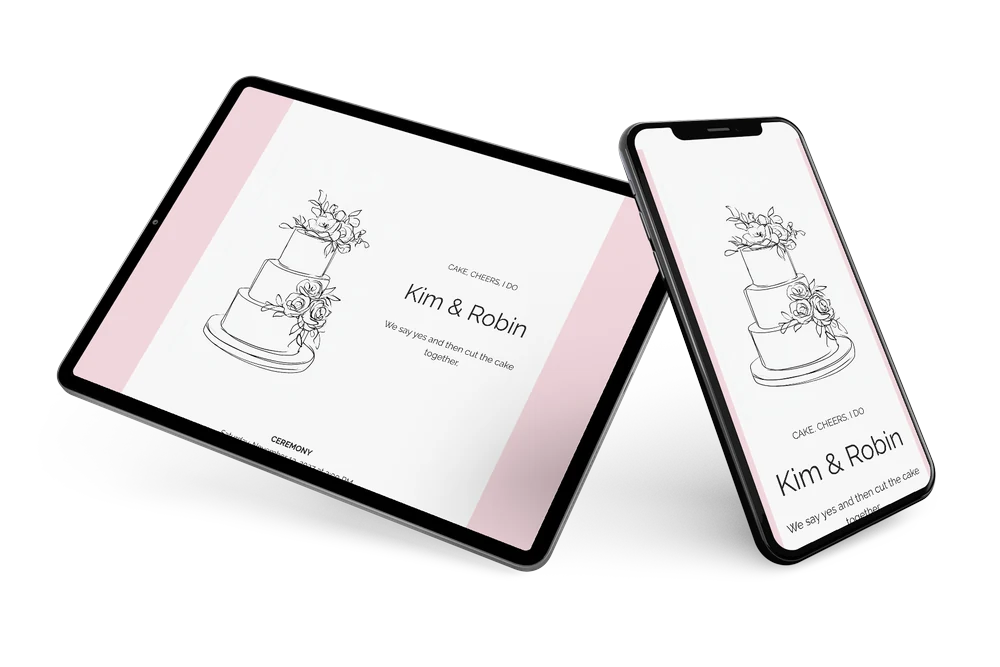
For your guests, an online wedding invitation is simply a link that opens your wedding card on their phone, with every practical detail close at hand. This minimalist version shows them a pale card on a dusty pink background, with a fine black drawing of a three-tier wedding cake and roses on the left and a crisp heading in capitals. Calm, modern and still a little sweet, it suits a couple who prefer clean lines to lots of decoration.
Guests read at a glance when the ceremony starts, where the party is and what to wear. Share the card in a family group by sending the invitation via WhatsApp, and guests reply within seconds through the online RSVP, which makes planning dinner and cake for the right number of people a lot easier.
Create your own online wedding invitation
Use this design as a starting point and create a fitting wedding invitation within minutes.
Frequently asked questions
Can I send this invitation today?
Yes. Enter your names, date and venue, check the times, look at it once on your phone and share the link. Should anything change after that, you can edit the details on the same link.
What can guests do with the card?
They reply via RSVP, open the route to the venue, add the wedding to their calendar and leave a congratulation in the guestbook. It all works in the browser on their phone.
Is this design too plain for a festive wedding?
Not at all. The dusty pink frame and the roses on the cake add warmth, while the clean capitals keep it modern. Guests who love minimalism will appreciate the calm, and the playful heading about cake and cheers shows it is a party.
Can I add my own photo instead of the cake?
Yes. In the editor you can replace the illustration with your own photo or drawing and change the colours and text. The guide to customising a design explains where to start.
When should guests receive it?
Many couples share the invitation two to three months before the wedding and set a reply date about six weeks ahead, just like the example on this card. That leaves enough time to plan seating and catering.
Design details: fonts and colors
Fonts
- Header 1 — Raleway
- Header 2 — Raleway
- Text — Raleway
Colors
- #2A2A2A — Header 1
- #2A2A2A — Header 2
- #2A2A2A — Text
- #F7F7F7 — Card
- #F0D6DC — Background
Use this design
Copy this design to your dashboard to use it as a starting point.
All example invitations are fictional. Photos of people are AI-generated; illustrations are licensed or AI-generated.