A cheerful, refined client party
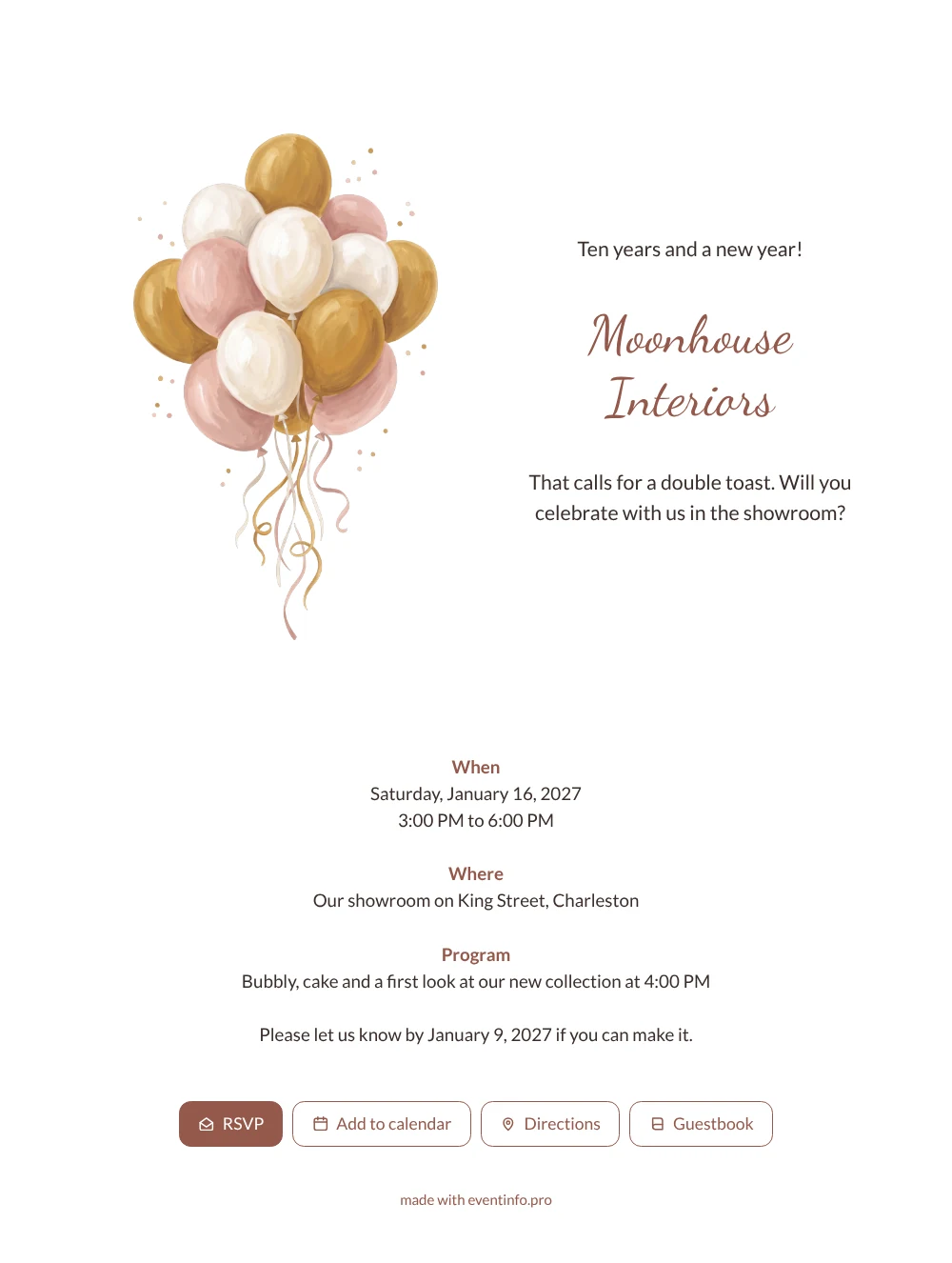
An online New Year’s invitation for a company celebration is a link your guests open on their phone to see the occasion, the time and the place, and to let you know straight away whether they are coming. What your clients and partners see first is a bunch of balloons in gold, cream and soft pink floating above a few curling ribbons, with a warm handwritten heading that reads like a personal note. It feels inviting rather than corporate, which suits loyal customers, suppliers and neighbours of a shop or studio that is celebrating its anniversary along with the new year.
Guests know at a glance where they are expected: the Moonhouse Interiors showroom on King Street, for an afternoon of bubbly, cake and a preview of the new collection. Many will want to say congratulations, and a guestbook in the invitation gives them a place to do so. You see in your dashboard who has replied and can remind anyone who has not responded before January 9.
Create your own online invitation
Use this design as a starting point and create a fitting invitation within minutes.
Frequently asked questions
How soon can my guests receive the invitation?
As soon as you have entered your own details. Most hosts adjust the example card, check it on their phone and send the link the same day.
Which options do guests have on their phone?
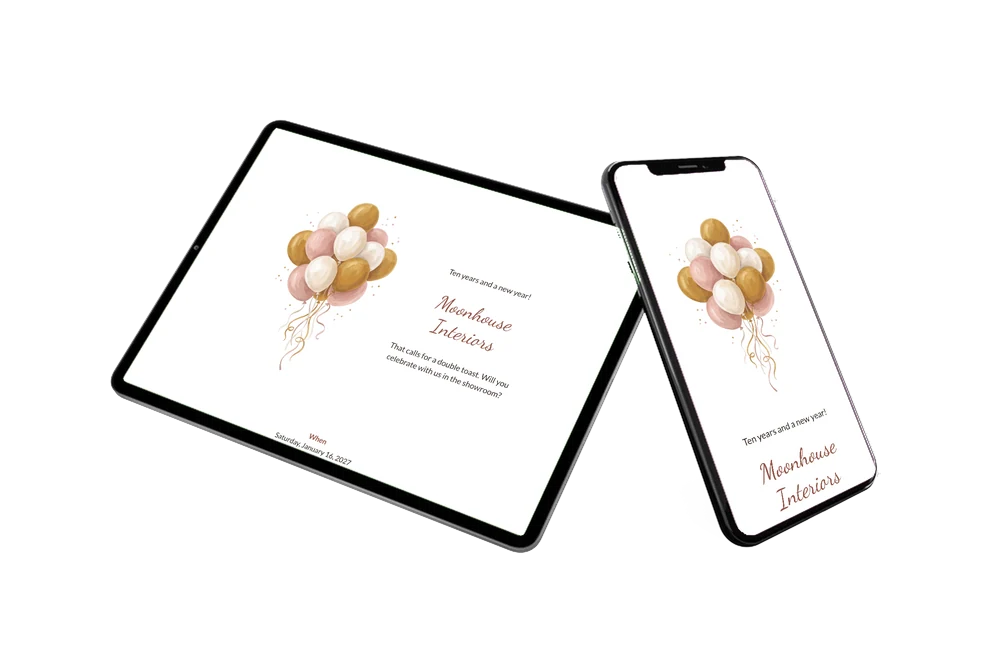
Reply with the RSVP button, open the showroom location in their map app, add the afternoon to their calendar and write a message in the guestbook for the team.
Will older clients find the balloons too playful?
Not likely. The balloons are painted in soft, muted shades and the layout is calm, with plenty of white space and a clear program. That keeps it festive yet grown-up, so long-standing clients and business partners will read it as a warm thank-you.
Can I change the colours to match our brand?
Yes. The editor lets you adjust the colours, text and image, for example to match the heading to your house style or add a logo-style image. The guide on customising a ready-made design shows how.
How do I share the invitation in the showroom itself?
Print or display a QR code for your invitation at the counter so visitors can scan it. You can also share the link by WhatsApp, email, text message or social media.
Design details: fonts and colors
Fonts
- Header 1 — Lato
- Header 2 — Dancing Script
- Text — Lato
Colors
- #3A2E2A — Header 1
- #94584A — Header 2
- #3A2E2A — Text
- #FFFFFF — Card
- #FFFFFF — Background
Use this design
Copy this design to your dashboard to use it as a starting point.
All example invitations are fictional. Photos of people are AI-generated; illustrations are licensed or AI-generated.