A nostalgic, welcoming invitation
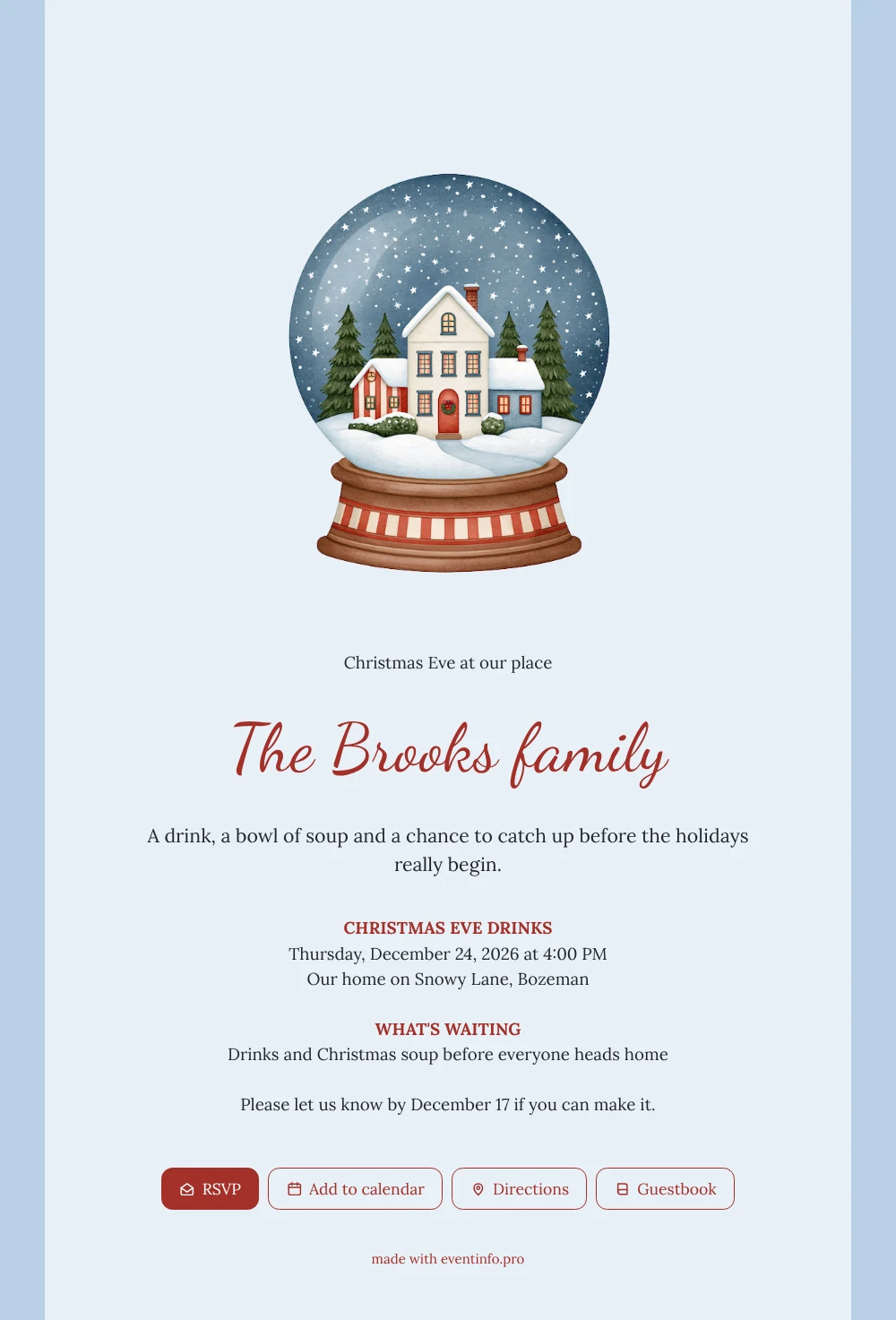
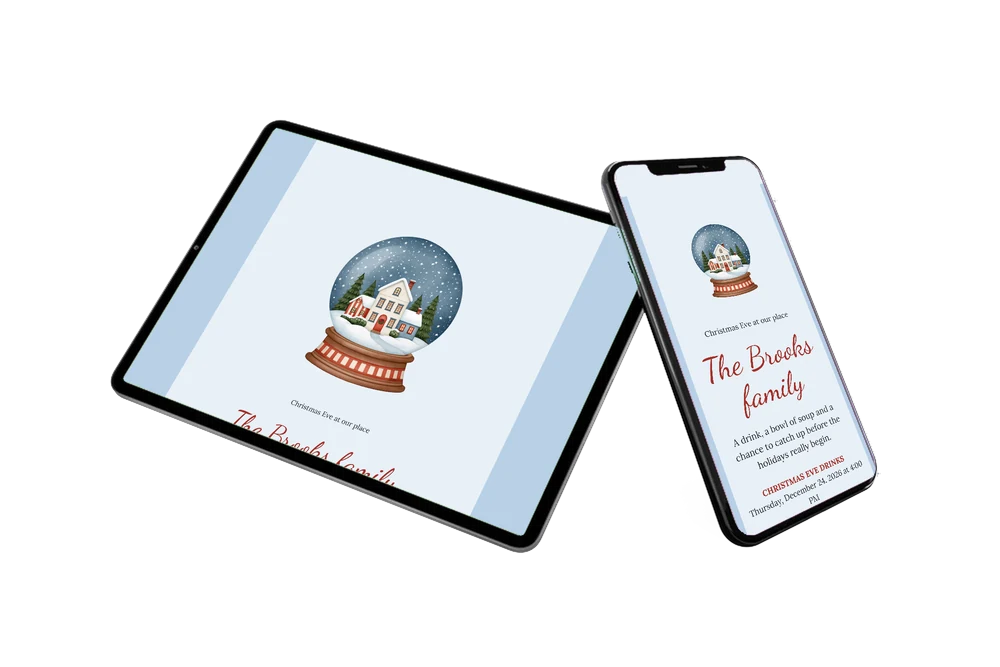
Your guests will probably open this card standing in a hallway or on a train, so an online Christmas invitation keeps everything on one small screen: the day, the time, the place and a button to reply. Here, a big snow globe with a lit white house, green firs and drifting snow sits on a red and cream striped stand, in the middle of a light ice blue card.
Friends and relatives get a friendly Christmas Eve plan: drinks, soup and a chat before the holidays begin, as in the Brooks family example. Each guest can open the route, reply and save the date, and the whole thing works as an online event invitation they can find again in their messages. To print a code for the fridge or the door, use a QR code for the invitation.
Create your own online Christmas Eve invitation
Use this design as a starting point and create a fitting Christmas Eve invitation within minutes.
Frequently asked questions
Do my guests need an account or an app?
No. They tap the link and the card opens in their browser, ready to read and to answer.
What happens when someone says yes?
Their answer arrives through the RSVP button, so you see who is coming without chasing anyone by message. You can also send a reminder to guests who have not replied yet.
Who is this snow globe card meant for?
It fits hosts who want a small, personal evening rather than a formal dinner: neighbours, close friends, the family on both sides. The soft blue and the red stripes feel traditional without being heavy.
Can I put a picture of my own house on it?
Yes. You can replace the illustration with a photo, and this page about using an illustration instead of a photo explains how it works both ways.
Can I choose my own reply date?
Yes. The example asks guests to answer by December 17, a week before Christmas Eve, which leaves you time to plan the soup and count the chairs. Type your own date in the closing line of the card, or leave it out if you prefer a relaxed approach and simply see who turns up.
Design details: fonts and colors
Fonts
- Header 1 — Lora
- Header 2 — Dancing Script
- Text — Lora
Colors
- #23262E — Header 1
- #A3302A — Header 2
- #23262E — Text
- #E8F0F7 — Card
- #B8D0E6 — Background
Use this design
Copy this design to your dashboard to use it as a starting point.
All example invitations are fictional. Photos of people are AI-generated; illustrations are licensed or AI-generated.