A sunny, welcoming outdoor wedding card
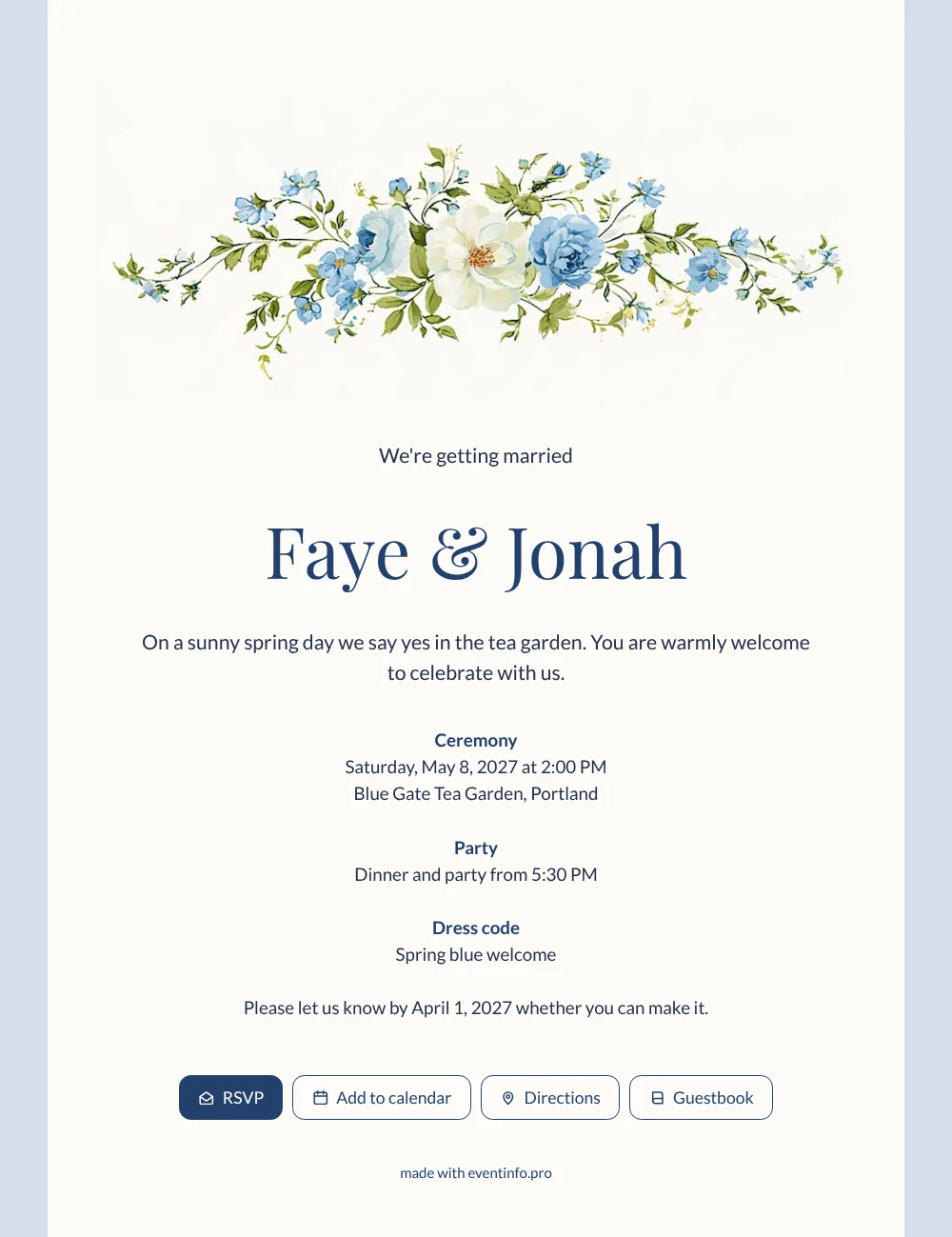
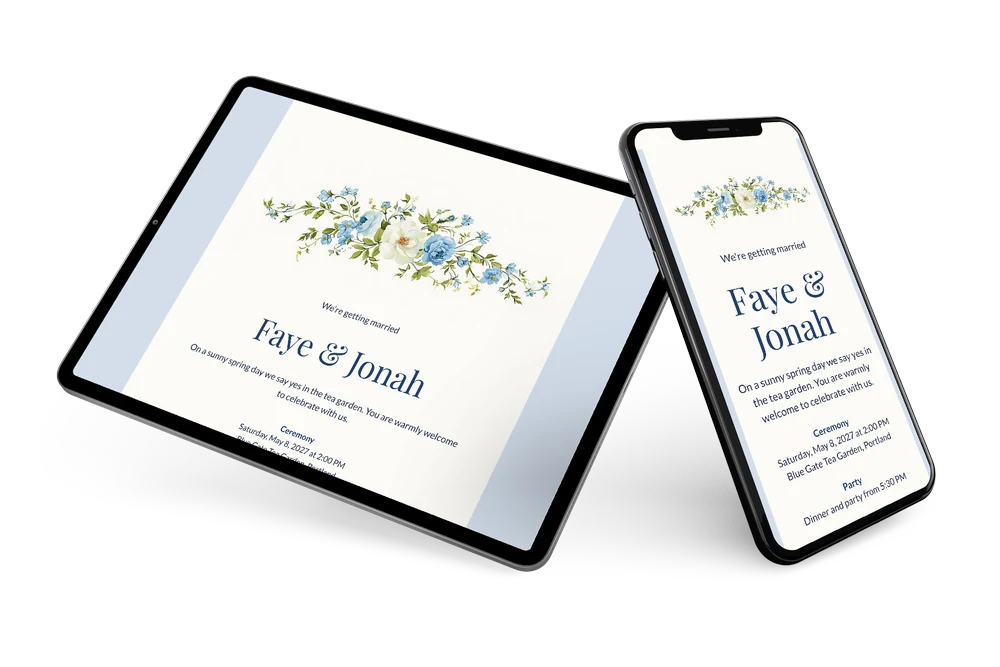
An online wedding invitation is a card that arrives as a link in your guests’ messages and opens straight on their phone. With this design they then see a cream card framed in icy blue, crowned by a garland of forget-me-nots and roses. It is a welcoming layout for people of every age: large classic headings, clear blocks and plenty of white space. Couples who invite a mix of family, friends and colleagues will like how easy it is to read.
A friend opens it on the train, reads “We’re getting married” and the line about the sunny spring day in the tea garden, and decides immediately. One tap on the online RSVP button and you know she is coming. She opens the route, adds the date to her calendar and makes a note of the spring blue dress code for later.
Create your own online wedding invitation
Use this design as a starting point and create a fitting wedding invitation within minutes.
Frequently asked questions
Do guests need an app or account?
No. The link opens in any phone browser, and replying takes seconds. Setting up the invitation yourself is just as quick: fill in your details and share.
What can guests find on the card?
The ceremony time and venue, the start of dinner and party, the dress code, a route button, a calendar button and the RSVP button. They can also write a congratulation in the guestbook.
Is the pale blue frame easy to read on a phone?
Yes. The text sits on the cream card in dark navy, while the icy blue only frames the edges. That contrast keeps every line sharp on a small screen, and the garland at the top never gets in the way of the details.
Can I personalise it for our guests?
Change any text, colour or image in the editor, or place your own photo above the details. Our guide on how to customise a ready-made design explains each step.
How do I share it with everyone at once?
Paste the link in a group chat, send it by email or text, or follow the steps to send it via WhatsApp. Details you change later appear automatically on the same link.
Design details: fonts and colors
Fonts
- Header 1 — Lato
- Header 2 — Playfair Display
- Text — Lato
Colors
- #25304A — Header 1
- #24406E — Header 2
- #25304A — Text
- #FCFBF7 — Card
- #D4DEEB — Background
Use this design
Copy this design to your dashboard to use it as a starting point.
All example invitations are fictional. Photos of people are AI-generated; illustrations are licensed or AI-generated.