A light, reflective funeral notice
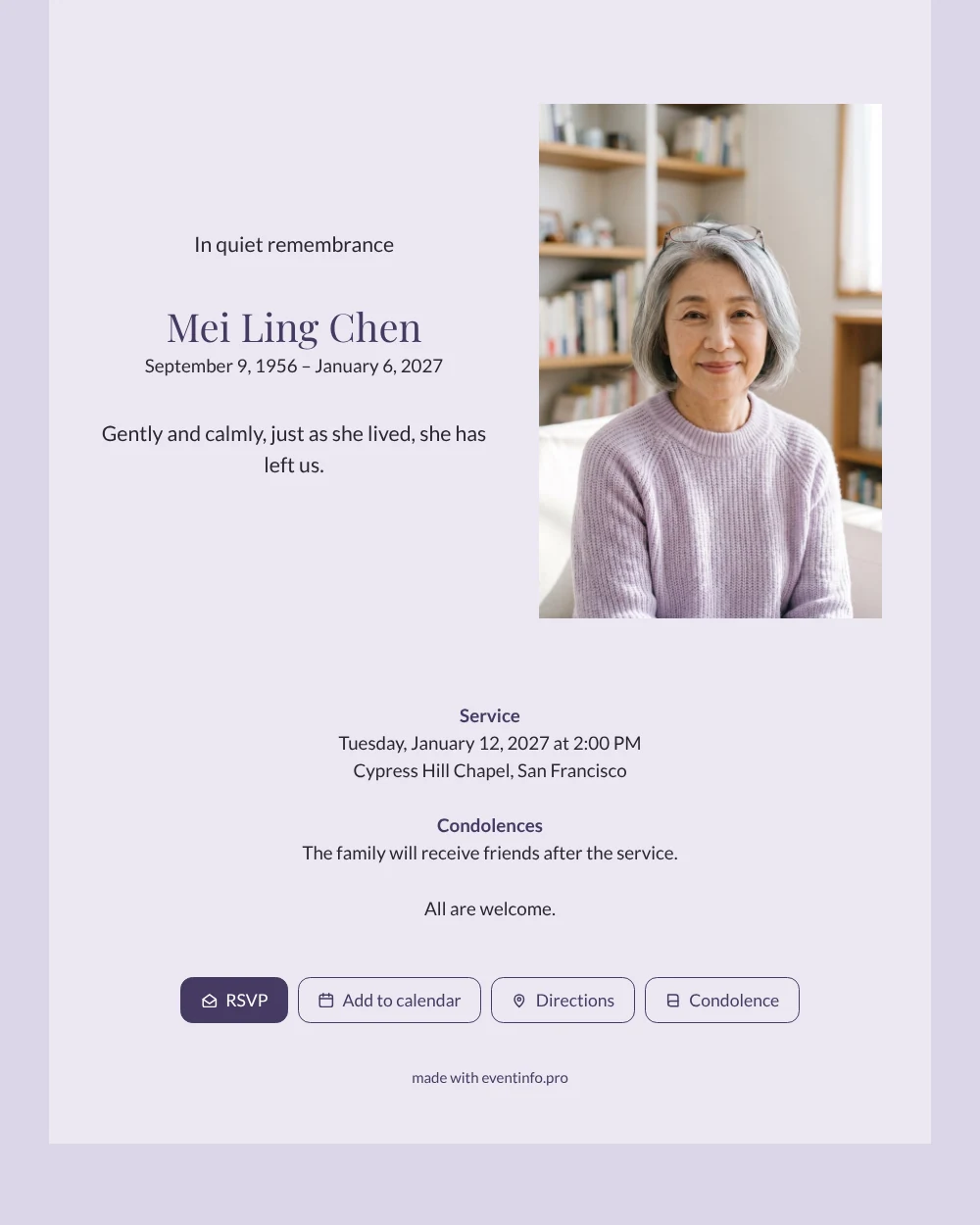
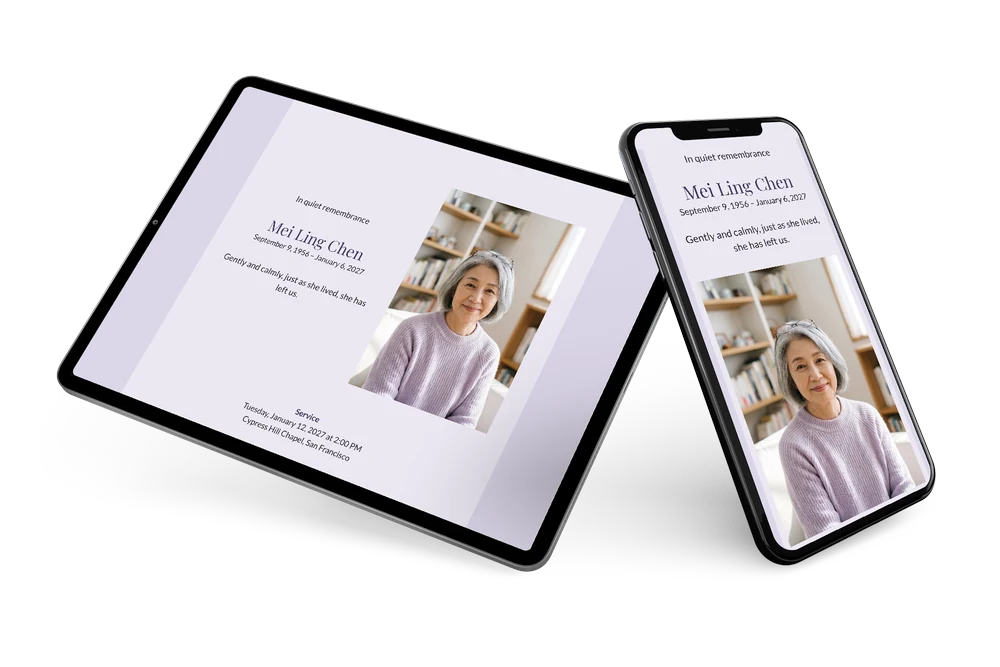
An online funeral card is the digital counterpart of the printed notice: one link with her photo, her name, the dates, the details of the farewell and room for condolences. This design pairs a pale lavender card with a bright portrait of a woman in her living room, reading glasses on her head and a bookcase behind her. The name in an elegant serif gives it a quiet, cultured feel.
For those who receive it, everything is simple. They open the card, read in one line who she was, see when and where the farewell takes place and can add the date to their calendar with a tap. Afterwards they leave a few words in the condolence register, which the family can read back at their own pace. It is a practical help in the first days, when there is so much to arrange at the same time.
Create your own online funeral card
Use this design as a starting point and create a fitting funeral card within minutes.
Frequently asked questions
Can I finish the card today?
Yes. Most families complete it in one sitting. Choose a photo, enter the details, read everything through on your phone and share the link.
Can people respond if they cannot attend?
Yes. Everyone with the link can write in the condolence register, whether they come to the service or not. You find all messages in one overview.
Which photo works well with lavender?
A light portrait in soft daylight with calm colours, such as pale lilac, grey or white. Busy backgrounds can be cropped so the face remains the centre of the card.
How do I reach people who have not opened it?
Share the link again, or send a reminder to people who have not opened it yet. A QR code on a note works for those who prefer paper.
When is the best time to send the card?
As soon as the date and place of the farewell are known, usually two to five days beforehand. If details are still open, you can share the card now and complete the information later on the same link, so nobody receives outdated details.
Design details: fonts and colors
Fonts
- Header 1 — Lato
- Header 2 — Playfair Display
- Text — Lato
Colors
- #2A2731 — Header 1
- #463A62 — Header 2
- #2A2731 — Text
- #ECE8F3 — Card
- #DCD6E8 — Background
Use this design
Copy this design to your dashboard to use it as a starting point.
All example invitations are fictional. Photos of people are AI-generated; illustrations are licensed or AI-generated.