A cheerful geeky gathering
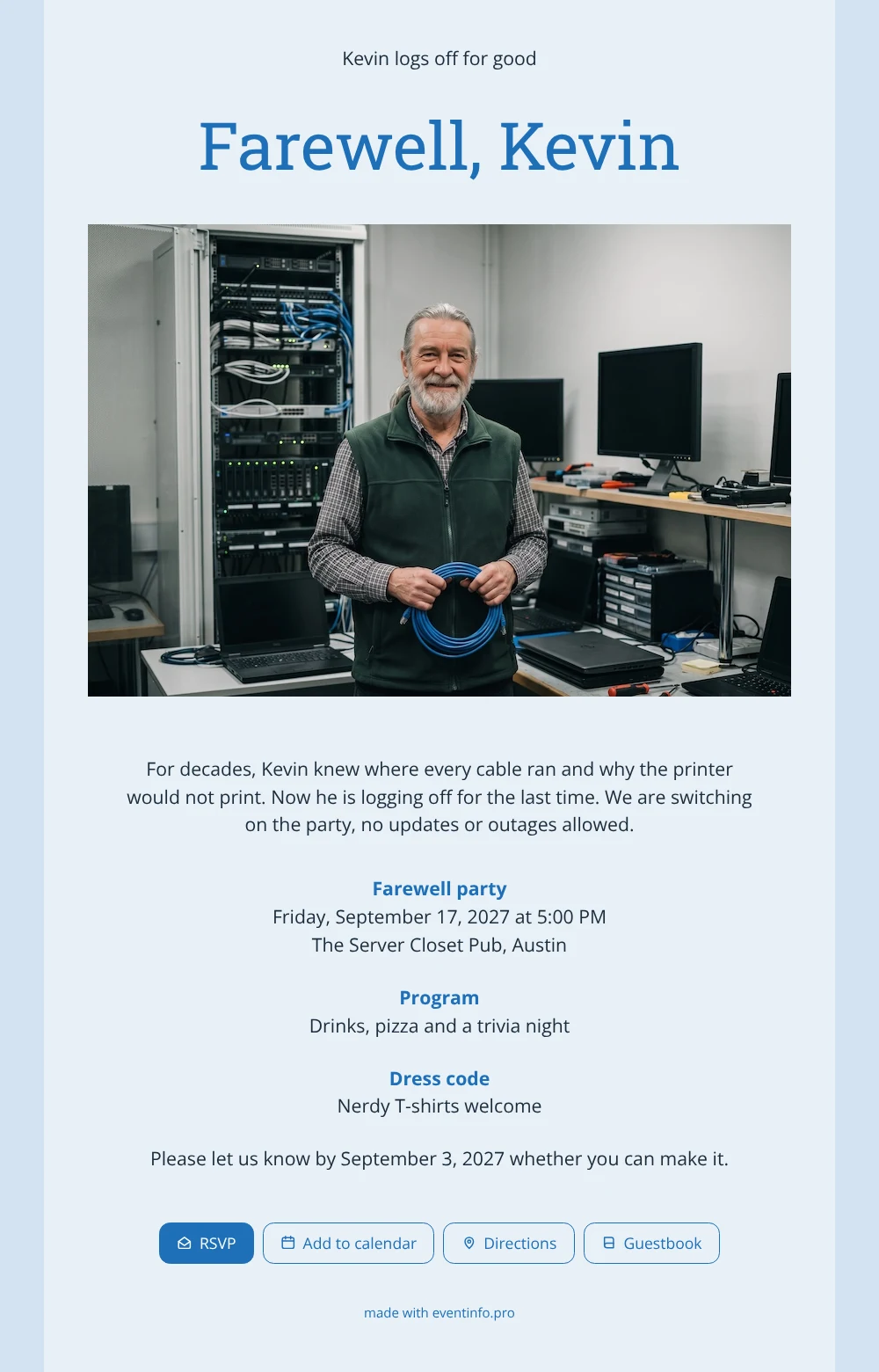
An online farewell party invitation is a digital card on its own web page that guests open from a link, reply to and come back to whenever they need the address. Think of the people who will receive this one: colleagues who called the IT administrator when a laptop froze, friends from the trivia team, family who heard the stories at dinner. The wide photo at the top shows him smiling in the server room, a blue network cable in hand, above a light grey-blue card with bright blue headings.
Guests can do more than just read it. Each of them can leave a message in the guestbook on the invitation: the night the server went down, the cable he lent you, the advice he gave. Together those messages become a keepsake for the guest of honour. Meanwhile, you see in your dashboard who is coming.
Create your own online farewell invitation
Use this design as a starting point and create a fitting farewell invitation within minutes.
Frequently asked questions
How long does it take to set up?
About ten minutes for most people. Type the name, pick the date and the venue, upload a photo of your colleague and share the link.
How do guests reply and find the venue?
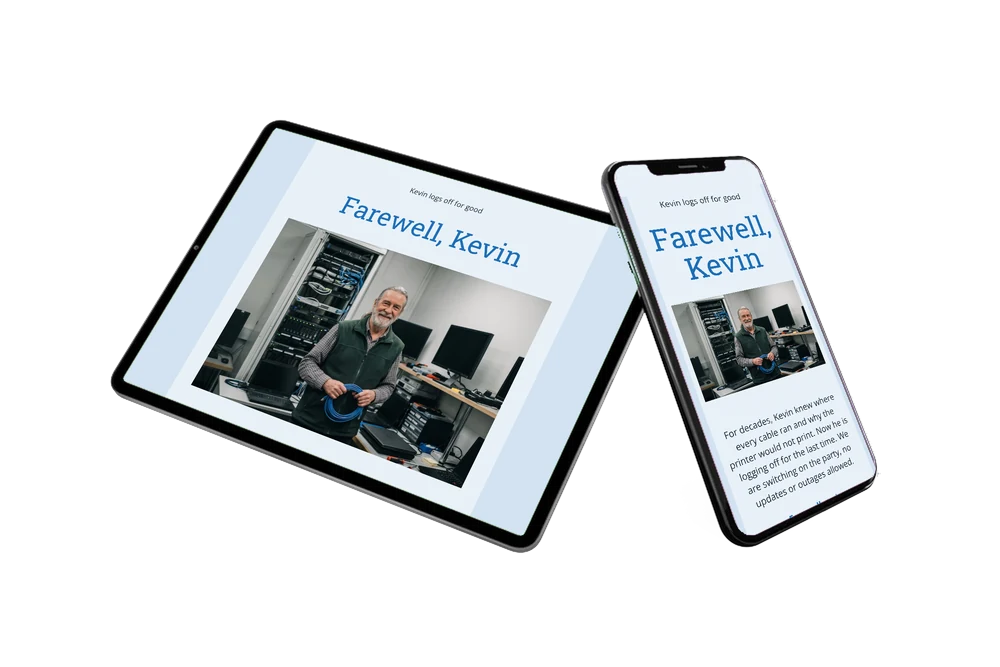
With one tap on the RSVP button. They can also open the location in their map app, save the party in their calendar and write in the guestbook, all from the same page.
Why does this design work so well for IT colleagues?
Because the photo tells the story: the rack of servers, the screens on the desk and the bundle of cable say network and helpdesk without a word. The tinted blue-grey card picks up those colours, and the example text plays on logging off and switching the party on.
Can I add a schedule for the evening?
Yes. Next to the dress code you can add a day schedule with speeches, the quiz and the moment the pizza arrives.
How do I share the link with the whole department?
Send it through WhatsApp, email, text message or social media, or print a QR code for the invitation and pin it next to the coffee machine.
Design details: fonts and colors
Fonts
- Header 1 — Open Sans
- Header 2 — Roboto Slab
- Text — Open Sans
Colors
- #1C2C3B — Header 1
- #1E6FB8 — Header 2
- #1C2C3B — Text
- #E8F1F8 — Card
- #D2E2F1 — Background
Use this design
Copy this design to your dashboard to use it as a starting point.
All example invitations are fictional. Photos of people are AI-generated; illustrations are licensed or AI-generated.