A tranquil, unfussy invitation
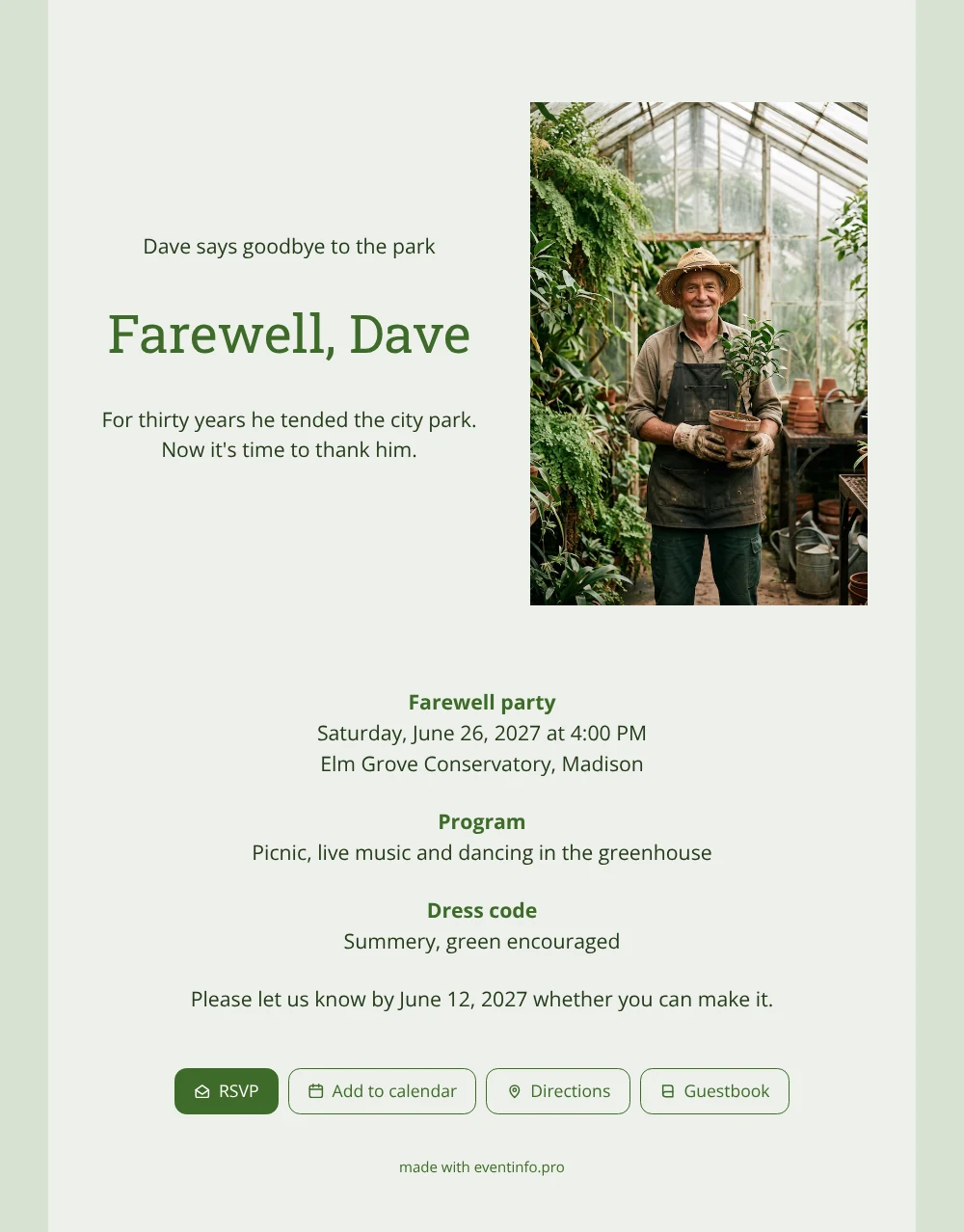
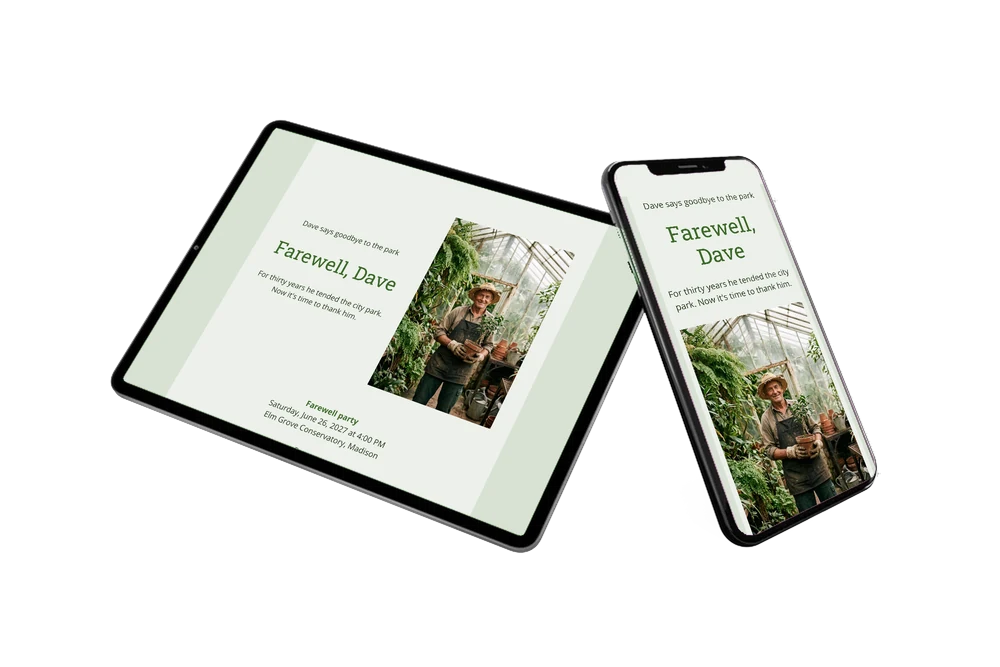
An online farewell party invitation is easy for guests: they open it, read the details, reply and save the date, all in a minute. Here the gardener smiles from his greenhouse with a sapling in his gloved hands, on a light green card with dark green lettering. It is a gentle, unpretentious design that suits the many people who knew him: colleagues from the grounds team, volunteers, regular park visitors and the family who heard his stories every evening.
Those guests will want to add something of their own. In the guestbook they can write about the first daffodils he planted, the hedges he trimmed or the advice he gave about a sick rose. To make sure nobody misses the afternoon, they can add the event to their calendar with one tap from the invitation.
Create your own online farewell invitation
Use this design as a starting point and create a fitting farewell invitation within minutes.
Frequently asked questions
How much time does it take?
Most organisers need a quarter of an hour at most. Adjust the name and venue, add your own photo and share the link.
How do guests interact with the invitation?
They reply with the RSVP button, open the route on the map, put the party in their calendar and leave a memory in the guestbook. Afterwards the guestbook stays online as a small keepsake.
Does this design fit a party in a greenhouse?
Very well. The photo itself is taken in a glasshouse full of ferns, and the light green card continues that atmosphere. With a picnic, live music and dancing in the greenhouse, the sample programme matches the setting.
Can I adjust colours and layout?
Yes. Change the shade of green, the photo, the texts and the order of the blocks; the guide to customising a ready-made design explains every step.
What if guests forget to reply?
In your dashboard you see who has answered. You can remind guests who have not replied yet, so you know how many people to expect at the picnic.
Design details: fonts and colors
Fonts
- Header 1 — Open Sans
- Header 2 — Roboto Slab
- Text — Open Sans
Colors
- #263B1C — Header 1
- #3E6B2A — Header 2
- #263B1C — Text
- #ECF0EA — Card
- #D8E1D4 — Background
Use this design
Copy this design to your dashboard to use it as a starting point.
All example invitations are fictional. Photos of people are AI-generated; illustrations are licensed or AI-generated.