A cheerful, cosy autumn card
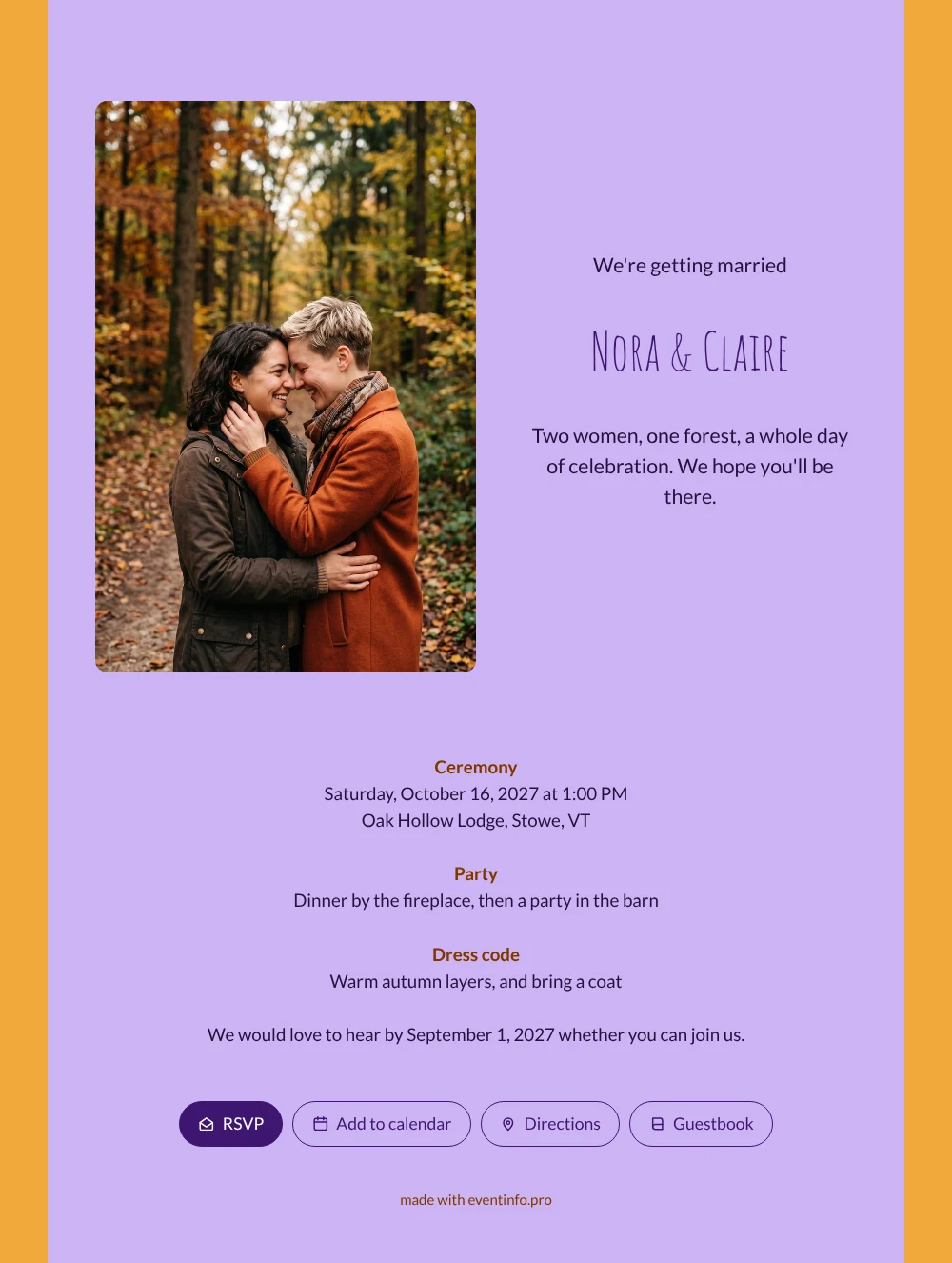
Guests who open this online wedding invitation see a burst of lilac and amber before they read a single word. Then the photo on the left, two women laughing in the autumn woods, and next to it the essentials: when the ceremony starts, where the party is, and what to wear outdoors in October. It feels like a cheerful note from friends, written in a rustic voice, and suits couples who would rather stand out than play it safe.
Sharing works the way your guests already talk to you: you can send the invitation via WhatsApp, by email, by text or as a QR code. They tap RSVP, add the date to their calendar and leave a congratulation in the guestbook. In your dashboard you see who is coming to the ceremony and the party.
Create your own online wedding invitation
Use this design as a starting point and create a fitting wedding invitation within minutes.
Frequently asked questions
Can I send it today?
Yes. Fill in your names, the date and time, the venue and a line about the party. As soon as you share the link, guests can open it on their phone.
What do my guests see when they open it?
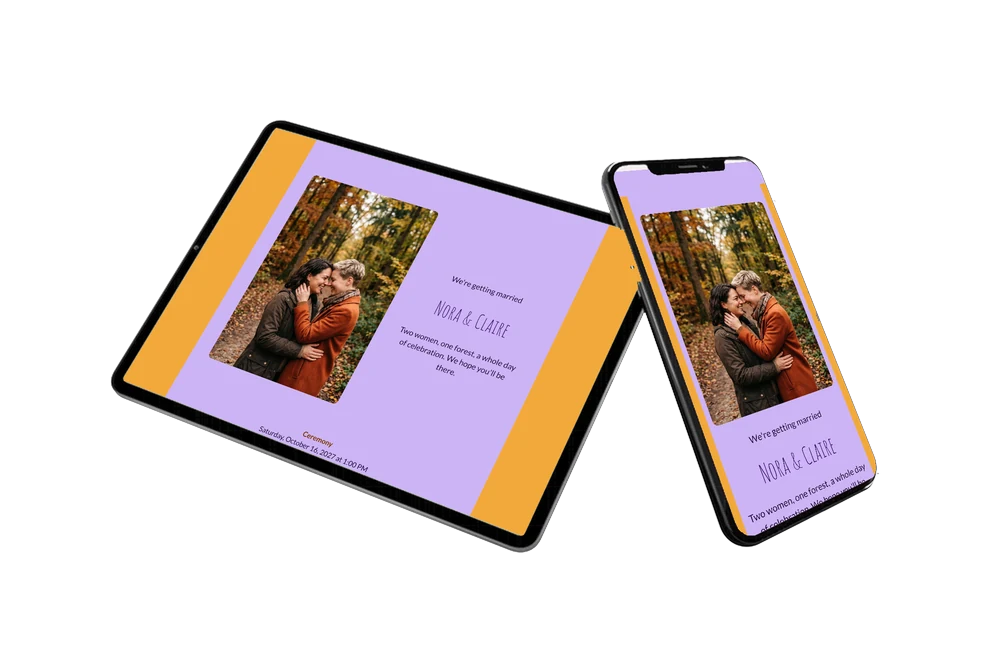
The full invitation on their phone, with the lilac card, the forest photo, the ceremony, the barn party and the dress code. From there they reply with the RSVP button, open the route, add the date to their calendar and leave a message in the online guestbook.
Is the bright color easy to read on a phone?
Yes. The text sits on the lilac card in a dark purple tone, so it stays clear on small screens, and the amber shows only around the edges. Guests see the photo on the left and the details beside it without zooming in.
Can I still change details after sending?
Yes. You change details on the same link, so guests always see the latest version. Prefer softer colors than lilac and amber? Pick other tones, replace the forest photo with your own or rewrite the dress code. Here is how to customise a ready-made design.
What does an online wedding invitation cost?
That depends on what you need. You will find the options on the pricing page. You can first adapt this design calmly and preview it before you share it.
Design details: fonts and colors
Fonts
- Header 1 — Lato
- Header 2 — Amatic SC
- Text — Lato
Colors
- #24113D — Header 1
- #3E1670 — Header 2
- #24113D — Text
- #CDB4F5 — Card
- #F2A93B — Background
Use this design
Copy this design to your dashboard to use it as a starting point.
All example invitations are fictional. Photos of people are AI-generated; illustrations are licensed or AI-generated.