A classic, homely wedding card
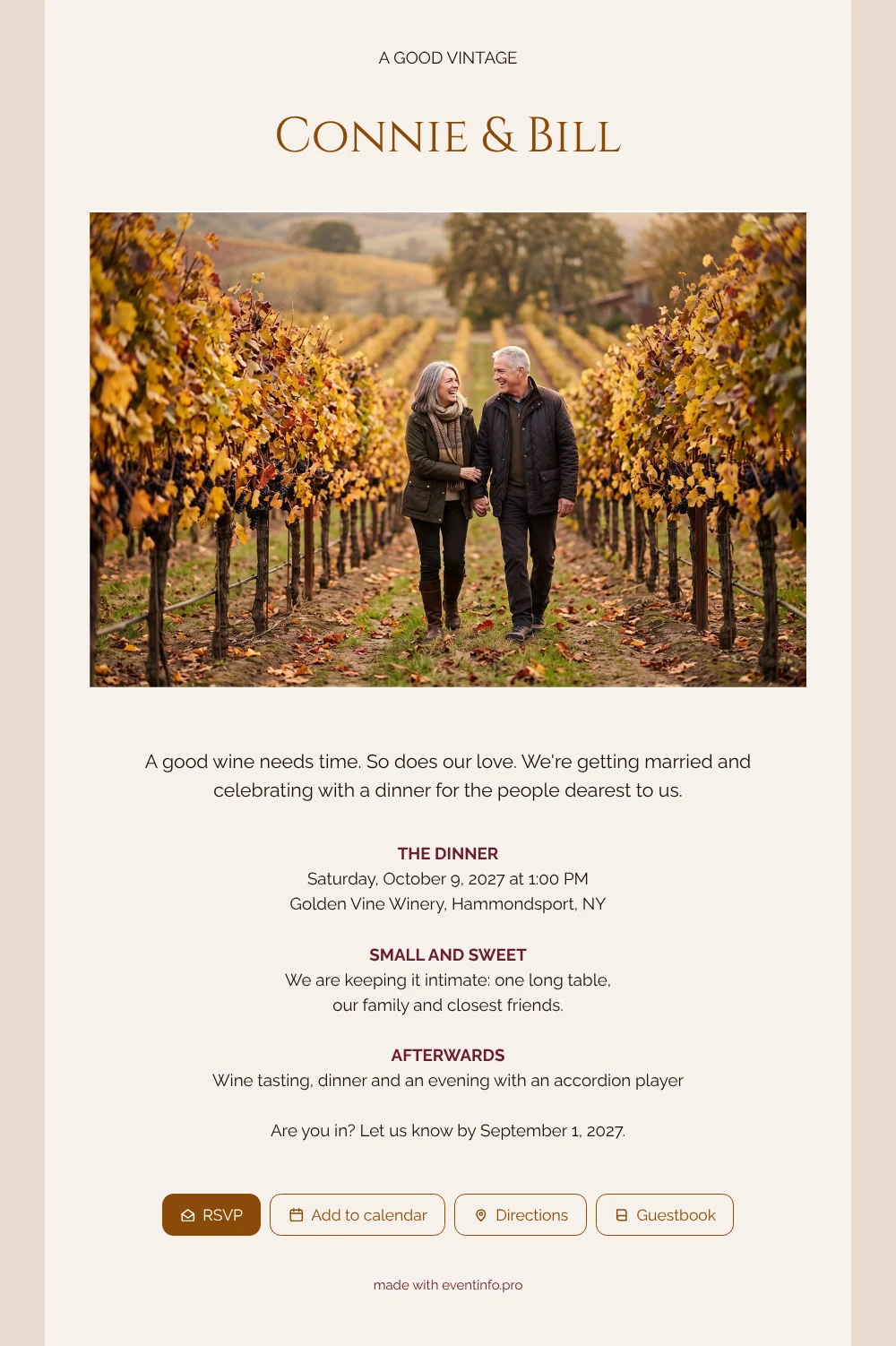
An online wedding invitation arrives on your guests’ phones and tells them in a few lines what kind of day you have in mind. Imagine being one of the few people invited here: your names in calm capitals, a photo of the couple strolling through golden vines, and a heading that says “A GOOD VINTAGE”. Then a warm note that the wedding is small, with one long table, and that you would love them to be there.
Close family and old friends often want to respond personally, and the RSVP button makes that easy. Many couples send this kind of invitation via WhatsApp in a family group or one by one. Guests save the date in their calendar and, on the day, open the route to the winery. Before or after the dinner, they can leave a few words in the online guestbook, which is lovely to read back later.
Create your own online wedding invitation
Use this design as a starting point and create a fitting wedding invitation within minutes.
Frequently asked questions
Can I send it to guests today?
Yes. As soon as your names, date, venue and photo are in, the invitation is ready to share. Most couples finish within minutes.
How do guests reply and find the venue?
They tap the RSVP button to say whether they are coming and open the route from the invitation. They can also save the date in their calendar and write in the guestbook.
Will guests understand it is a small, intimate wedding?
Yes. The opening text speaks of a dinner for the people dearest to you, and the block “Small and sweet” says it plainly: one long table, family and closest friends. That avoids awkward questions about plus-ones.
Can I use our own photo and colours?
Of course. Replace the AI-generated couple with your own photo and adjust the colours in the editor. You can customise the ready-made design block by block.
Can older relatives open it easily?
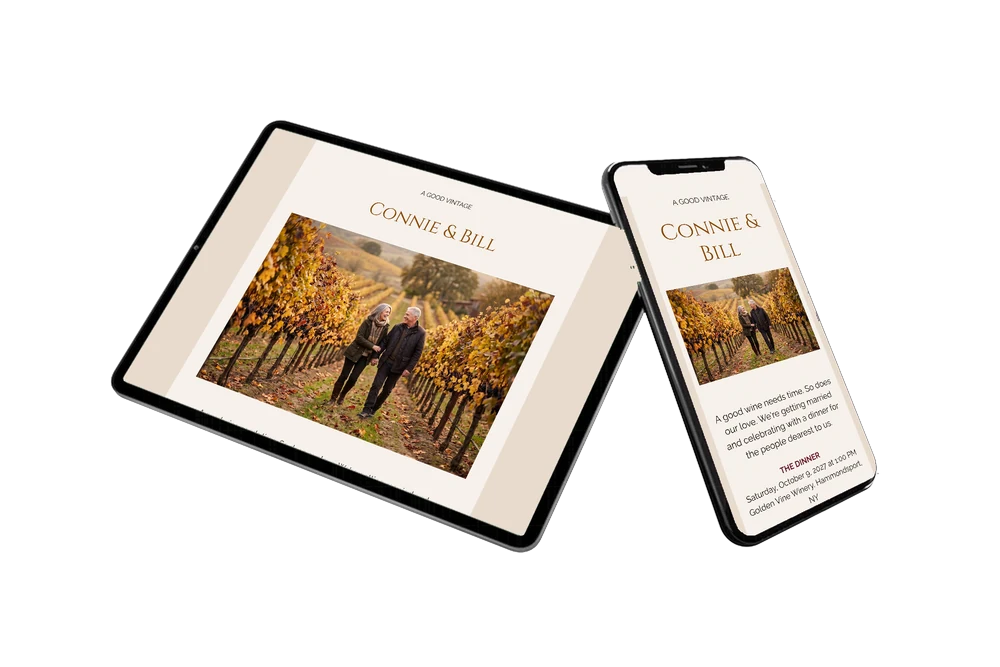
Yes. It opens as a simple web page on any phone, without an app or account. For relatives who prefer to scan, you can share a QR code.
Design details: fonts and colors
Fonts
- Header 1 — Raleway
- Header 2 — Cinzel
- Text — Raleway
Colors
- #1B1109 — Header 1
- #8A4A0A — Header 2
- #1B1109 — Text
- #F6F1EB — Card
- #E8DBCE — Background
Use this design
Copy this design to your dashboard to use it as a starting point.
All example invitations are fictional. Photos of people are AI-generated; illustrations are licensed or AI-generated.