A dignified, quiet memorial card
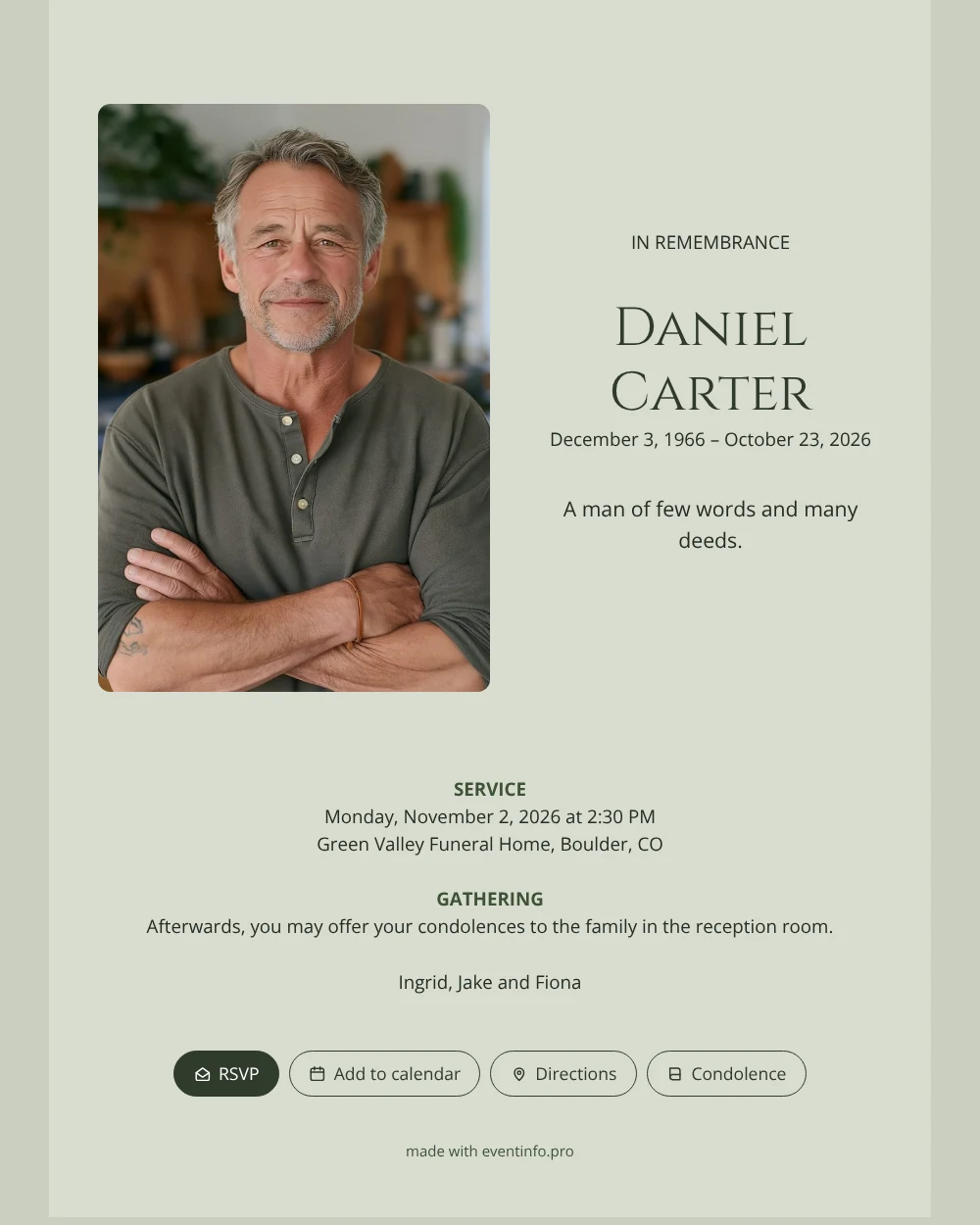
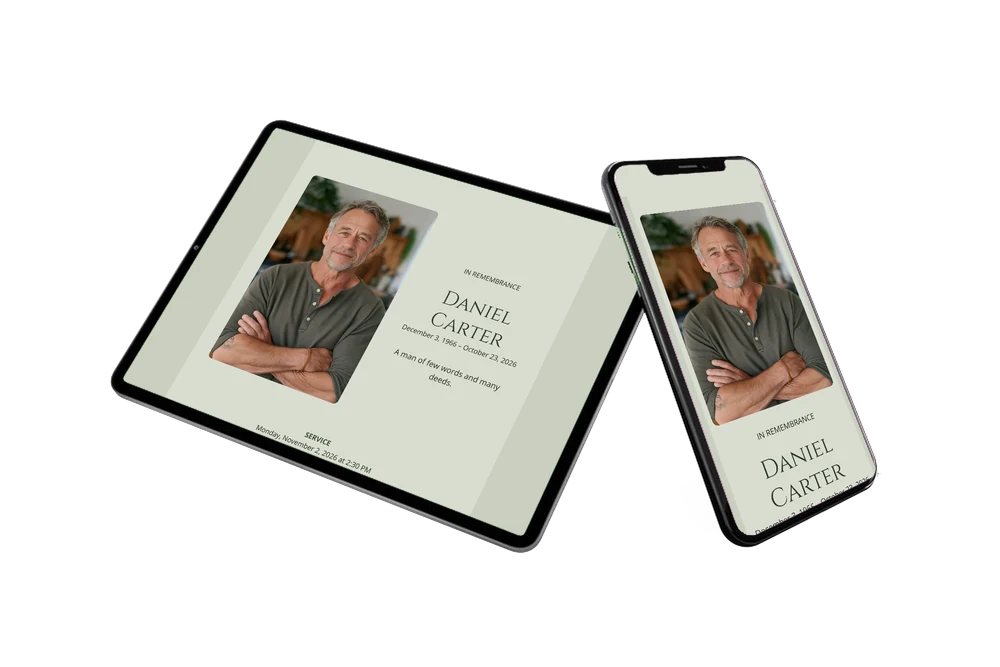
People who receive an online funeral card get a link instead of an envelope, and see the photo, the name and the funeral details on their phone. Here they find a portrait with soft rounded corners on a sage green card, a small heading in capitals and the name in large, classical letters.
Below are the service, the gathering where they can offer condolences, and the names of the family. Those who cannot attend can still leave a few words in the online condolence book.
Create your own online funeral card
Use this design as a starting point and create a fitting funeral card within minutes.
Frequently asked questions
How soon do people hear the news?
As soon as you share the link, which you can do within minutes of finishing the card. Everyone gets the same information at the same moment.
What happens when a guest taps the buttons?
One adds the date to their calendar, one opens the route to the venue, and one leads to the condolence book where they can write a message.
What sort of photo suits a sage green card?
A portrait in natural colors, ideally with some greenery or wood behind the person. Upright photos fit best, because the image stands beside the name and the rounded corners frame the face.
How do I replace the example text?
Click on any line in the editor and type your own words. These tips for replacing the example text show how to change names, dates and labels.
Design details: fonts and colors
Fonts
- Header 1 — Open Sans
- Header 2 — Cinzel
- Text — Open Sans
Colors
- #262C24 — Header 1
- #2F3A2C — Header 2
- #262C24 — Text
- #D8DDD0 — Card
- #C9CFC0 — Background
Use this design
Copy this design to your dashboard to use it as a starting point.
All example invitations are fictional. Photos of people are AI-generated; illustrations are licensed or AI-generated.