A sunny, heartfelt card
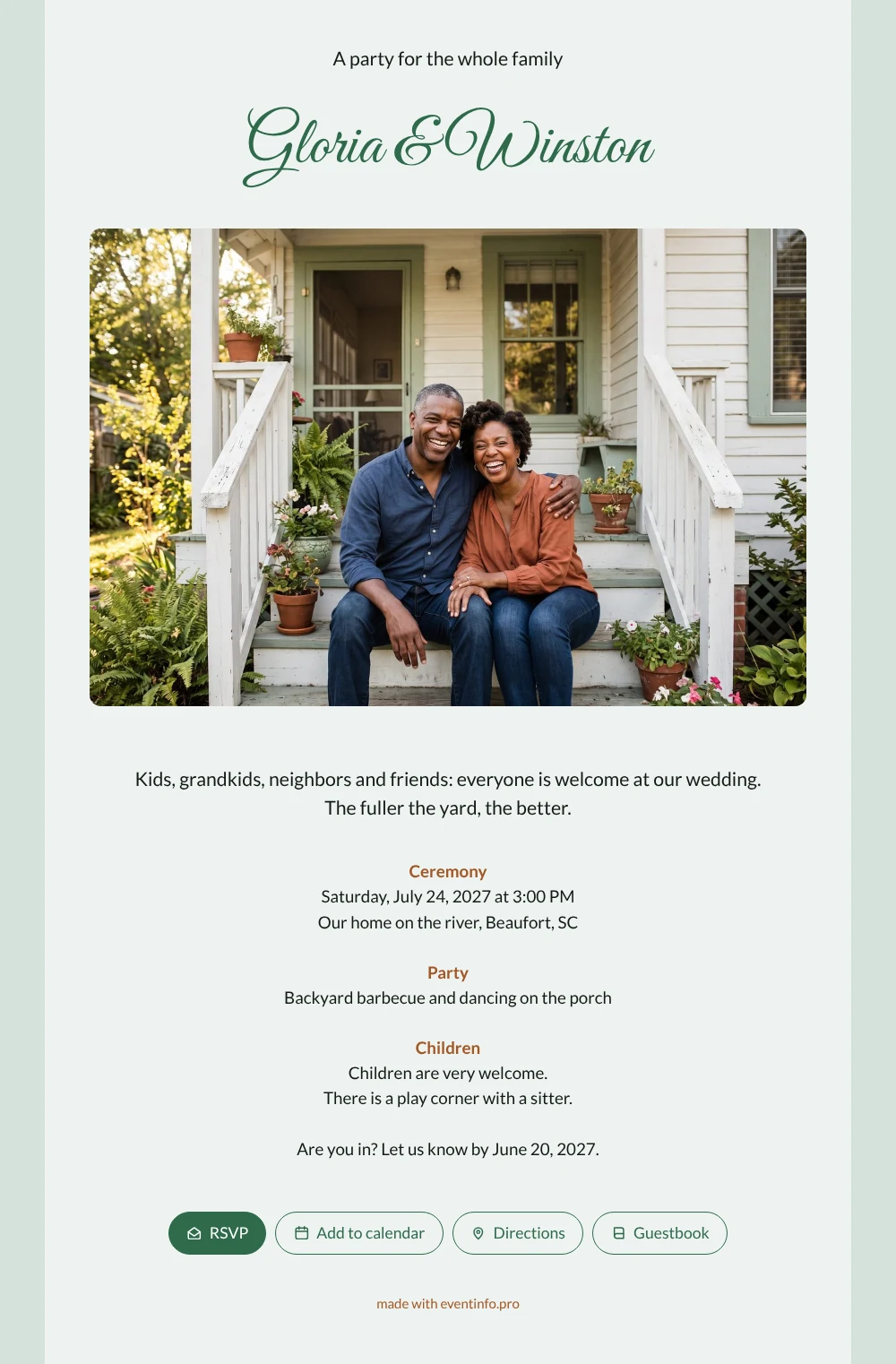
Guests who open this online wedding invitation are welcomed like family. The opening says it plainly: kids, grandkids, neighbors and friends, everyone is invited, and the fuller the yard, the better. Under your names, a wide photo shows a laughing couple on their porch steps, and below it the details follow in soft sage green with warm brown accents. The tone is romantic but relaxed, like a summer evening on the porch with people you love.
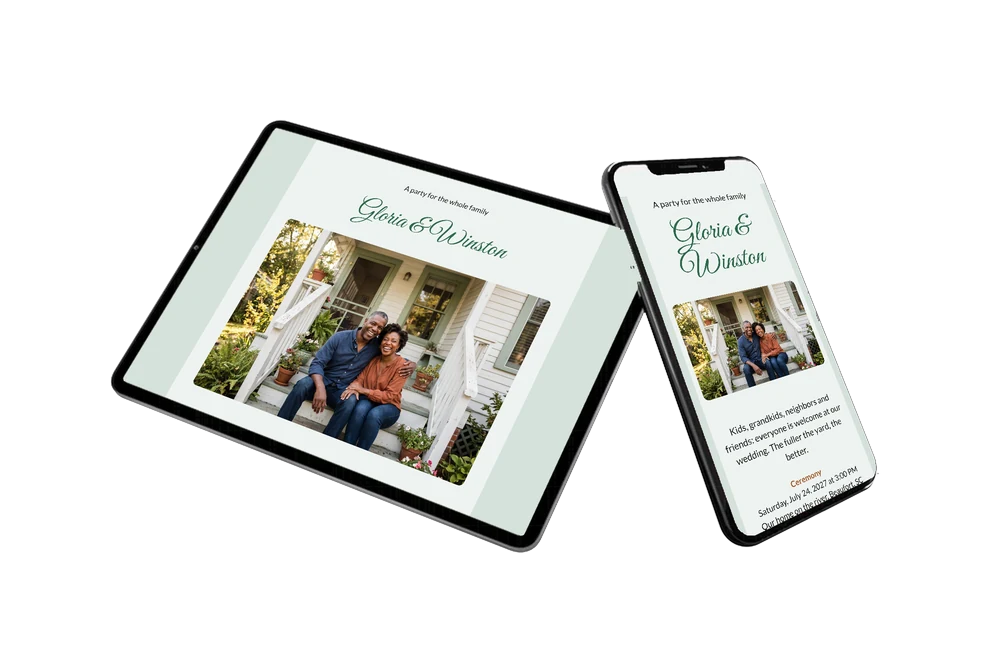
Grandparents, cousins and neighbors all get the same link. You can share the invitation via WhatsApp, by email, text or with a QR code, and everyone replies with the RSVP button. Guests open the route to your house, add the date to their calendar and leave a congratulation in the guestbook.
Create your own online wedding invitation
Use this design as a starting point and create a fitting wedding invitation within minutes.
Frequently asked questions
Can I send it today?
Yes. Add your names, the date and time, your address and a line about the children. As soon as you share the link, guests can open it on their phone.
What do my guests see when they open it?
The full invitation on their phone, with your names, the wide porch photo, the ceremony, the party and the children block. From there they reply with the RSVP button, open the route, add the date to their calendar and leave a message in the online guestbook.
Why is the photo so wide on this card?
Your names come first, then a wide landscape photo across the card, then the text. That gives the picture of the laughing couple on the porch a lot of space. It works well with a family photo too, if you want to show the people the party is for.
Can I still change details after sending?
Yes. You change details on the same link, so guests always see the latest version. You can change the sage green tones, replace the porch photo with your own or rewrite the children block. Here is how to customise a ready-made design.
What does an online wedding invitation cost?
That depends on what you need. You will find the options on the pricing page. You can first adapt this design calmly and preview it before you share it.
Design details: fonts and colors
Fonts
- Header 1 — Lato
- Header 2 — Great Vibes
- Text — Lato
Colors
- #141B16 — Header 1
- #2E6A4A — Header 2
- #141B16 — Text
- #EEF3F1 — Card
- #D5E1DB — Background
Use this design
Copy this design to your dashboard to use it as a starting point.
All example invitations are fictional. Photos of people are AI-generated; illustrations are licensed or AI-generated.