A calm, leafy invitation
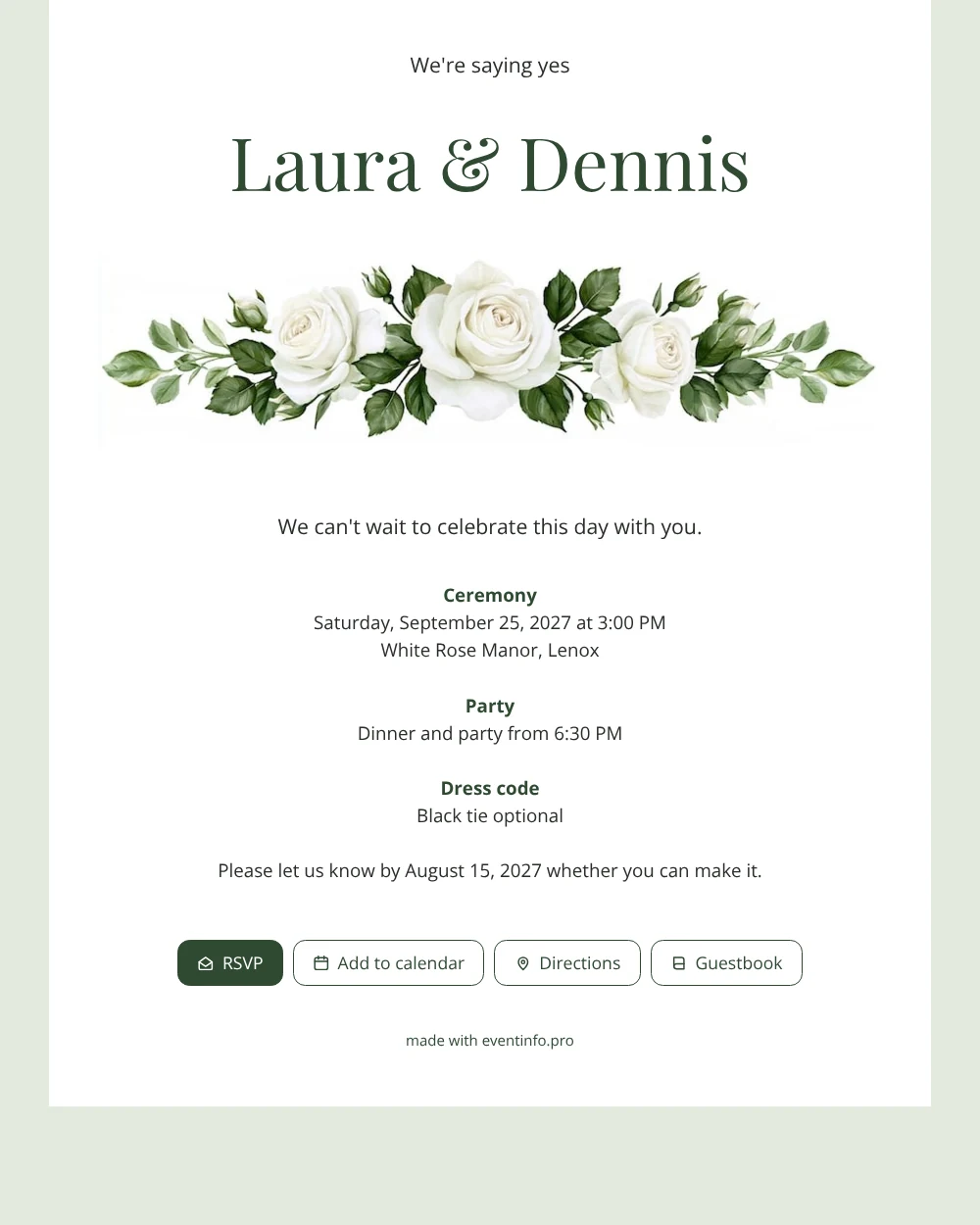
For guests, an online wedding invitation simply means a link that opens a complete invitation on their phone, with everything they need to say yes and turn up on time. In this design they see a soft sage green screen with a white card on top, your names at the head and a border of white roses with green leaves just beneath. The colours feel gentle and natural, and the text stays easy to read against the white, even for guests who don’t like small print.
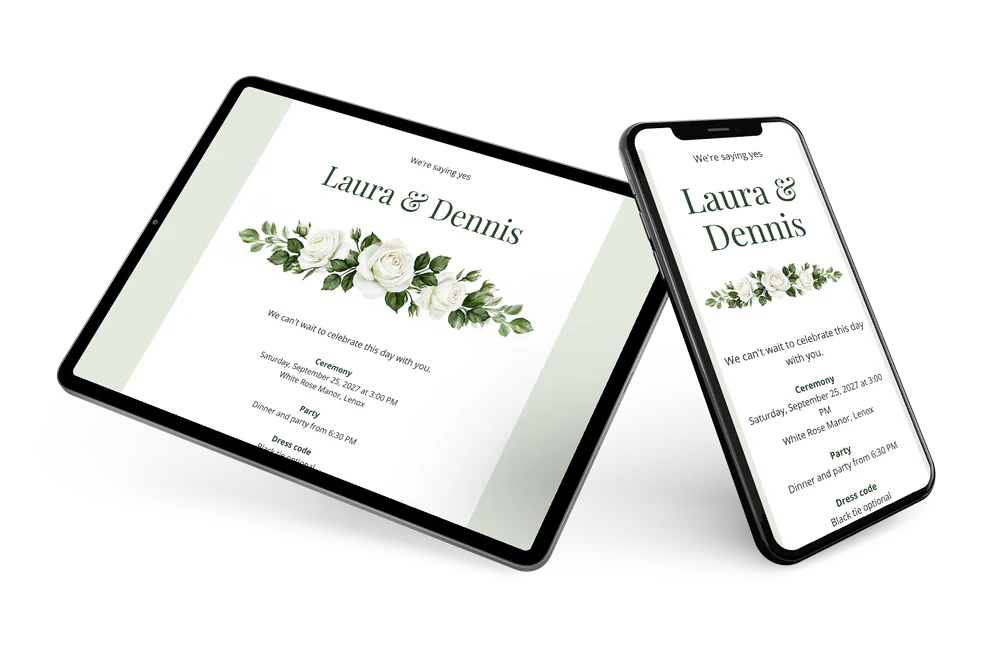
Guests can reply within seconds and save the date in their calendar straight away. You share the link however suits each guest: in a family group chat, by email or with a QR code on a printed note for those who prefer something in hand.
Create your own online wedding invitation
Use this design as a starting point and create a fitting wedding invitation within minutes.
Frequently asked questions
How quickly can guests have it?
Within the hour, if you want. Filling in the card takes ten to fifteen minutes and you can share the link immediately afterwards. Guests who open it later simply see the latest version, so early birds and latecomers get exactly the same information.
What do guests need to reply?
Only their phone. They open the link, tap the RSVP button, view the route to the venue, save the date and can leave a congratulation in the guestbook. No app and no account are needed.
Why does the sage green background matter for guests?
It frames the white card and picks up the colour of the rose leaves, so the invitation looks finished and calm on any screen. Compared with the all-white version, it feels a little softer and less formal.
Can I remind guests who forget to reply?
Yes. In your dashboard you see who still has to answer, and you can remind guests in one go instead of chasing everyone one by one.
What if plans change after sending?
Then you update the details in the editor. Guests open the same link and see the new time or location right away.
Design details: fonts and colors
Fonts
- Header 1 — Open Sans
- Header 2 — Playfair Display
- Text — Open Sans
Colors
- #2B2E2B — Header 1
- #2F4A32 — Header 2
- #2B2E2B — Text
- #FFFFFF — Card
- #E4EADF — Background
Use this design
Copy this design to your dashboard to use it as a starting point.
All example invitations are fictional. Photos of people are AI-generated; illustrations are licensed or AI-generated.