An airy, hopeful year-end invitation
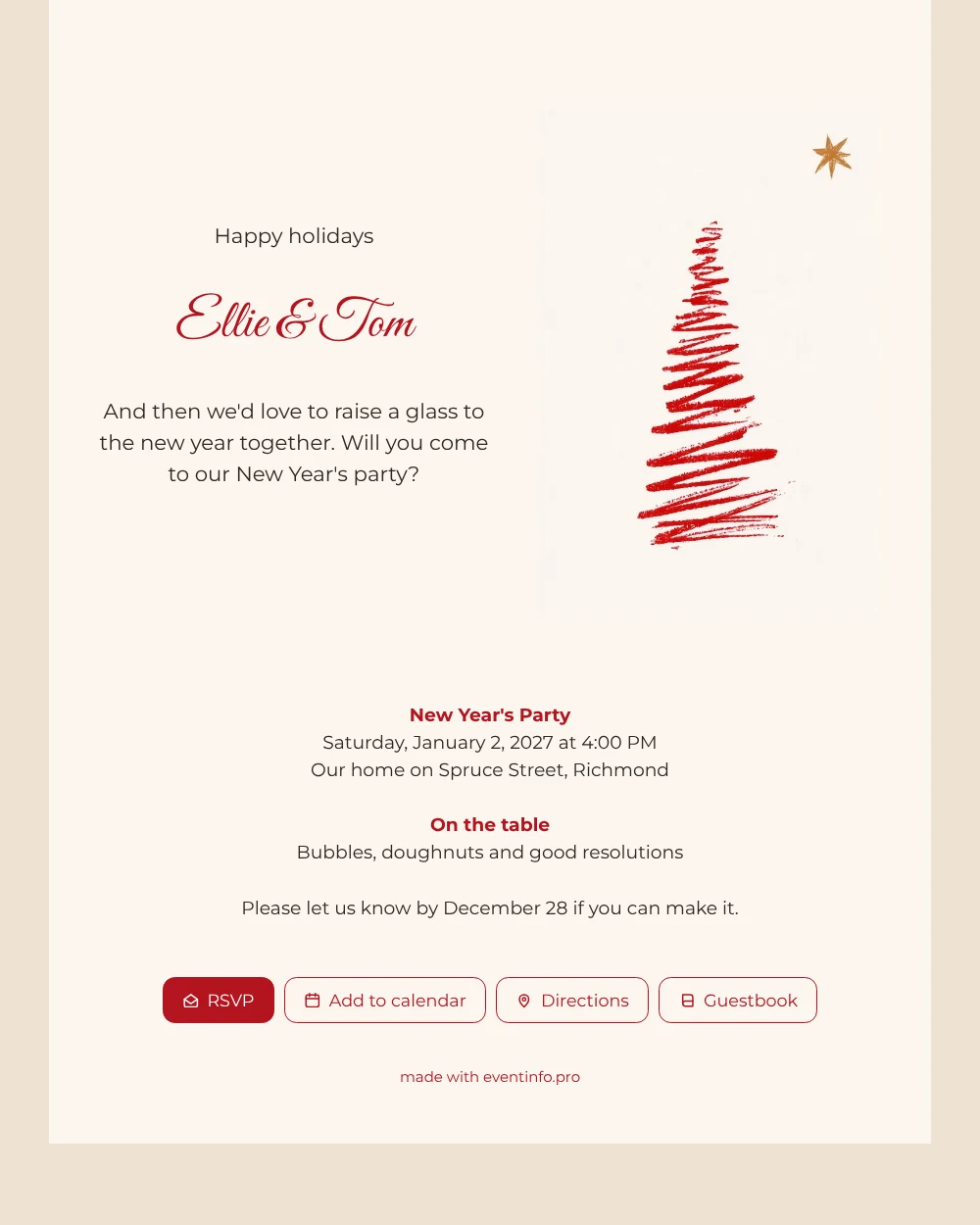
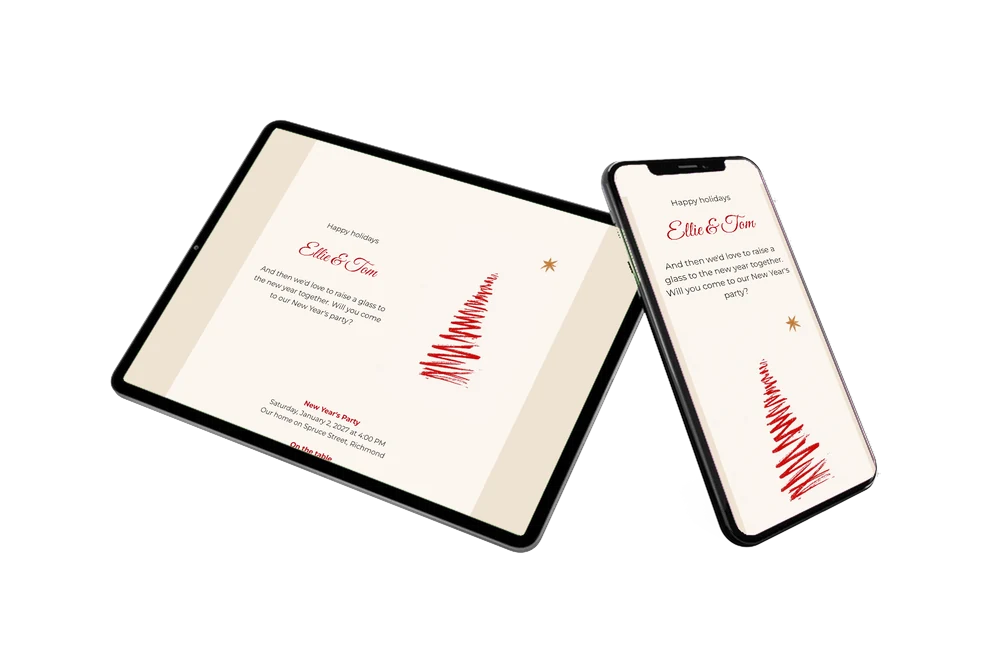
Your friends open the link and see a lot of calm: a cream card, a red tree that looks as if it was drawn in one swing, and a small gold star in the corner. As an online party invitation, it asks for very little attention and gives all the details in a few lines. The border in sand keeps the card from looking bare, and the red script of the greeting repeats the colour of the tree.
Guests read that there will be bubbles, doughnuts and good resolutions, that the party starts at four on the second of January and that a reply is welcome before December 28. They answer with the RSVP button, open the address on a map and add the date to their calendar. If you want to reach more people, you can print a QR code for the card, or share the link by e-mail or WhatsApp. The guestbook is a nice place for guests to share their own resolutions for the year ahead. The result feels more like a small greeting card than an event page, which is exactly what makes people want to reply.
Create your own online holiday invitation
Use this design as a starting point and create a fitting holiday invitation within minutes.
Frequently asked questions
Can I make this invitation on a lazy afternoon?
Yes. Most of the work is typing your names, date and address. The rest of the design is ready.
What happens when someone replies?
The answer arrives through the RSVP button, so you see who is coming without checking a chat.
Why only one tree and one star?
Because the simple picture sits well on a phone screen and leaves room for the text. The star in the corner is the only touch of gold.
Can I use a photo instead of the drawing?
Yes. The support page about illustrations and photos explains how to replace the tree with a family photo or a picture of your home.
Does the invitation only work for New Year?
No. Change the heading and the date and the card suits any gathering in the first weeks of January.
Design details: fonts and colors
Fonts
- Header 1 — Montserrat
- Header 2 — Great Vibes
- Text — Montserrat
Colors
- #2E2624 — Header 1
- #B3141E — Header 2
- #2E2624 — Text
- #FBF6EF — Card
- #EFE2D3 — Background
Use this design
Copy this design to your dashboard to use it as a starting point.
All example invitations are fictional. Photos of people are AI-generated; illustrations are licensed or AI-generated.