An airy, informal memorial card
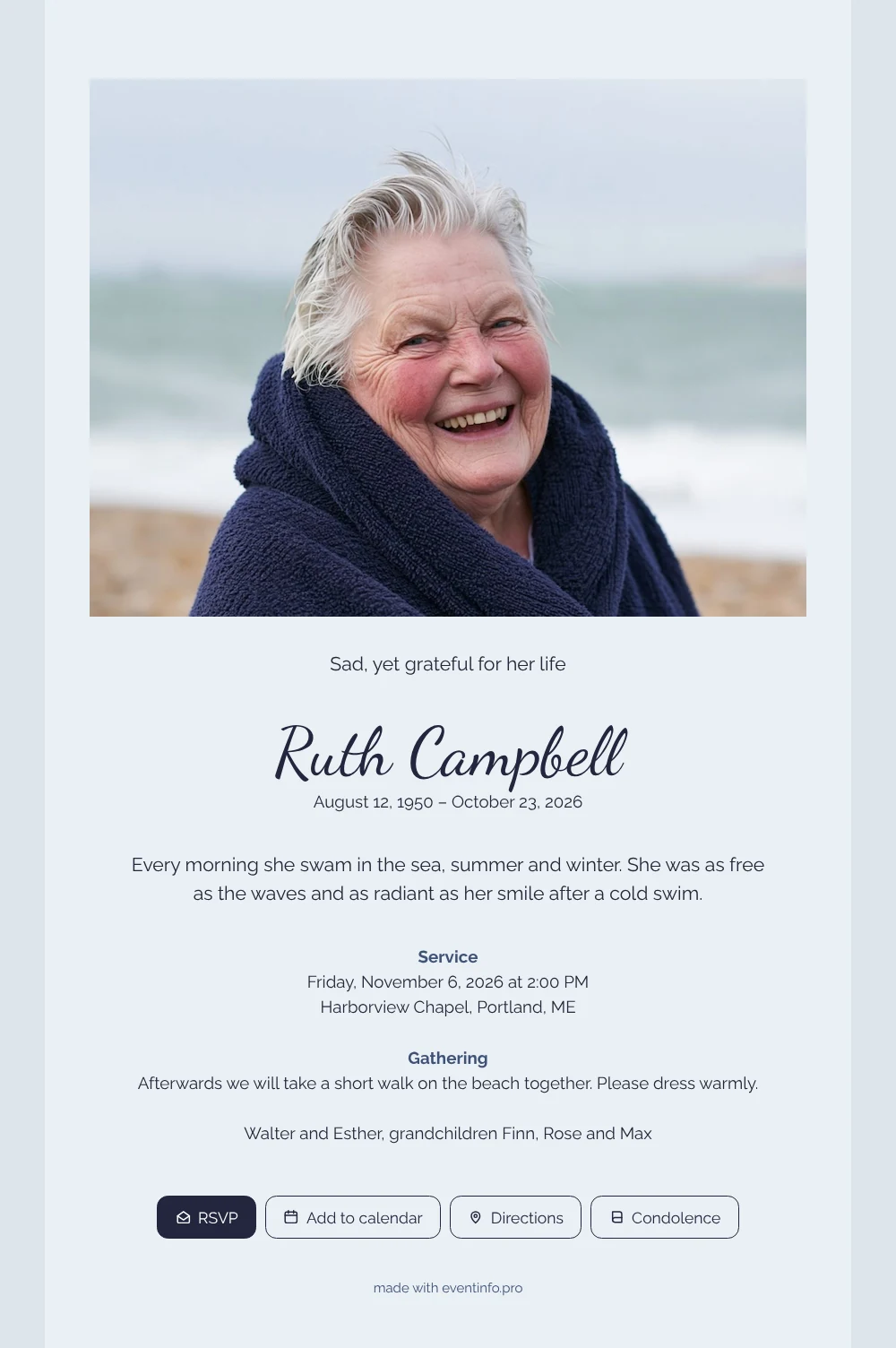
Relatives and friends receive an online funeral card as a link in a message, and it opens straight away without an app or an account. On this card they first see a wide, light photo of the sea and a laughing face, then the name in flowing handwriting on a pale gray-blue background, and a few warm sentences.
You can share it via WhatsApp, email or text message. Anyone who wants to say something to the family can do so in the online condolence book.
Create your own online funeral card
Use this design as a starting point and create a fitting funeral card within minutes.
Frequently asked questions
How quickly do people get the card?
As soon as you send the link, by message or email. Once everything is filled in, sending only takes a moment, and the card opens immediately for whoever taps it.
What can friends and family do with it?
They see when and where the service and the gathering take place, open the route on a map, add the date to their calendar and write a message for the family in the condolence book.
How does the photo look on a phone?
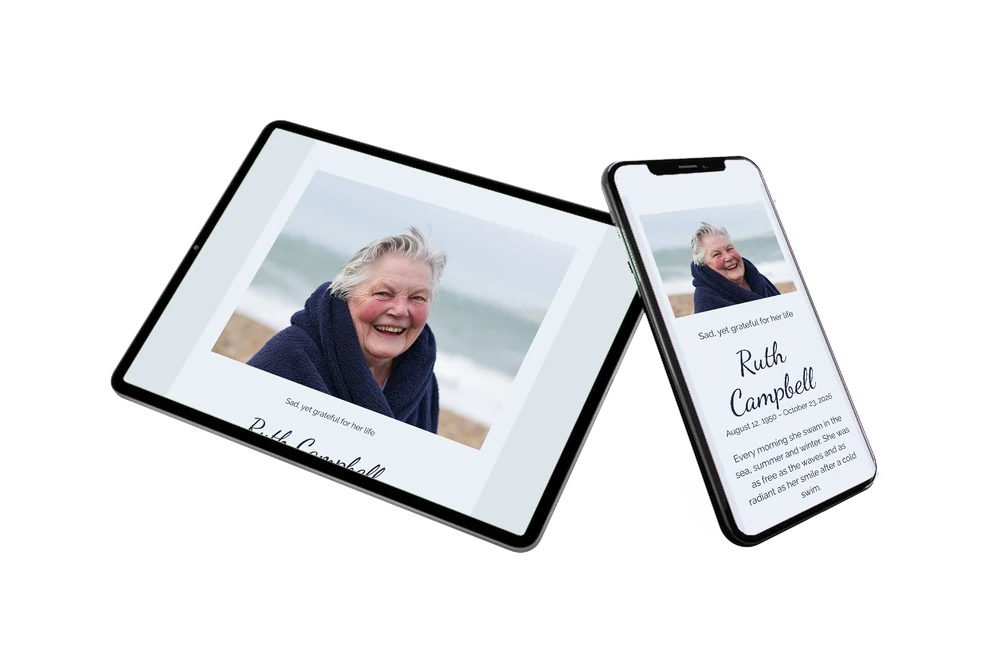
The wide photo fills the full screen width at the top, so the face is the first thing people see. Below it the text is centered in dark navy, which stays easy to read on the light gray-blue background.
Can I make the card more personal?
Yes. Use your own photo, write the heading and the text in your own words and change the colors if you prefer. Our page on the online funeral announcement has more ideas.
How does the cost compare with a printed card?
An online card is usually more affordable than printed cards and postage, certainly when many people need to be told. See the pricing for details.
Design details: fonts and colors
Fonts
- Header 1 — Raleway
- Header 2 — Dancing Script
- Text — Raleway
Colors
- #23283A — Header 1
- #23263E — Header 2
- #23283A — Text
- #EBF0F5 — Card
- #DDE4EC — Background
Use this design
Copy this design to your dashboard to use it as a starting point.
All example invitations are fictional. Photos of people are AI-generated; illustrations are licensed or AI-generated.