A fresh, summery wedding
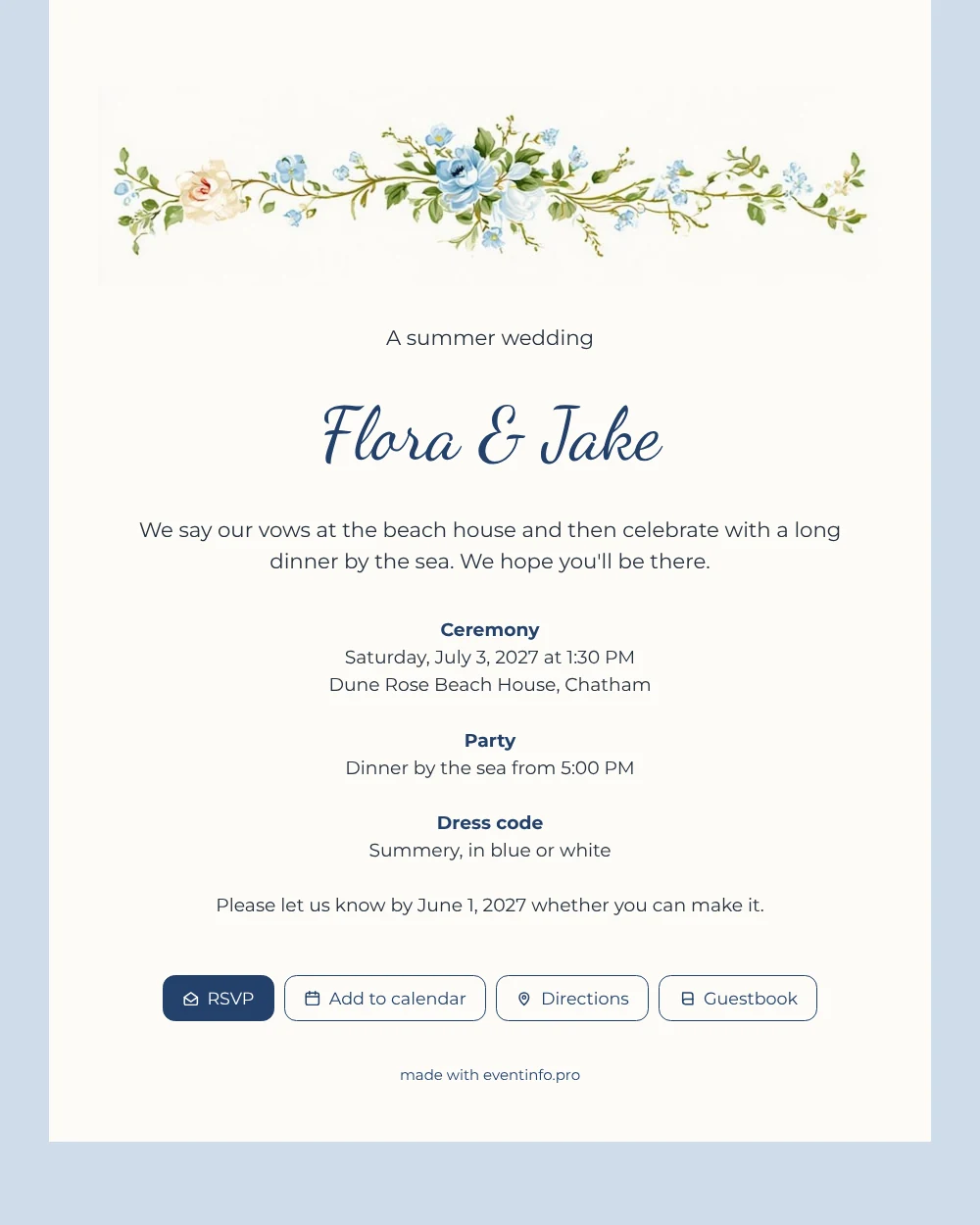
For your guests, an online wedding invitation is simply a link they open on their phone to find everything about your wedding, from the time of the ceremony to the way to the venue. With this design they are greeted by a bright band of blue watercolour flowers and a single peach rose, set above the text on a sky blue background. It feels like early summer and suits a beach, lake or garden wedding where the mood is cheerful and unhurried.
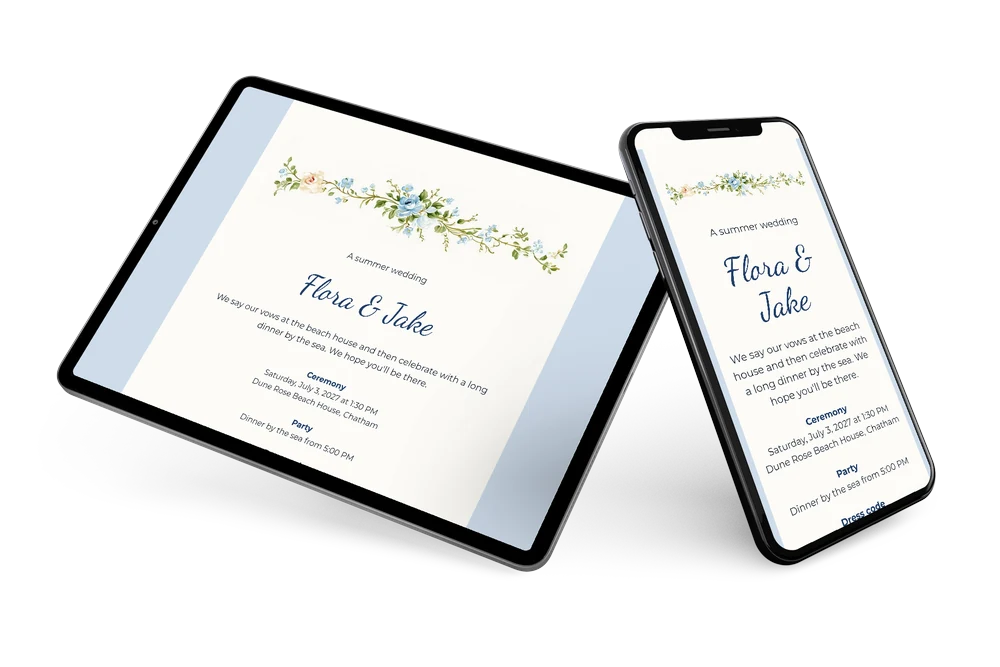
Most guests will receive it in a chat. You can send the invitation via WhatsApp, but email, text message, social media or a QR code work just as well. Whatever they use, they land on the same page, with the summery dress code in blue or white and a clear request to reply before the deadline.
Create your own online wedding invitation
Use this design as a starting point and create a fitting wedding invitation within minutes.
Frequently asked questions
How fast can our guests have it?
As soon as you have changed the names, date and venue, you can share the link. Many couples fill in the design in one sitting and send it the same evening.
What can guests do on the invitation?
Guests confirm with the RSVP button, tap the address to get directions, and add the wedding to their calendar so the date is not forgotten. In the guestbook they leave a congratulation you can read back later.
Is the sky blue background easy to read for older guests?
Yes. The text itself sits on an almost white card, with dark navy headings and dark grey body text, so the contrast is good on any screen. The sky blue only frames the card, and the flowers stay at the top where they do not get in the way of the details.
Can I adjust the design to our own colours?
Of course. In the editor you choose other colours, change the text and, if you like, replace the flower border with your own photo or illustration. The page on adjusting a ready-made design explains each step.
Can we still change details after sending?
Yes. If dinner moves to a different time or you arrange a shuttle bus, you edit the invitation and guests see the update on the same link they already have.
Design details: fonts and colors
Fonts
- Header 1 — Montserrat
- Header 2 — Dancing Script
- Text — Montserrat
Colors
- #26303C — Header 1
- #23406A — Header 2
- #26303C — Text
- #FCFBF7 — Card
- #CFDCEA — Background
Use this design
Copy this design to your dashboard to use it as a starting point.
All example invitations are fictional. Photos of people are AI-generated; illustrations are licensed or AI-generated.