A gracious, traditional professional gathering
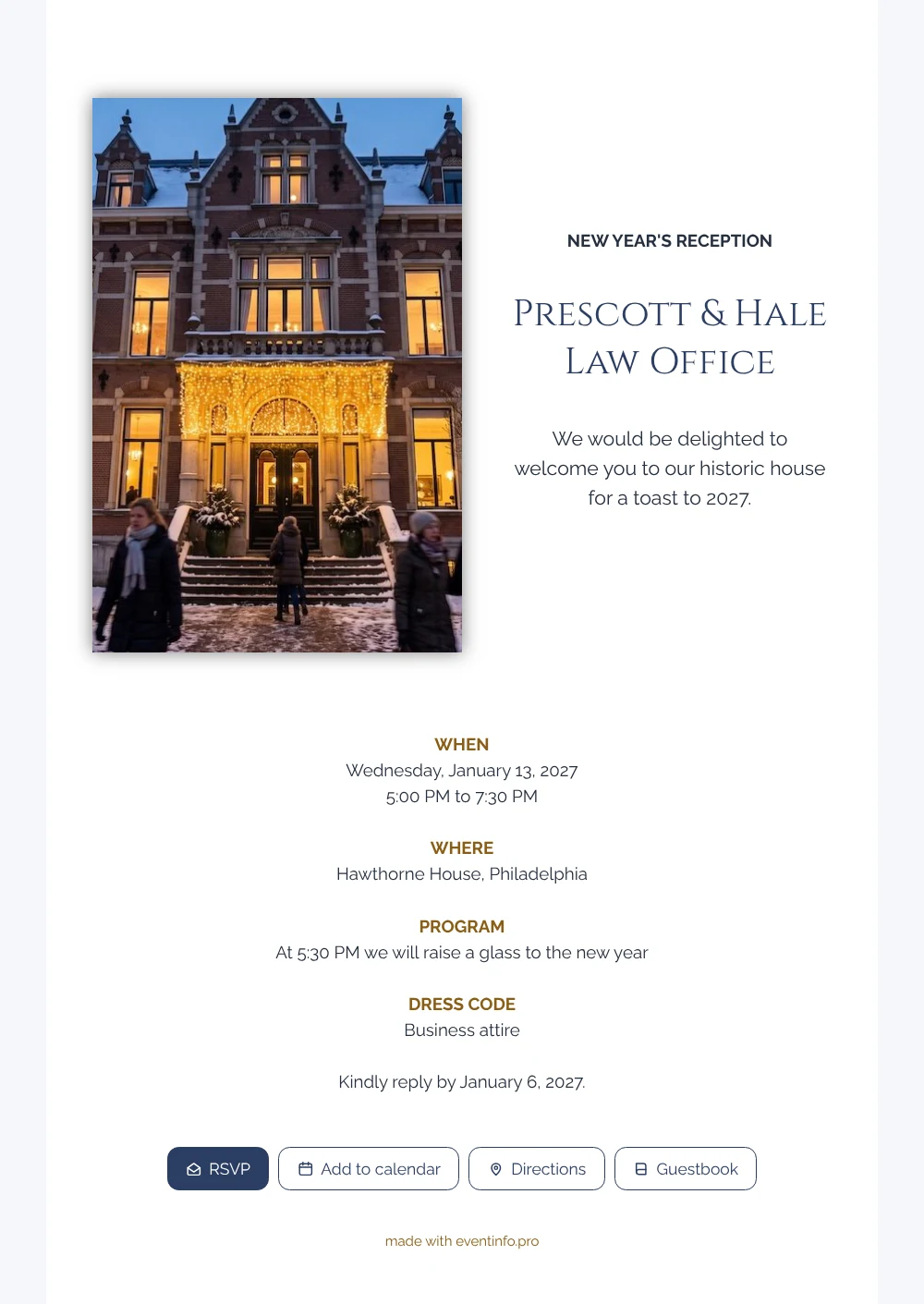
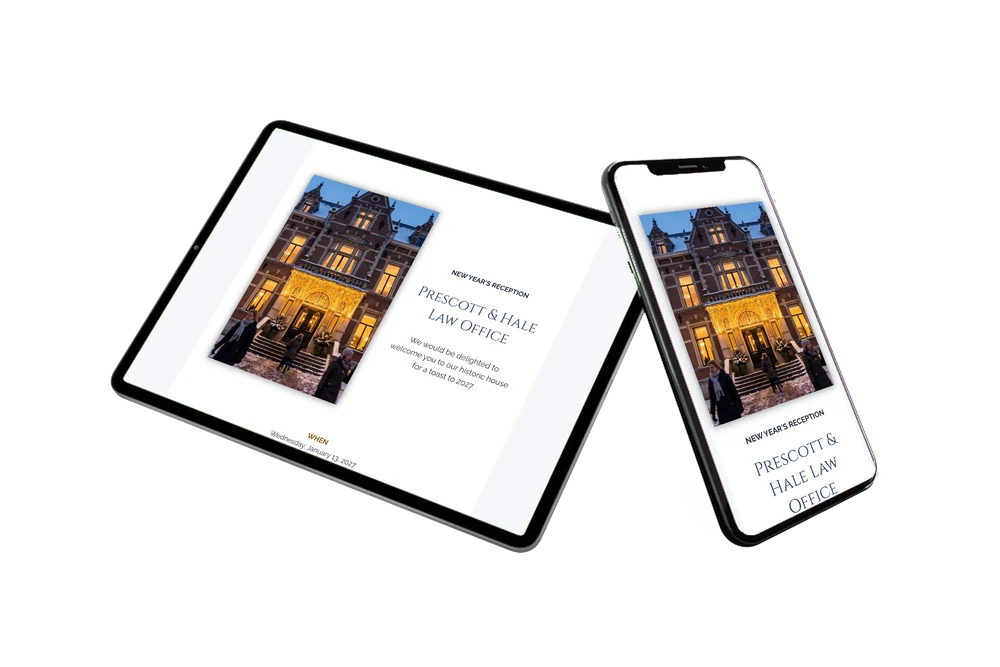
To the person receiving it, an online New Year’s invitation feels like a personal note from a firm they know, delivered to their phone with all the details on one page. They first see a stately brick house in the snow, golden lights around the door and warm light in every window, as if the evening has already begun. Then a calm white card welcomes them in formal words to a toast to 2027, followed by the time, the address, the program and the dress code. It is an invitation that clients, fellow professionals and long-standing relations will gladly accept.
Guests value an invitation that makes January planning simple. They add the reception to their calendar with one tap and open the location when they set off. Those who cannot come can still leave their good wishes in the guestbook.
Create your own online New Year’s invitation
Use this design as a starting point and create a fitting New Year’s invitation within minutes.
Frequently asked questions
How fast can the invitation reach my guests?
As soon as your details are filled in. Send the link by email to your client list, share it in a message or hand out the QR code at your office.
What can guests do with the link?
They confirm or decline through the RSVP button, view the route to the villa, add the date to their calendar and write in the guestbook. If something changes, they see your update on the same link.
Why does the photo show guests arriving in the snow?
The people in winter coats on their way to the lit doorway make the invitation feel lively and welcoming. It shows the moment your guests will experience themselves: arriving at a beautiful building on a cold January evening.
Can I add a short program for the evening?
Yes, you can add a schedule with a welcome, a speech and the toast at half past five, or keep the single program line from the example.
How do I follow up with guests who have not replied?
Your dashboard shows who has not responded yet, and you can remind them a few days before January 6.
Design details: fonts and colors
Fonts
- Header 1 — Raleway
- Header 2 — Cinzel
- Text — Raleway
Colors
- #26303F — Header 1
- #2C3E63 — Header 2
- #26303F — Text
- #FFFFFF — Card
- #F6F7FA — Background
Use this design
Copy this design to your dashboard to use it as a starting point.
All example invitations are fictional. Photos of people are AI-generated; illustrations are licensed or AI-generated.