A vivid, nocturnal party card
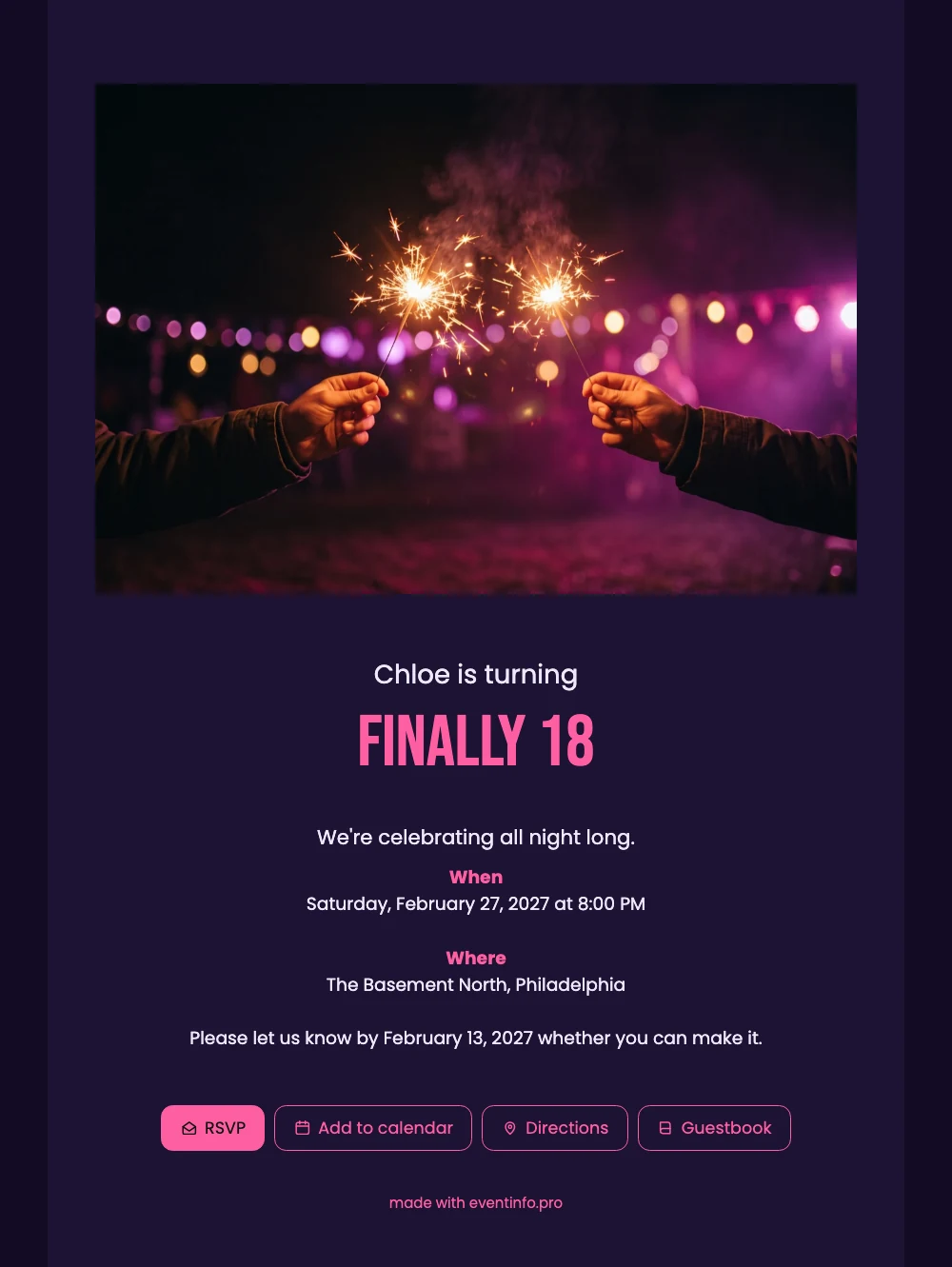
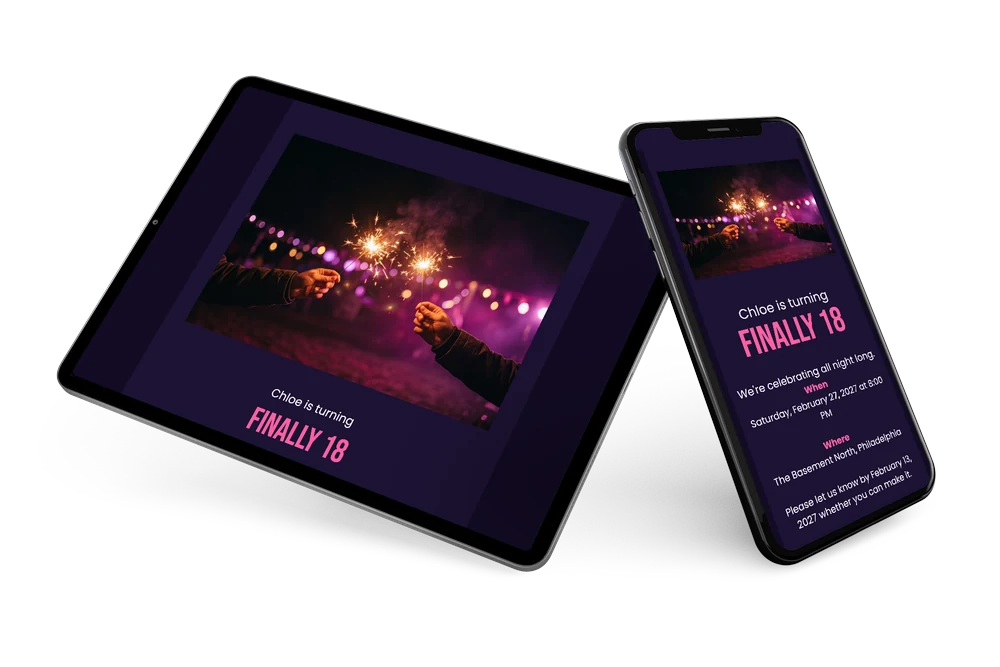
Guests who open this online birthday invitation on their phone see sparklers flaring in the dark first, then the name and FINALLY 18 in bold pink. It feels like a night out, which is the point of an 18th. When, where and the reply date follow underneath in calm, readable white.
With one tap they open the route to the venue or add the party to their calendar. You follow the replies in your dashboard and can send a reminder to anyone who has not answered yet.
Create your own online birthday invitation
Use this design as a starting point and create a fitting birthday invitation within minutes.
Frequently asked questions
How quickly can I send this invitation?
Within a few minutes. Replace the name, date and venue with your own details, check the preview and share the link.
What can guests do when they open it?
They reply with the RSVP button, open the route to the venue, put the date in their calendar and can leave a congratulation in the guestbook.
Can I use a photo of my own instead of the sparklers?
Yes. The sparklers are an example photo that you replace with a picture of the birthday girl or boy. The dark purple card and the big pink FINALLY 18 stay as they are.
Can I add a schedule for the day?
Yes, you can add a program with times, so guests know when to arrive and what happens when.
Can I share it without sending a message?
Yes. Every invitation has its own QR code that you can show, print or hang up, so guests scan it and land on the invitation.
Design details: fonts and colors
Fonts
- Header 1 — Poppins
- Header 2 — Bebas Neue
- Text — Poppins
Colors
- #EFE9FA — Header 1
- #FF5FA2 — Header 2
- #EFE9FA — Text
- #1D1233 — Card
- #130B24 — Background
Use this design
Copy this design to your dashboard to use it as a starting point.
All example invitations are fictional. Photos of people are AI-generated; illustrations are licensed or AI-generated.