A sunny, homespun invitation
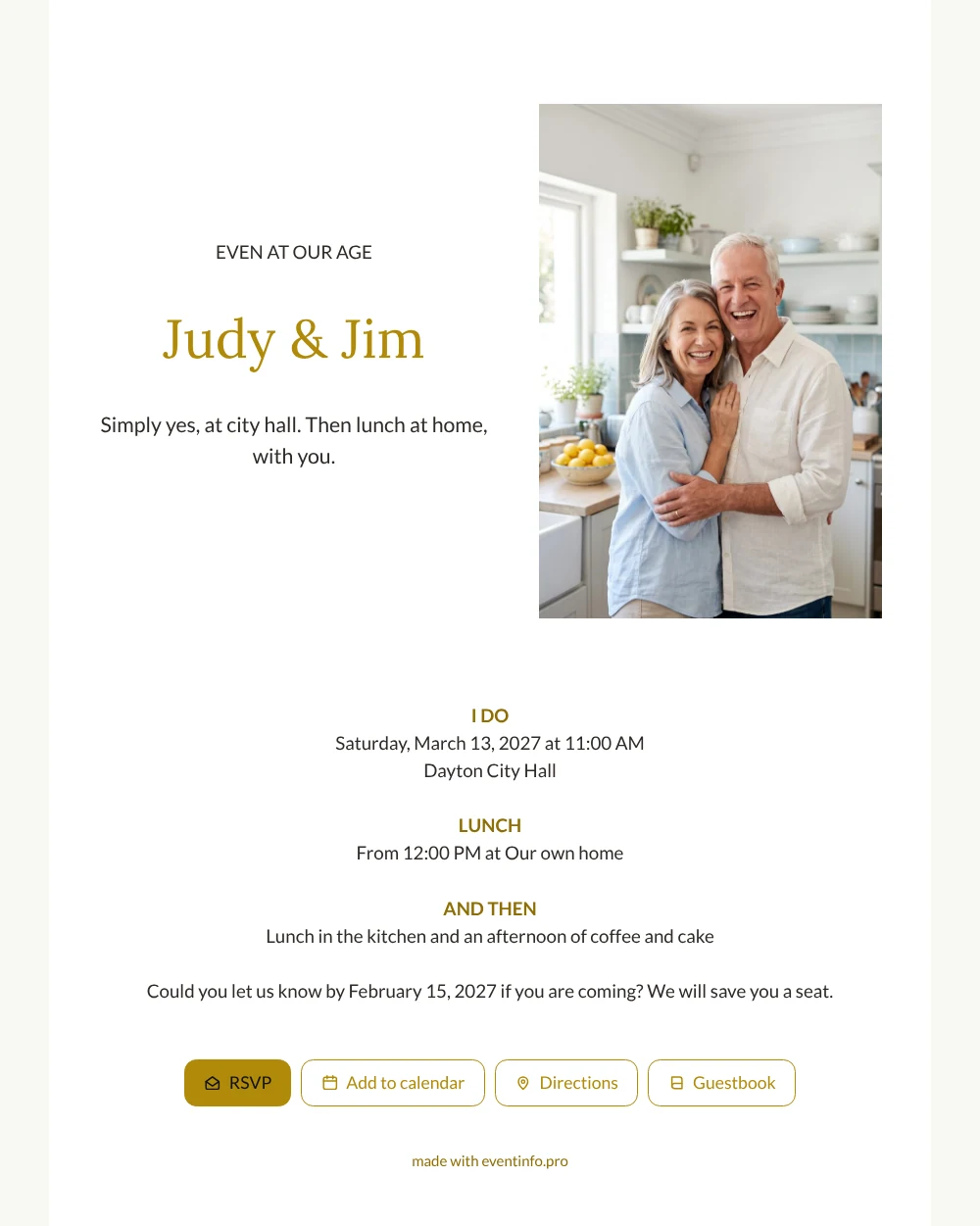
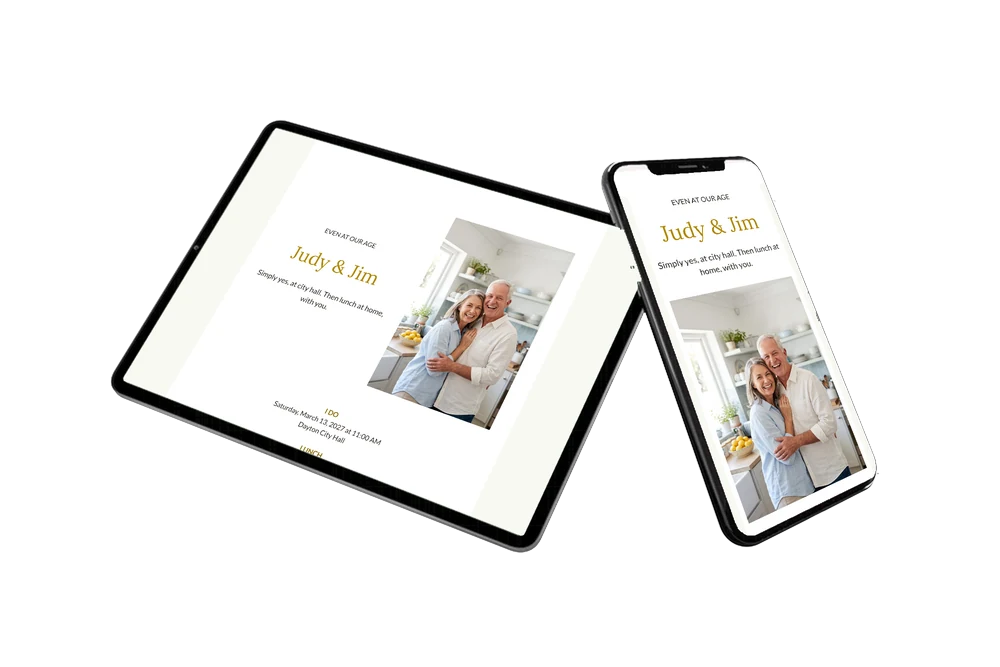
An online wedding invitation reaches your guests as a link: they open it on their phone and reply straight away. For your guests, this white card feels like a phone call from two people they love: a photo of a couple laughing in their own kitchen, the honest headline Even at our age, and an invitation to come to city hall and then home for lunch. It is warm without fuss, and it makes clear that the people around the table are what matters.
Send it as a message or share it via WhatsApp in the family chat. For relatives who prefer paper, print a QR code and pop it in a card. Guests add the date to their calendar with one tap and find both addresses on the invitation, so nobody gets lost between city hall and your front door.
Create your own online wedding invitation
Use this design as a starting point and create a fitting wedding invitation within minutes.
Frequently asked questions
How fast is it ready to send?
Within minutes. Keep the layout, change names and details, add your own photo and check it on your phone. Then copy the link.
What can my guests do with the invitation?
Reply via the RSVP button, open the route, add the date to their calendar and congratulate you in the guestbook. You see who is coming in your dashboard.
How is this different from the dark version with the same photo?
This one is white and minimal, with a day that runs from city hall to lunch to coffee and cake. The dark version is funnier, with the headline We already have everything and a gift note about your trip.
Can I use a photo of our own?
Yes, that is the idea. A portrait photo fits the frame beside the text best, ideally taken somewhere that feels like home.
How do I keep track of replies?
Your dashboard lists every answer, and you can remind people who have not replied yet. If the time at city hall changes, update it on the same link and everyone sees it.
Design details: fonts and colors
Fonts
- Header 1 — Lato
- Header 2 — Lora
- Text — Lato
Colors
- #2E2A26 — Header 1
- #B08A0A — Header 2
- #2E2A26 — Text
- #FFFFFF — Card
- #F8F8F2 — Background
Use this design
Copy this design to your dashboard to use it as a starting point.
All example invitations are fictional. Photos of people are AI-generated; illustrations are licensed or AI-generated.