A quiet, traditional memorial card
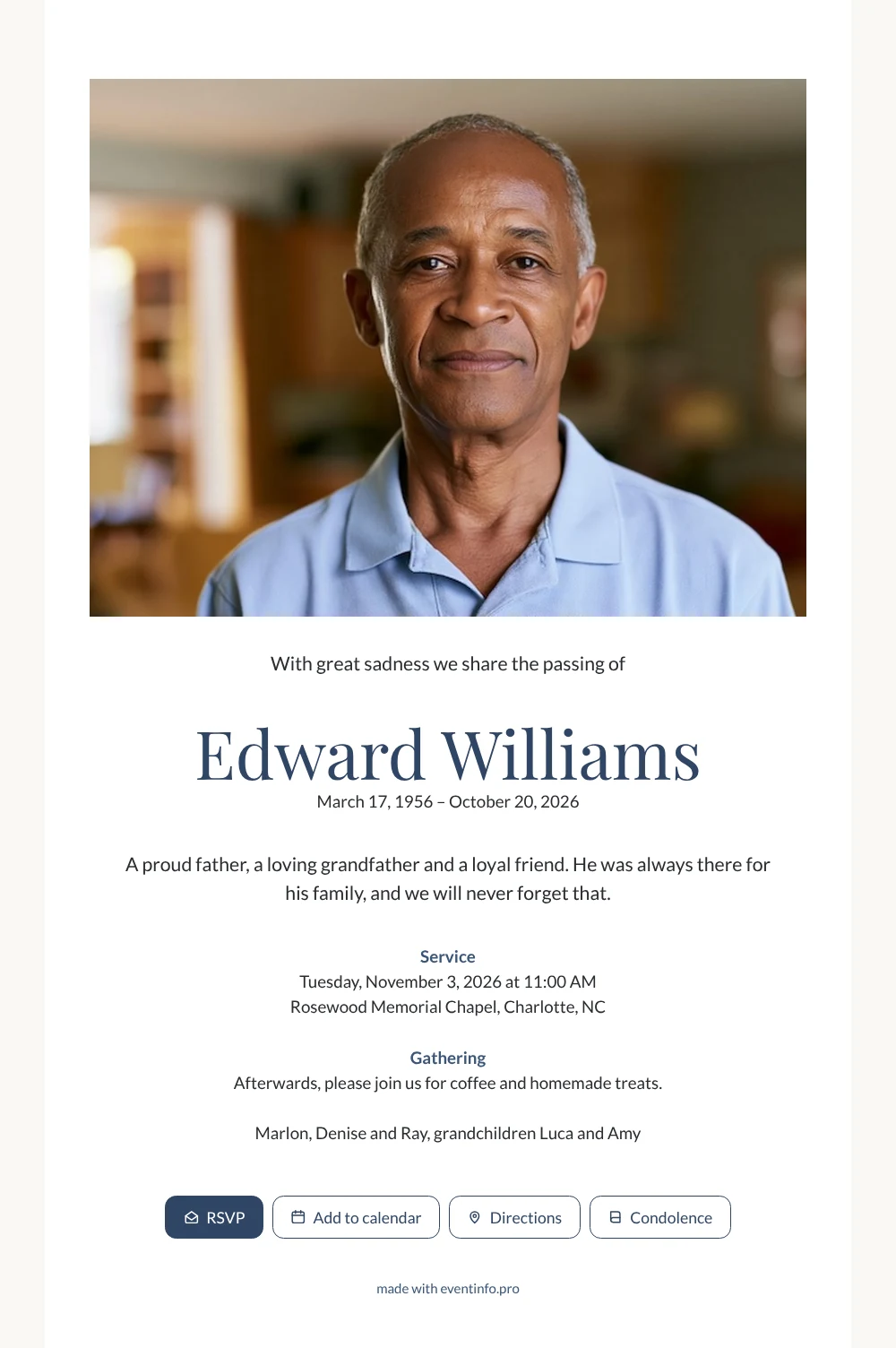
Friends and relatives who receive an online funeral card open it with one tap and immediately see who has passed away, when the service is held and where. Here they are met by a wide photo at the top of a white card, then the name in dark blue letters and a short personal sentence.
The two blocks below, for the service and for coffee afterwards, tell guests exactly what to expect. They can add the service to their calendar and find their way with the route button.
Create your own online funeral card
Use this design as a starting point and create a fitting funeral card within minutes.
Frequently asked questions
Can I send the card today?
Yes. Once the photo, name, dates and service details are in place, you share the link right away. People receive it within moments, wherever they live.
What do family and friends see when they open it?
The photo, the name with the dates, your message and the details of the service and the gathering. With the buttons they open directions, add the date to their calendar and write a message of condolence.
Is the white background suitable for any photo?
The white card with dark blue accents stays neutral, so both a warm indoor photo and a picture taken outside work well. The wide frame shows a bit of the surroundings, which can say something about the person.
How do I make the card personal?
Replace the example name, dates and text, and write the closing line with the names of the family. In the editor you can also adapt the ready-made design to other colors or fonts.
How do I share it with everyone?
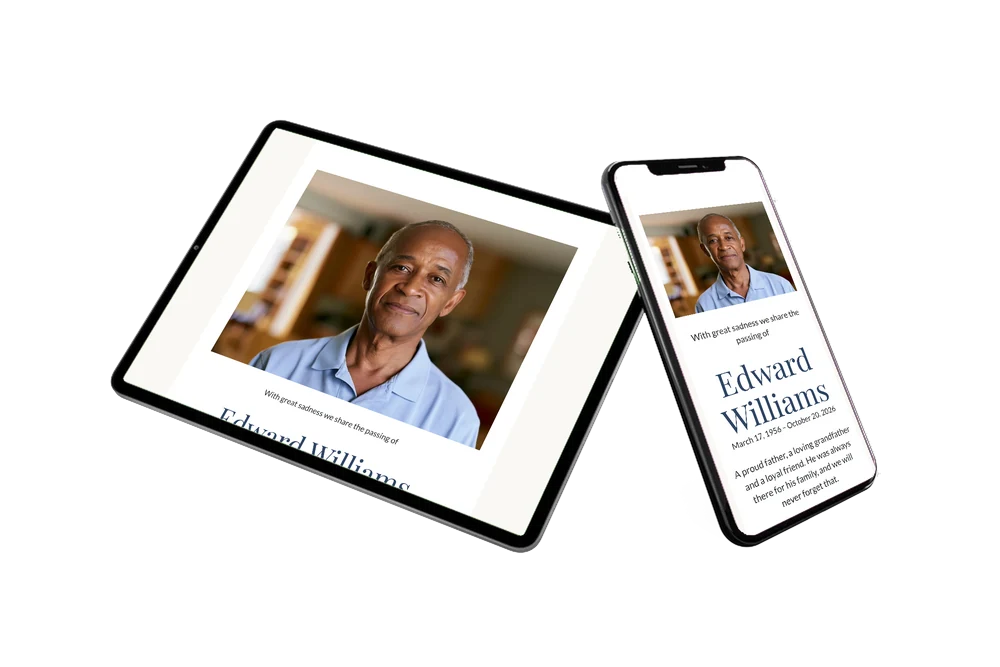
Send the link through WhatsApp, email or text message, or share a QR code for people who prefer to scan. Read how to send the card by WhatsApp.
Design details: fonts and colors
Fonts
- Header 1 — Lato
- Header 2 — Playfair Display
- Text — Lato
Colors
- #2A2C30 — Header 1
- #2F4565 — Header 2
- #2A2C30 — Text
- #FFFFFF — Card
- #FAF8F5 — Background
Use this design
Copy this design to your dashboard to use it as a starting point.
All example invitations are fictional. Photos of people are AI-generated; illustrations are licensed or AI-generated.