A gentle, precise funeral notice
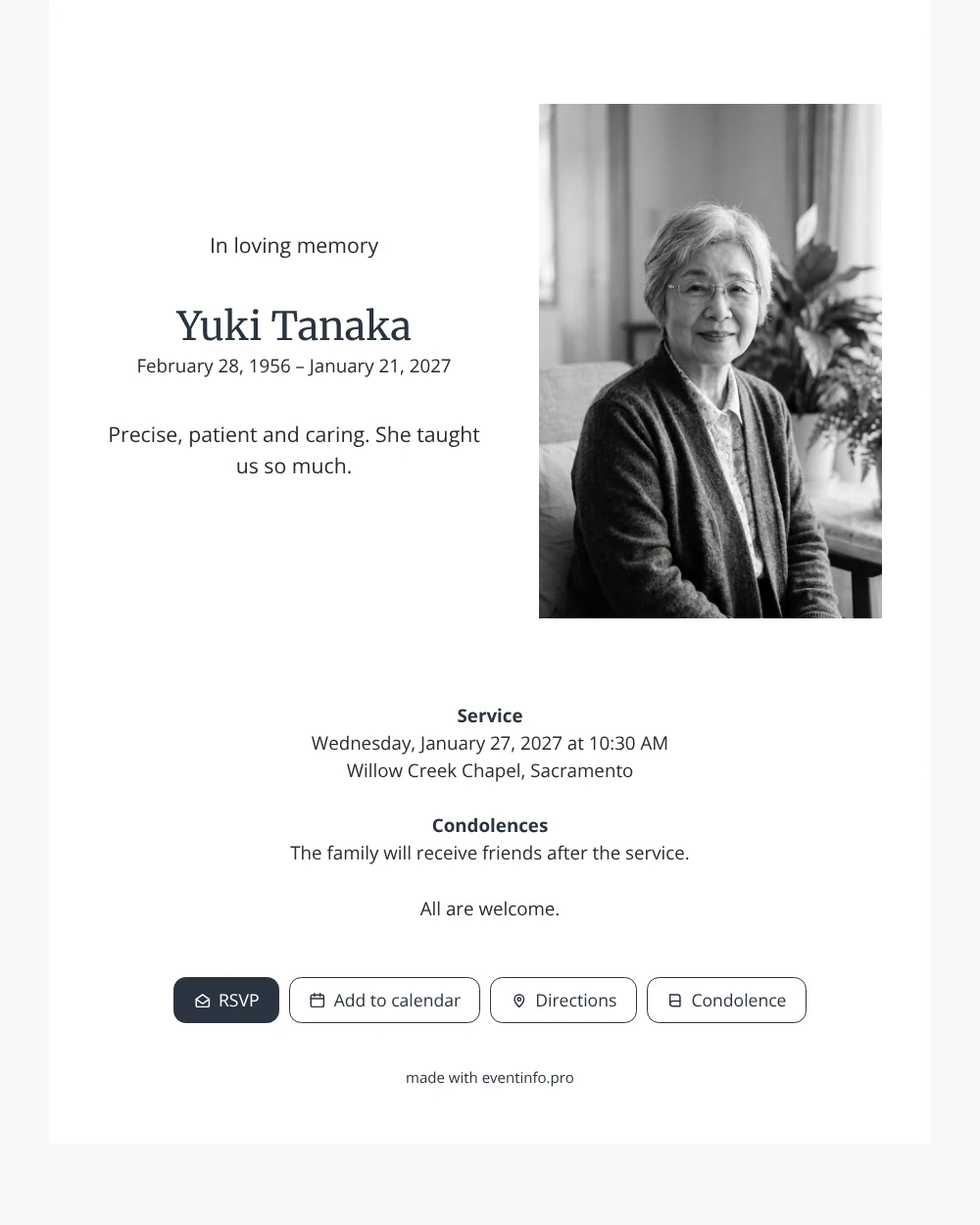
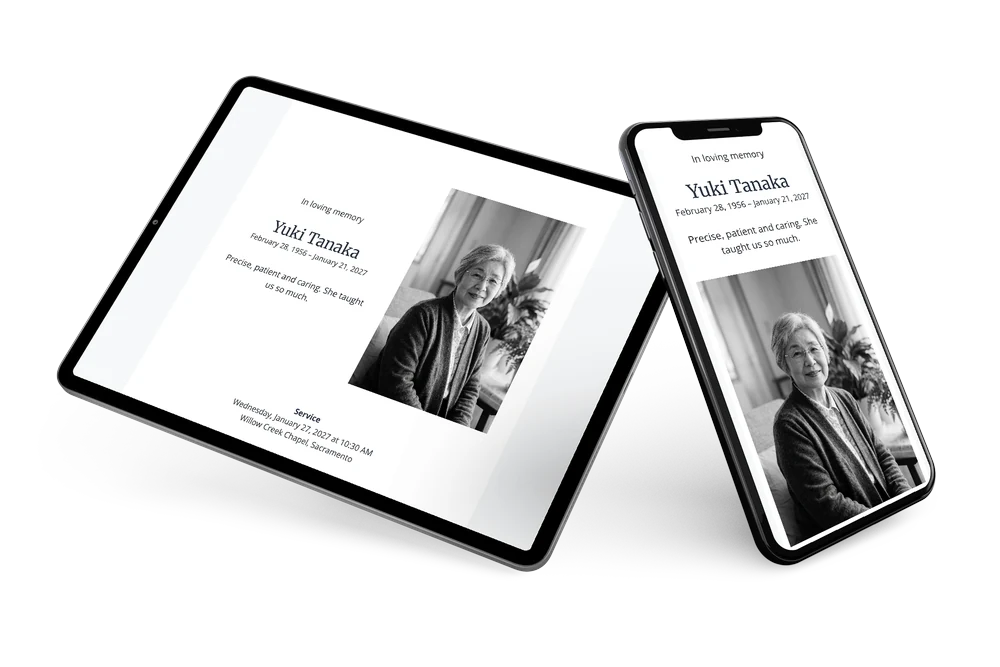
An online funeral card is the digital version of a printed notice: one link with her photo, her name, the dates, the service and space for condolences. This gentle design uses white, cool gray and slate blue, and lets a single short line say what mattered. It suits a woman who did things carefully, explained them patiently and looked after people without making a fuss.
Think of all the people she helped along the way: children and grandchildren, students, neighbours who came to her with a question. They open the card, see her friendly face behind her glasses and remember what she taught them. They can add the service to their calendar with one tap and find the chapel without searching. Afterwards they leave a few words the family can read again. It is a practical help in the first days, when there is so much to arrange at the same time.
Create your own online funeral card
Use this design as a starting point and create a fitting funeral card within minutes.
Frequently asked questions
Can the card be shared today?
Yes. Choose a photo, fill in the details, check the card on your phone and share the link. Later changes appear on the same link.
Can friends abroad respond?
Yes. The condolence register is open to everyone with the link, wherever they live. Their messages appear in the same overview.
Can I keep the photo in colour?
Yes. The design works with colour photos too, but black and white gives it its quiet, timeless character. You choose in the editor.
How do I reach everyone she taught?
Share the link in family chats, alumni groups and by email, and send a reminder to those who have not opened it. A QR code helps those who prefer paper.
Can I still make changes after sharing the link?
Yes. Everything you change in the editor appears straight away on the same link. That is useful when a time shifts, a location changes or you want to add a line about flowers or donations.
Design details: fonts and colors
Fonts
- Header 1 — Open Sans
- Header 2 — Merriweather
- Text — Open Sans
Colors
- #272B31 — Header 1
- #2A3340 — Header 2
- #272B31 — Text
- #FFFFFF — Card
- #F7F8F9 — Background
Use this design
Copy this design to your dashboard to use it as a starting point.
All example invitations are fictional. Photos of people are AI-generated; illustrations are licensed or AI-generated.