A pared-back, sociable midday reception
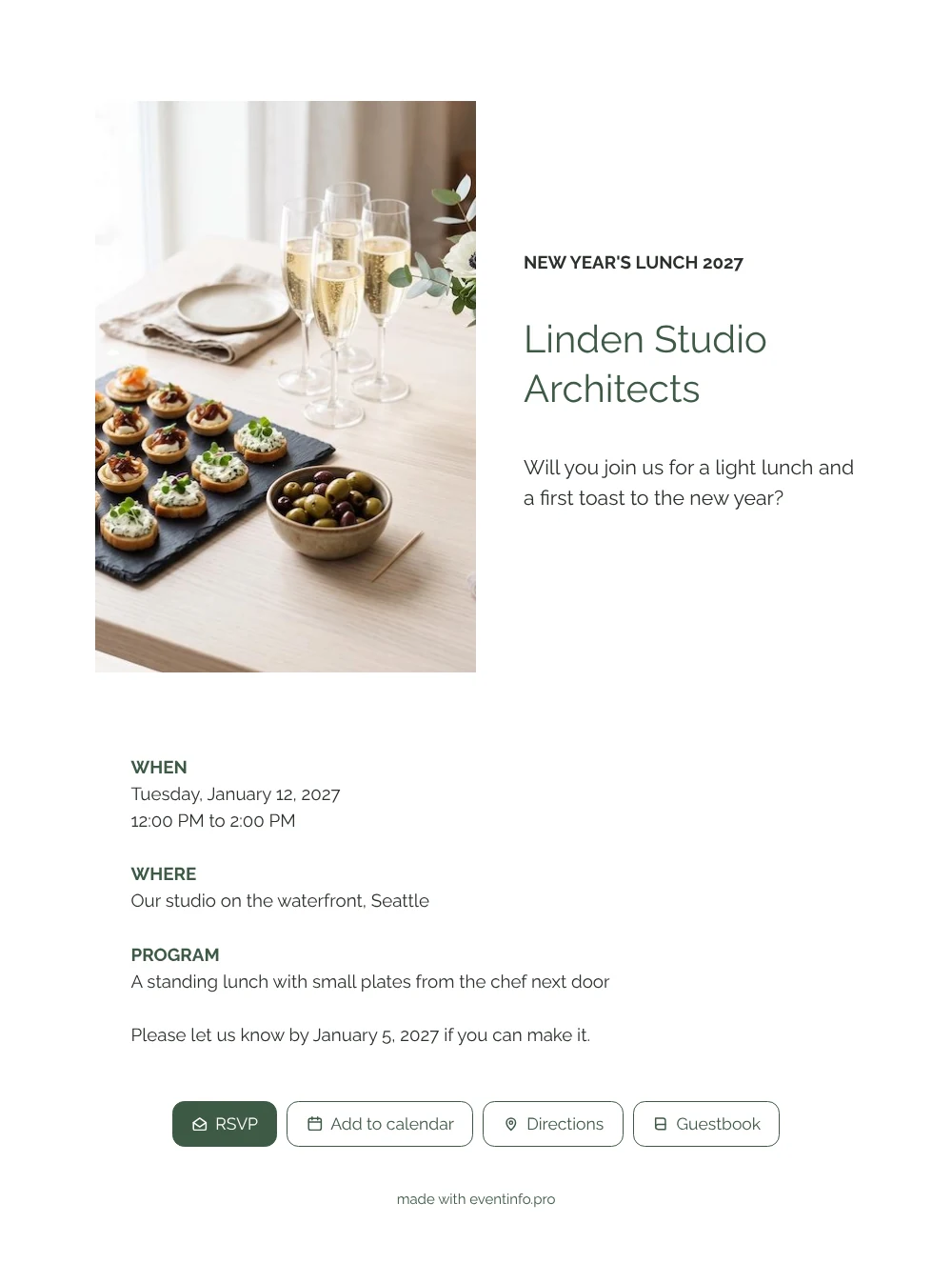
For the people you invite, an online New Year’s reception invitation is simply a message they open on their phone, with a photo, the key details and a button to say yes or no. Here they are greeted by a sunny table: little tartlets on a dark slate board, glasses of bubbly ready to pour and a bowl of green and black olives. The white card underneath asks one direct question, whether they will join you for a light lunch and a first toast, and then lists when, where and what is on the menu. It speaks to clients, suppliers, neighbours and staff alike.
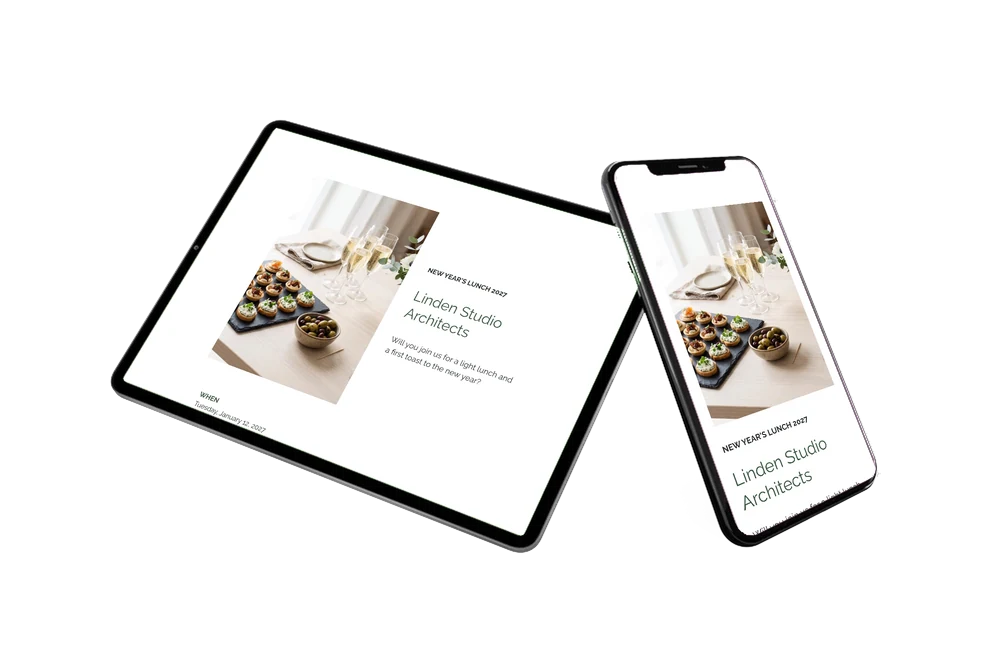
Guests like invitations that do the remembering for them. With one tap they add the lunch to their calendar, and on the day they find your studio through the map link. If you add a guestbook, they can leave a short new year’s wish for your team.
Create your own online New Year’s invitation
Use this design as a starting point and create a fitting New Year’s invitation within minutes.
Frequently asked questions
How quickly is the invitation sent out?
Once your details are in, sharing takes a minute. Send the link in one email to your client list, post it in a WhatsApp group with your partners or print the QR code on a note at reception.
What can guests do after opening the link?
They tap the RSVP button, view the location on the map, save the date and, if you like, write in the guestbook. If plans change, you edit the details and everyone sees the update on the same link.
Why does the photo show food instead of the office?
A lunch invitation that shows what is on the table makes people hungry and curious. The bright daylight and pale wood still hint at a well designed space, so the photo works for a studio, a showroom or a converted workshop.
Can I use a picture of my own team or building?
Yes, upload your own photo or an image that echoes your logo. If you would rather go for something graphic, you can also choose an illustration instead of a photo.
What about guests who forget to reply?
Your dashboard shows who has not answered yet, and you can send those guests a reminder a few days before the reply date of January 5.
Design details: fonts and colors
Fonts
- Header 1 — Raleway
- Header 2 — Raleway
- Text — Raleway
Colors
- #2B302C — Header 1
- #3E5A45 — Header 2
- #2B302C — Text
- #FFFFFF — Card
- #FFFFFF — Background
Use this design
Copy this design to your dashboard to use it as a starting point.
All example invitations are fictional. Photos of people are AI-generated; illustrations are licensed or AI-generated.