A warm, unfussy evening mixer
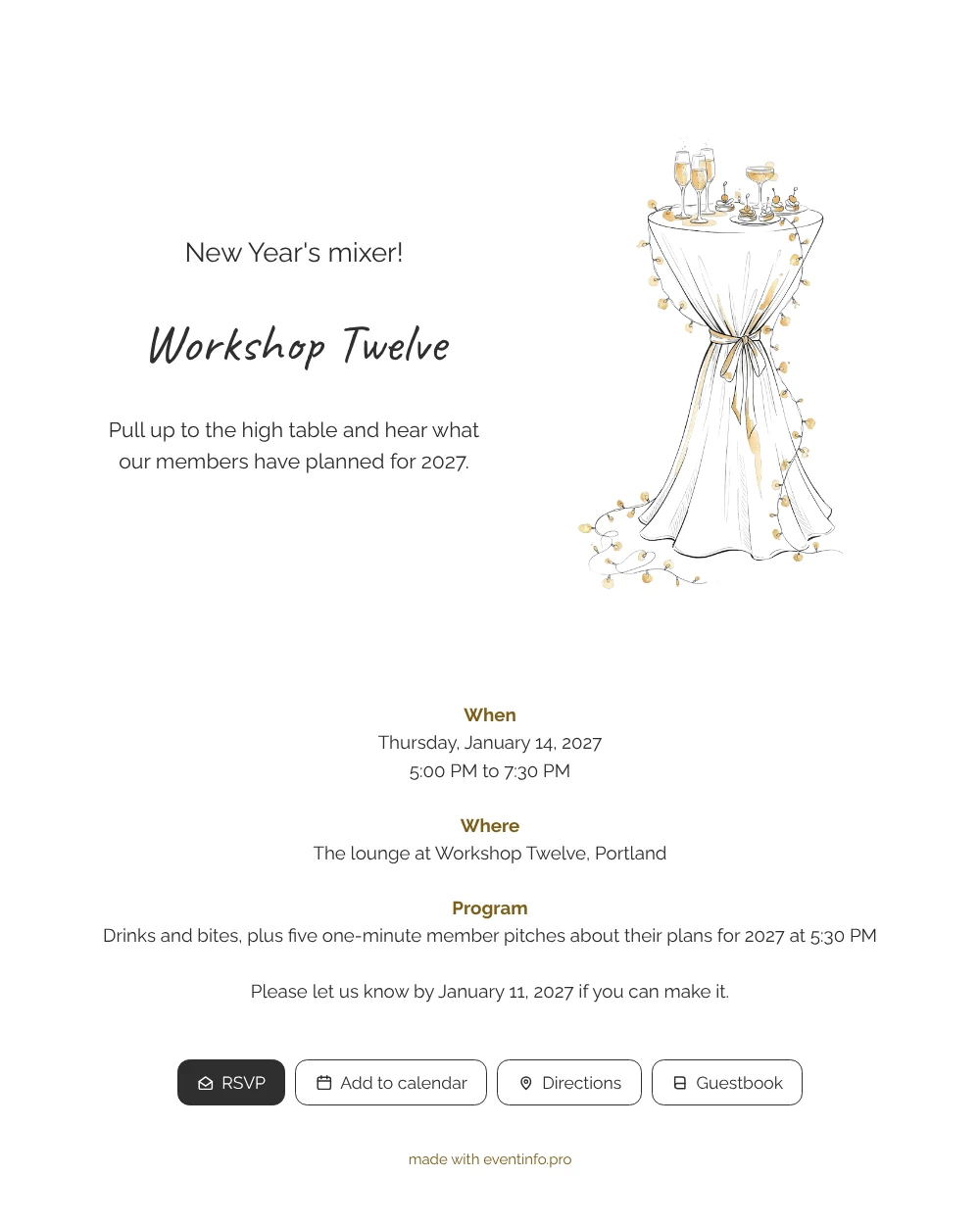
An online New Year’s invitation for a company drink is a link guests open on their phone to see what is planned, where to go and how to reply, without paper or email chains. For the people you invite, this design feels like a casual nudge rather than a formal summons: a hand-drawn high table with bubbles, small bites and a garland of glowing lights, and a cheerful heading in handwriting. It fits members of a coworking space, freelancers who share a floor and the clients and partners they bring along.
Guests see at a glance that Workshop Twelve expects them on a weekday from 5 PM, in the lounge, with drinks and a quick round of pitches. One tap on the button is enough to reply to the invitation online, and you follow the answers in your dashboard. Guests who have not replied yet can get a reminder from you a few days before the deadline.
Create your own online invitation
Use this design as a starting point and create a fitting invitation within minutes.
Frequently asked questions
How fast can my guests receive the invitation?
As soon as you have filled in your own details. Most hosts adjust the example card, check it on their phone and send the link the same afternoon.
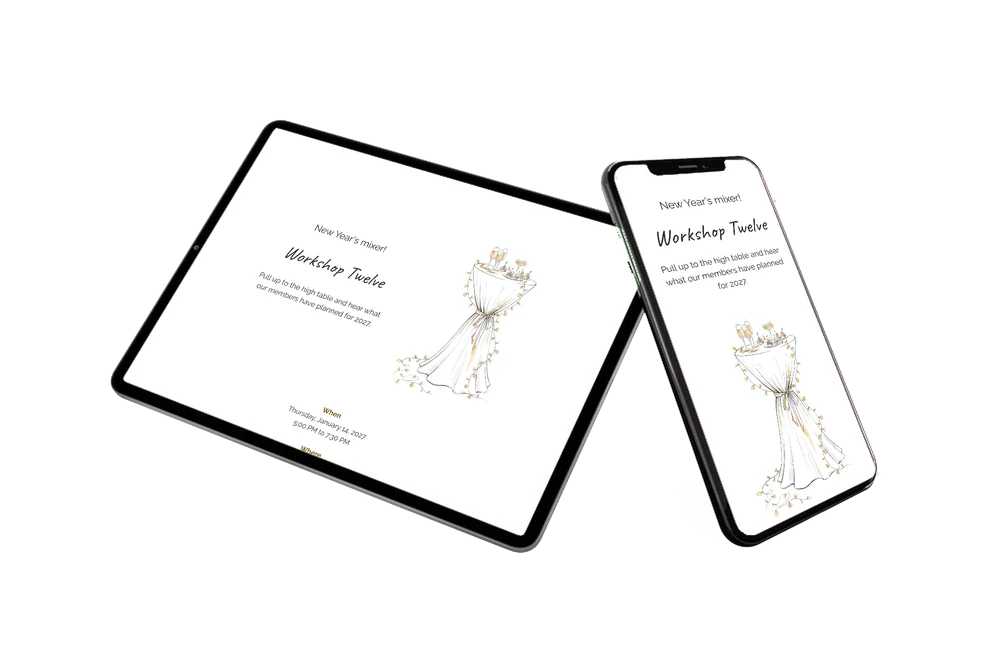
What can invitees do from their phone?
Confirm or decline with the RSVP button, open the venue in their map app, add the mixer to their calendar and, if they like, write a note in the guestbook for the team or the other members.
Will guests understand it is a business event despite the casual style?
Yes. The sketch and handwriting keep it relaxed, but the blocks for When, Where and Program and the clear reply line make it read as a proper company invitation. Many members of a shared workspace actually prefer this lighter tone over a stiff formal card.
Can I rewrite the example text for my own guests?
Of course. Replace the opening line, the program and the closing request with your own words; our guide on replacing the example text shows where each field sits in the editor.
How do I share it with members who live in group chats?
Copy the link into your community chat or send the invitation via WhatsApp. You can also share it by email, text message, social media or a QR code on the noticeboard.
Design details: fonts and colors
Fonts
- Header 1 — Raleway
- Header 2 — Caveat
- Text — Raleway
Colors
- #2B2B2B — Header 1
- #2E2E2E — Header 2
- #2B2B2B — Text
- #FFFFFF — Card
- #FFFFFF — Background
Use this design
Copy this design to your dashboard to use it as a starting point.
All example invitations are fictional. Photos of people are AI-generated; illustrations are licensed or AI-generated.