A modest, informal invitation
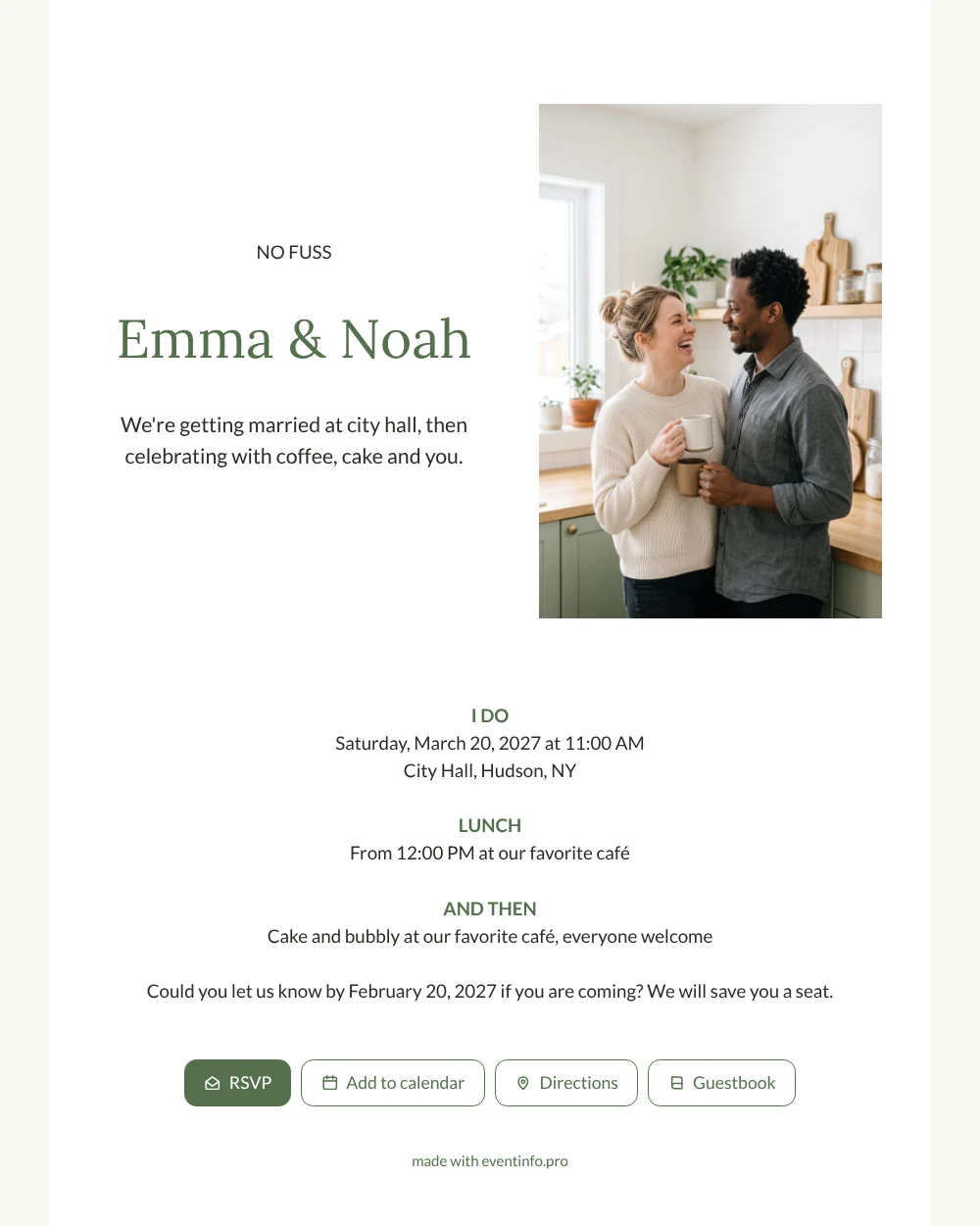
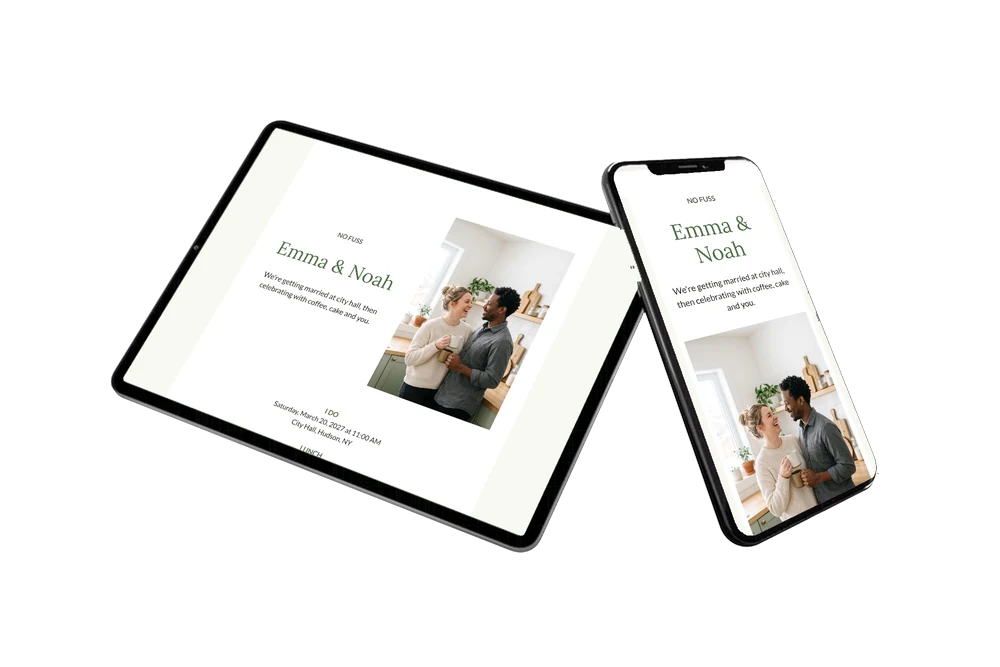
An online wedding invitation is a link that tells your guests everything about your wedding, which they can open anywhere on their phone. For guests, this white card reads in seconds: when to be at city hall, where lunch is and that everyone is welcome for cake and bubbly afterwards. The standing photo of a cheerful couple in a light kitchen sets a homey mood, and the olive green headings keep it calm. A good fit if your guests are close friends and family who mostly need the facts.
Picture your aunt reading it on the bus: she taps RSVP, opens the route to city hall and saves the date in her calendar before her stop. Friends can leave a sweet message in the online guestbook, and you see in your dashboard who has replied. Send the link through WhatsApp, email or a QR code on a note at the coffee machine at work.
Create your own online wedding invitation
Use this design as a starting point and create a fitting wedding invitation within minutes.
Frequently asked questions
How fast can I send this to my guests?
Within the hour. Edit the names, date and places, upload your own photo, and share the link straight from your phone.
What can guests do with it?
Reply with the RSVP button, open the route, add the date to their calendar and write in the guestbook. Everything happens on the same page.
Who is this design best suited for?
For couples planning a small city hall wedding with lunch, who want an invitation as relaxed as the day itself. The white background and short text keep the focus on your photo and the three moments of the day.
Can I adapt it to a bigger celebration?
Yes. Add a block for an evening party, a dress code or travel tips, and change the colors if you like. This page on adapting a ready-made design explains how.
What if some guests have not replied yet?
Send them a friendly nudge. You can remind guests who have not yet answered, straight from your dashboard.
Design details: fonts and colors
Fonts
- Header 1 — Lato
- Header 2 — Lora
- Text — Lato
Colors
- #2E2A26 — Header 1
- #55704E — Header 2
- #2E2A26 — Text
- #FFFFFF — Card
- #F8F8F2 — Background
Use this design
Copy this design to your dashboard to use it as a starting point.
All example invitations are fictional. Photos of people are AI-generated; illustrations are licensed or AI-generated.