A fresh, pastel invitation
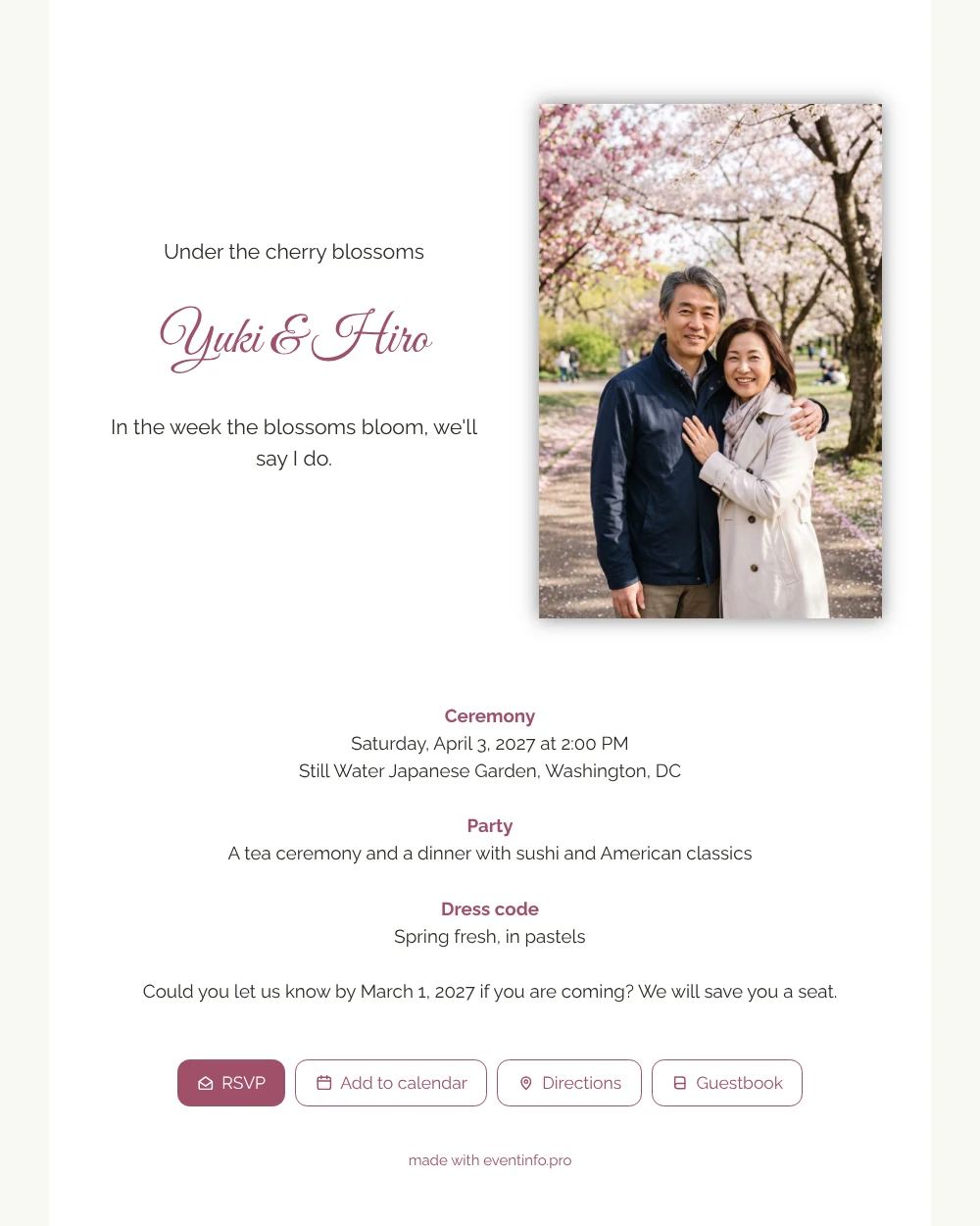
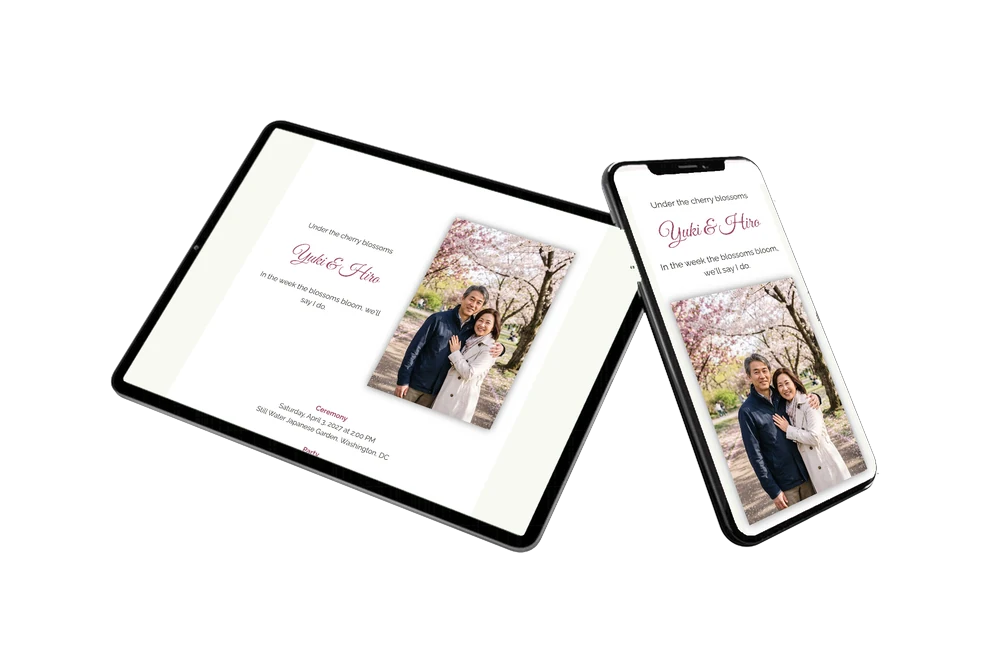
An online wedding invitation is a link that gives guests everything about your wedding, ready on their phone wherever they are. For guests, this white card reads like a soft spring morning. A single line tells them the mood: in the week the blossoms bloom, we will say I do. Below it they find when the ceremony starts, that a tea ceremony and dinner follow, and that pastels are the color of the day. The photo of a smiling couple under pink blossom makes them want to be there. A good choice if you invite family, friends and perhaps grandchildren to a calm spring celebration.
Guests tap RSVP, open the route to the garden and add the date to their calendar in seconds. Older relatives can scan a QR code for your invitation printed on a small card. In your dashboard you see who is coming, and you can remind anyone who has not replied yet.
Create your own online wedding invitation
Use this design as a starting point and create a fitting wedding invitation within minutes.
Frequently asked questions
How fast can I send this to my guests?
Today. Change the names and details, upload your own photo and share the link through WhatsApp, email or text. If plans change later, guests see the update on the same link.
What can guests do with the invitation?
RSVP, open the route, add the date to their calendar and write in the guestbook. Everything happens on one page, without an app.
Why a dress code in pastels?
Pastels suit a spring garden and look beautiful in photos among the blossoms. The example simply says spring fresh, in pastels, so guests have a clear hint without strict rules. You can change it or leave the block out.
Can I adapt the design to our plans?
Yes. Change the colors, the photo and every line, or add a block about travel and overnight stays. Read how to adapt a ready-made design.
How do guests save the date?
With one tap on the calendar button. Read how guests can add the event to their calendar.
Design details: fonts and colors
Fonts
- Header 1 — Raleway
- Header 2 — Great Vibes
- Text — Raleway
Colors
- #2E2A26 — Header 1
- #A0506A — Header 2
- #2E2A26 — Text
- #FFFFFF — Card
- #F8F8F2 — Background
Use this design
Copy this design to your dashboard to use it as a starting point.
All example invitations are fictional. Photos of people are AI-generated; illustrations are licensed or AI-generated.