A bright, homely spring card
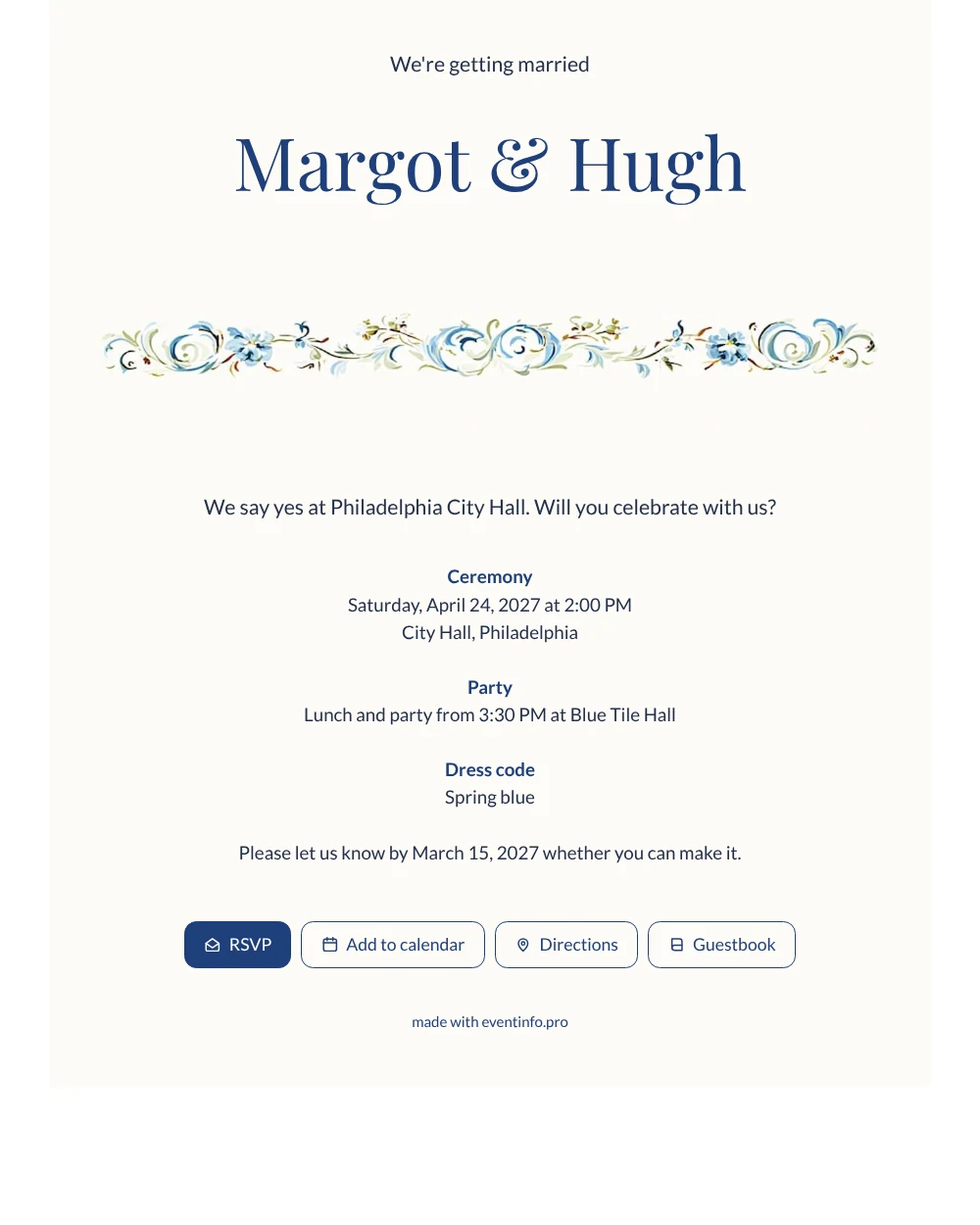
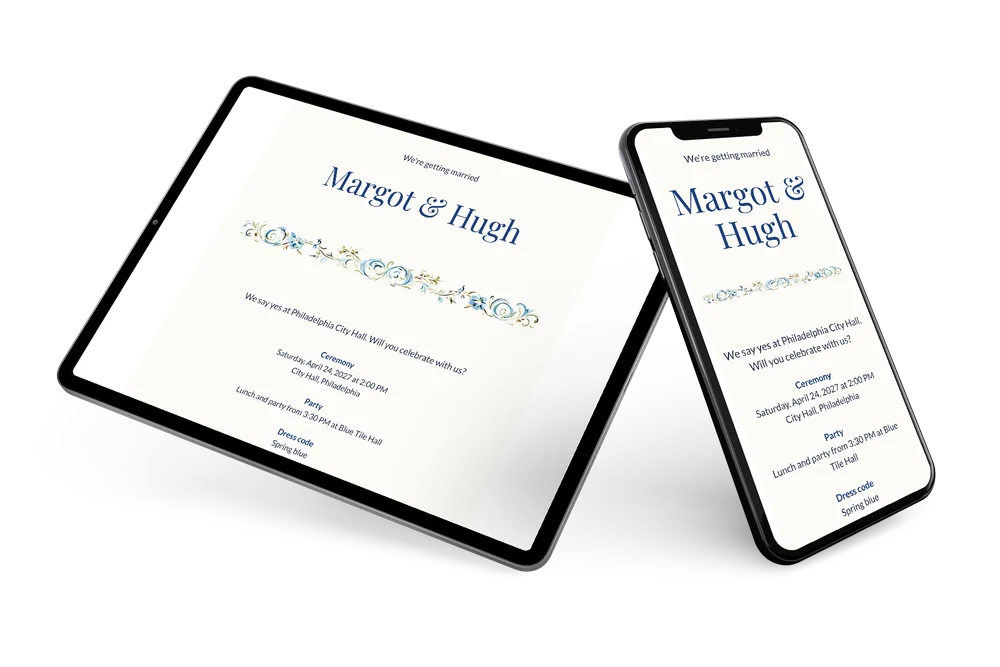
For your guests, an online wedding invitation is simply a link that opens your wedding card on their phone, with the date, the address and a button to reply. That makes this design very easy for them: a white card, your names at the top, a cheerful border of blue flowers in Delft style and short, clear text below. Friends, grandparents and colleagues all find what they need at a glance.
Share the link in the family group chat, by email, by text message or with a QR code on a printed note. Many couples choose to send the invitation via WhatsApp because most guests open it straight away. Once it is out, guests can also leave a few kind words in the online guestbook, which turns the invitation into a small keepsake. In your dashboard you see who has replied, so you know in good time how many guests to expect for lunch and for the party. If something changes later, such as the start time of the party, you adjust it on the same link and everyone sees the new details.
Create your own online wedding invitation
Use this design as a starting point and create a fitting wedding invitation within minutes.
Frequently asked questions
Can I send this invitation quickly to everyone?
Yes. Once your details are filled in, you copy the link and share it in one go via WhatsApp, email, text message or social media. Guests do not need an app or an account to open it.
How do guests let us know if they are coming?
They tap the RSVP button and reply in a few seconds. You see every answer in your dashboard, together with the guests who have not responded yet.
Is this design suitable for older guests?
Yes. The white background, the dark blue text and the calm layout make it easy to read on a phone. The blue border adds a friendly touch without getting in the way of the information.
Can guests find the venue easily?
They can. The address on the card opens the route in their own maps app, and you can share the location of your wedding for both the ceremony and the party venue.
What if some guests forget to reply?
You can remind guests who have not answered yet straight from your dashboard, so you do not have to message each of them yourself.
Design details: fonts and colors
Fonts
- Header 1 — Lato
- Header 2 — Playfair Display
- Text — Lato
Colors
- #24304A — Header 1
- #1F3F7A — Header 2
- #24304A — Text
- #FDFCF8 — Card
- #FFFFFF — Background
Use this design
Copy this design to your dashboard to use it as a starting point.
All example invitations are fictional. Photos of people are AI-generated; illustrations are licensed or AI-generated.