A cheerful, relaxed wedding card
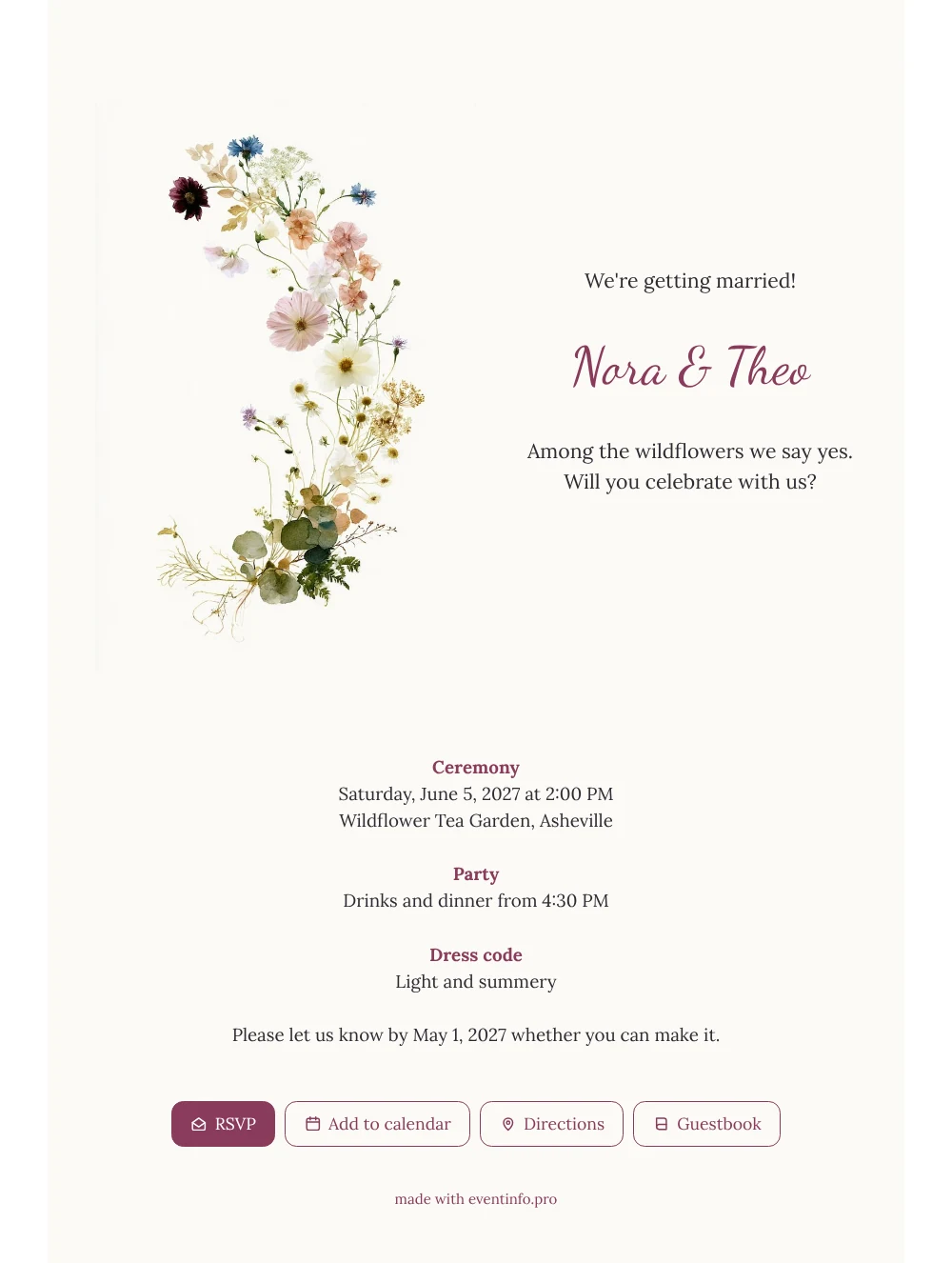
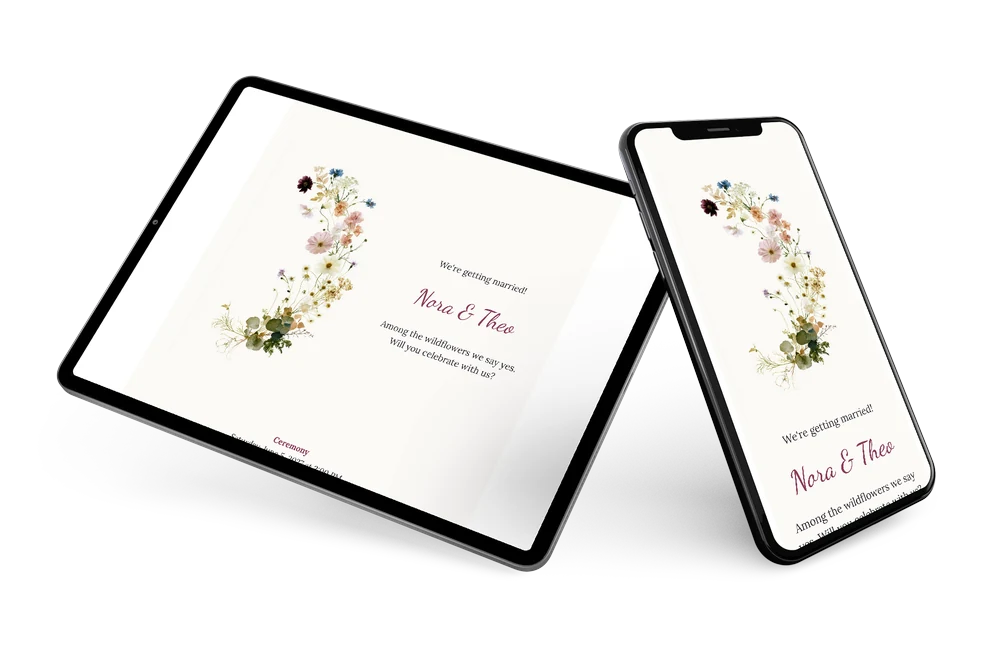
An online wedding invitation reaches your guests where they already are: on their phone, in a chat or an inbox, ready to open with one tap. For those guests, this white card feels instantly familiar and friendly. A tall arc of wildflowers in soft pink, blue and creamy yellow decorates the left side, and the text beside it is short, warm and easy to read on a small screen. It is a natural fit for a summer wedding with family and friends of every age.
Most couples share the link in a group chat; here is how to send your invitation via WhatsApp. Guests read where and when, tap through to the route and reply right away. Others prefer e-mail, a text message, social media or a QR code on a printed card, and all of these lead to the same page.
Create your own online wedding invitation
Use this design as a starting point and create a fitting wedding invitation within minutes.
Frequently asked questions
How long does it take before guests can open it?
Often less than half an hour. You fill in names, date and venue, check the preview on your phone and share the link. Guests can open it the moment it arrives.
What does a guest see and do on the card?
They see the wildflowers, your names and the plan of the day. They reply via the RSVP button, open the route to the venue, add the date to their calendar and leave a few kind words in the guestbook.
Is the text easy to read for older guests?
Yes. The dark text on the white card gives clear contrast, and the illustration stays on the left, apart from the details. The short blocks for ceremony, party and dress code mean nobody has to scroll through long paragraphs.
Can I personalize the card for our guests?
Of course. Change the wording, the colors or the image in the editor, or add a line about children, parking or overnight stays. Everything you change appears on the same link.
What if some guests forget to reply?
In your dashboard you see who has replied and who has not. You can remind guests who have not yet responded, so your final numbers for dinner are ready on time.
Design details: fonts and colors
Fonts
- Header 1 — Lora
- Header 2 — Dancing Script
- Text — Lora
Colors
- #2F2B33 — Header 1
- #8A3B5C — Header 2
- #2F2B33 — Text
- #FBFAF6 — Card
- #FFFFFF — Background
Use this design
Copy this design to your dashboard to use it as a starting point.
All example invitations are fictional. Photos of people are AI-generated; illustrations are licensed or AI-generated.