A sunny, playful invitation
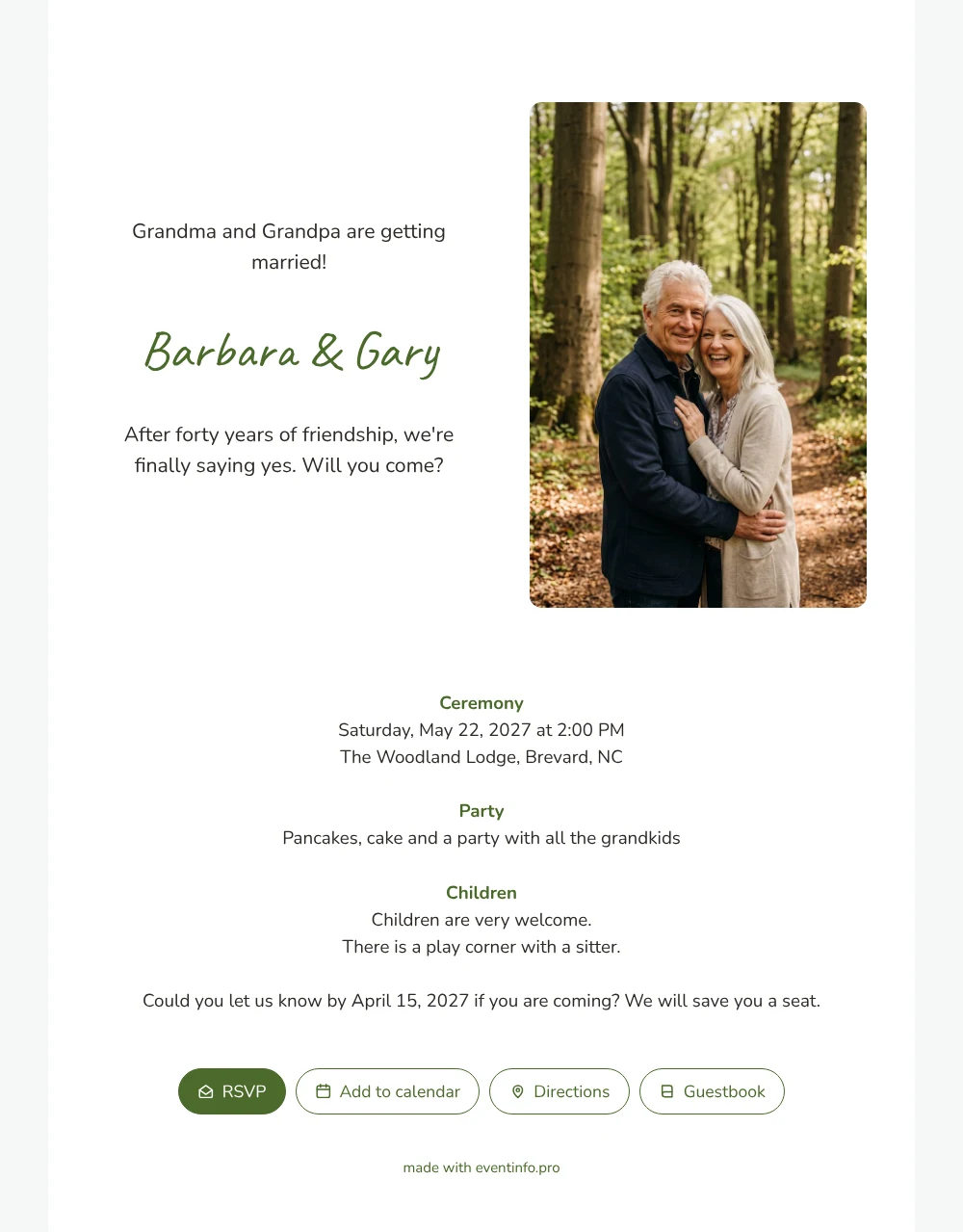
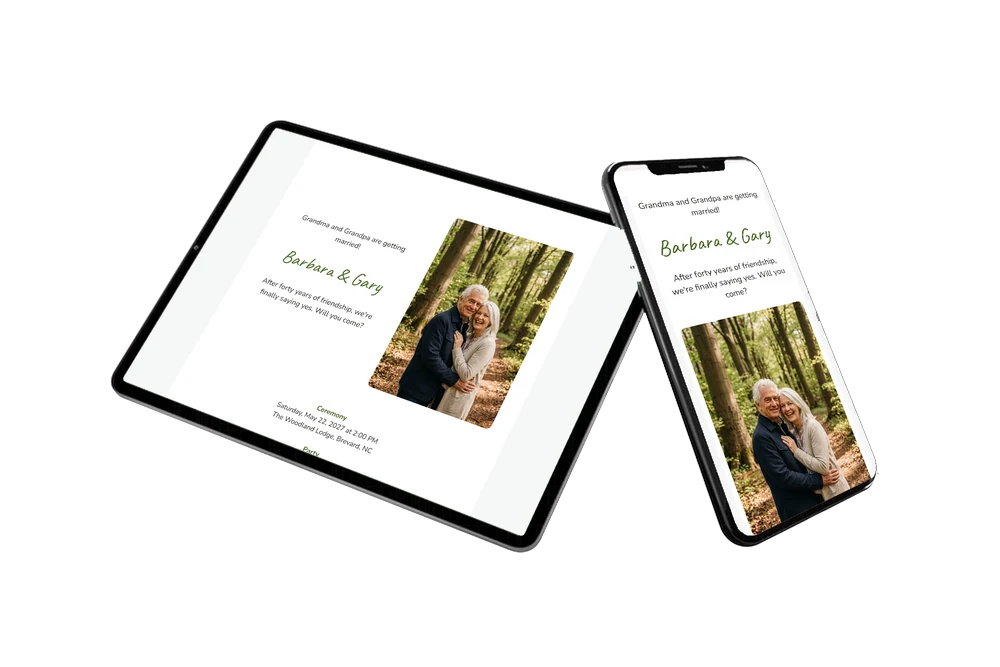
For your guests, an online wedding invitation is a link they open on their phone and show to everyone at the kitchen table. Here they see your names next to a tall photo of a laughing couple on a bright forest path, and a headline that makes the grandchildren cheer: Grandma and Grandpa are getting married! Below that, on a fresh white card, they read about the ceremony, the party and the play corner.
Guests open the route to the location with one tap, so nobody gets lost on the forest roads. You send the link the way your family already talks, for example through WhatsApp in the family group, or you print a QR code for the older relatives who prefer something on paper to scan. That way cousins who live far away get the news at the same moment as everyone else.
Create your own online wedding invitation
Use this design as a starting point and create a fitting wedding invitation within minutes.
Frequently asked questions
How fast can guests have the invitation?
The same day you start. Once your names, date, venue and own photo are in, you share the link and guests have it on their phone within seconds.
How do guests reply?
With the RSVP button on the card. They can also open the route, add the date to their calendar and leave a message in the guestbook that you can read again later.
Will parents know what to expect for their children?
Yes. The card has a separate children block saying they are very welcome and that there is a play corner with a sitter. Parents know at once that they can enjoy the day while the little ones are looked after.
Can I add more information for guests?
Absolutely. Add blocks for parking, a place to stay nearby, a gift tip or a note about the forest path. Text, colors and photo are all adjustable in the editor.
Can I see who is coming?
Yes. Your dashboard lists every reply, and you can send a reminder to anyone who has not answered. That helps you plan seats, cake and the play corner.
Design details: fonts and colors
Fonts
- Header 1 — Nunito
- Header 2 — Caveat
- Text — Nunito
Colors
- #2E2A26 — Header 1
- #4A6A2A — Header 2
- #2E2A26 — Text
- #FFFFFF — Card
- #F5F7F7 — Background
Use this design
Copy this design to your dashboard to use it as a starting point.
All example invitations are fictional. Photos of people are AI-generated; illustrations are licensed or AI-generated.