A hearty, convivial party invitation
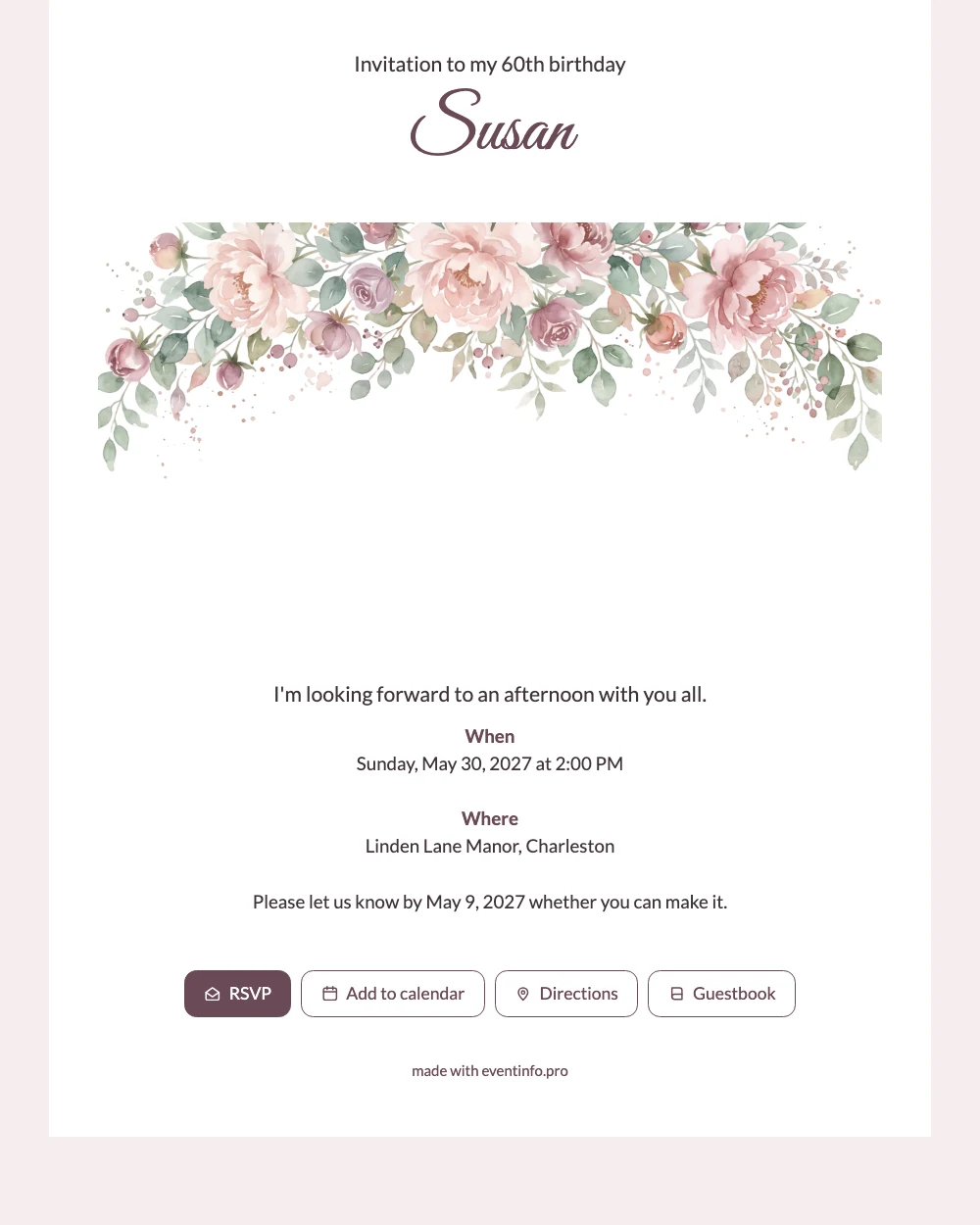
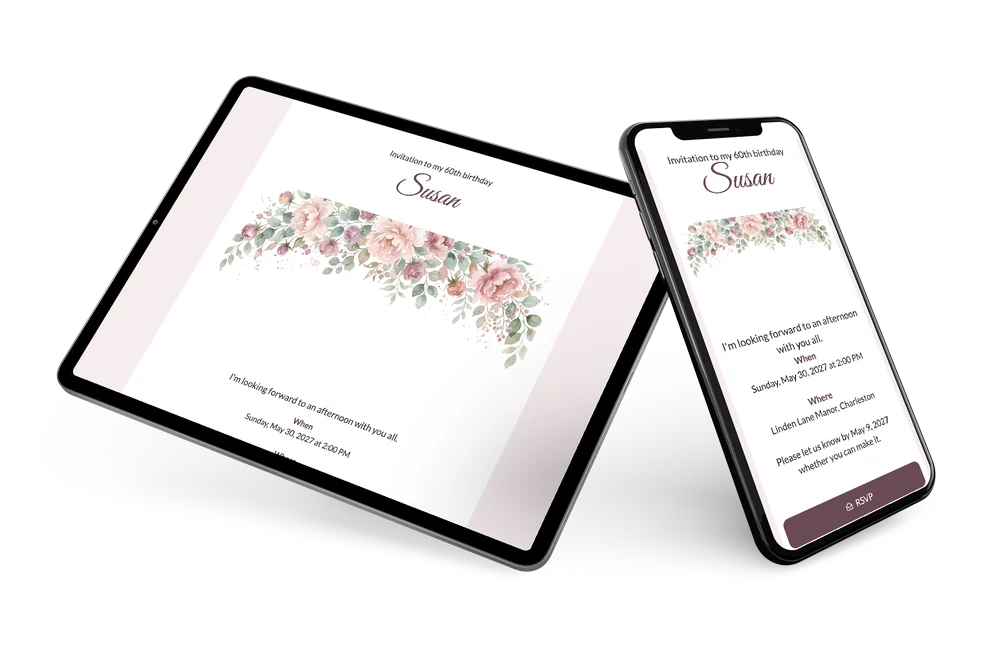
When guests open this online birthday invitation, they first see soft peonies in pink and lilac drifting along the top edge. Then the 60th, your name in flowing script, and the date and place in clear, calm letters. It reads easily on any phone, for every generation.
Share it in the family group chat or by email with old friends. Your dashboard shows who has answered, and with one message you can remind guests who have not replied yet.
Create your own online birthday invitation
Use this design as a starting point and create a fitting birthday invitation within minutes.
Frequently asked questions
Can I send it today?
Yes. Once your details are in, you share the link by WhatsApp, email or text and guests open it right away on their phones.
What do guests see when they open the link?
The full invitation on their phone, with an RSVP button, the route to the venue, a calendar button and a guestbook for a birthday message.
Can I place a photo instead of the peonies?
Yes. You can replace the illustration with your own photo, for example a picture of the birthday person, or keep the peony border and simply change the text.
Can I add a schedule for the afternoon?
Yes. You can add a day schedule with, for example, the welcome, the toast and the end time.
Can guests open the invitation with a code?
Yes. Every invitation has its own QR code, handy if you also want guests to scan it. Read more about the invitation QR code.
Design details: fonts and colors
Fonts
- Header 1 — Lato
- Header 2 — Great Vibes
- Text — Lato
Colors
- #40343A — Header 1
- #6B4A57 — Header 2
- #40343A — Text
- #FFFFFF — Card
- #F6ECEE — Background
Use this design
Copy this design to your dashboard to use it as a starting point.
All example invitations are fictional. Photos of people are AI-generated; illustrations are licensed or AI-generated.