A joyful, all-day wedding card
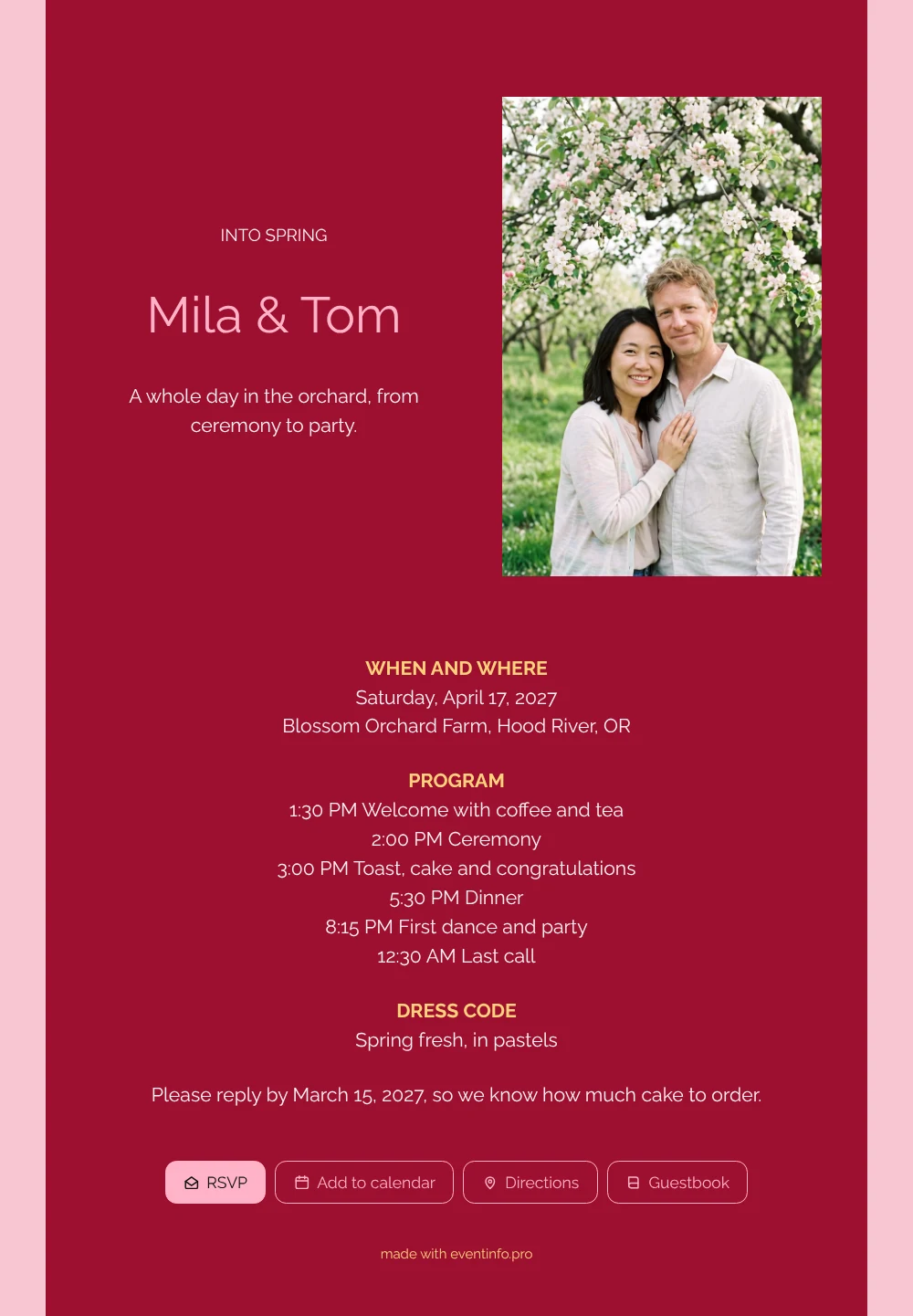
An online wedding invitation opens on your guests’ phones and answers the questions they always ask: when do I need to be there, what do I wear and how long does it last? Seen from their side, this card is hard to miss. A cherry red card on pink, a couple laughing under a white-blossomed apple tree and a heading that says “INTO SPRING”. Below it, the full day is set out with times, so nobody has to guess.
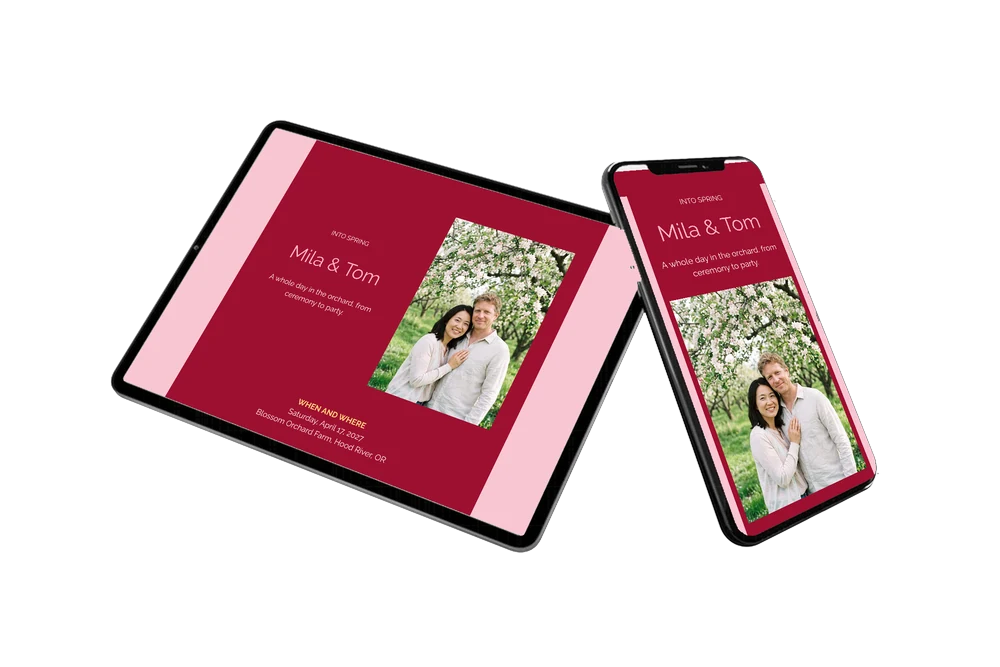
Guests often keep the invitation open on the day itself to check the next moment, and that works fine on their phone. Replies come in via the online RSVP button, and guests save the date in their calendar. Share it in a group chat or one by one via WhatsApp. After the wedding, guests can leave a few words in the guestbook.
Create your own online wedding invitation
Use this design as a starting point and create a fitting wedding invitation within minutes.
Frequently asked questions
Can I send it to guests today?
Yes. As soon as your names, date, venue and photo are in, the invitation is ready to share. Most couples finish within minutes.
How do guests reply and find the venue?
They tap the RSVP button to say whether they are coming and open the route to the venue from the invitation. They can also add the date to their calendar and write in the guestbook.
Will guests know what to wear?
Yes. A separate dress code block asks for something spring fresh, in pastels. It goes nicely with the blossom in the photo, and you can change it or leave it out if you prefer.
Can I use our own photo and colours?
Of course. Replace the AI-generated couple with your own photo and adjust the colours in the editor. You can customise the ready-made design block by block.
Can I share the invitation with a QR code?
Yes, you can share a QR code for your invitation, for example on a printed note. Scanning it opens the same invitation.
Design details: fonts and colors
Fonts
- Header 1 — Raleway
- Header 2 — Raleway
- Text — Raleway
Colors
- #FFF3F5 — Header 1
- #FFB3C7 — Header 2
- #FFF3F5 — Text
- #9E1030 — Card
- #F9C6D2 — Background
Use this design
Copy this design to your dashboard to use it as a starting point.
All example invitations are fictional. Photos of people are AI-generated; illustrations are licensed or AI-generated.