A casual, upbeat invitation
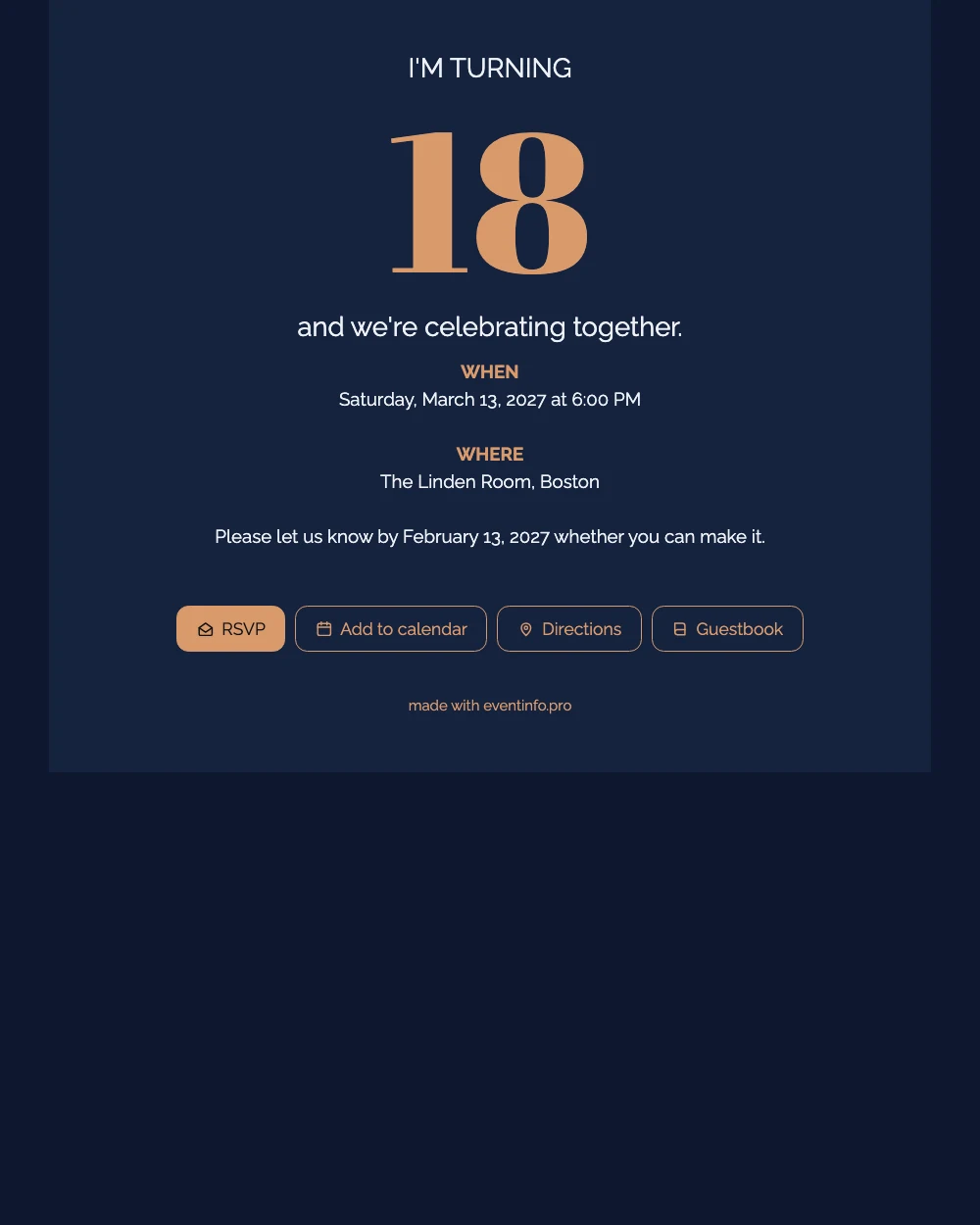
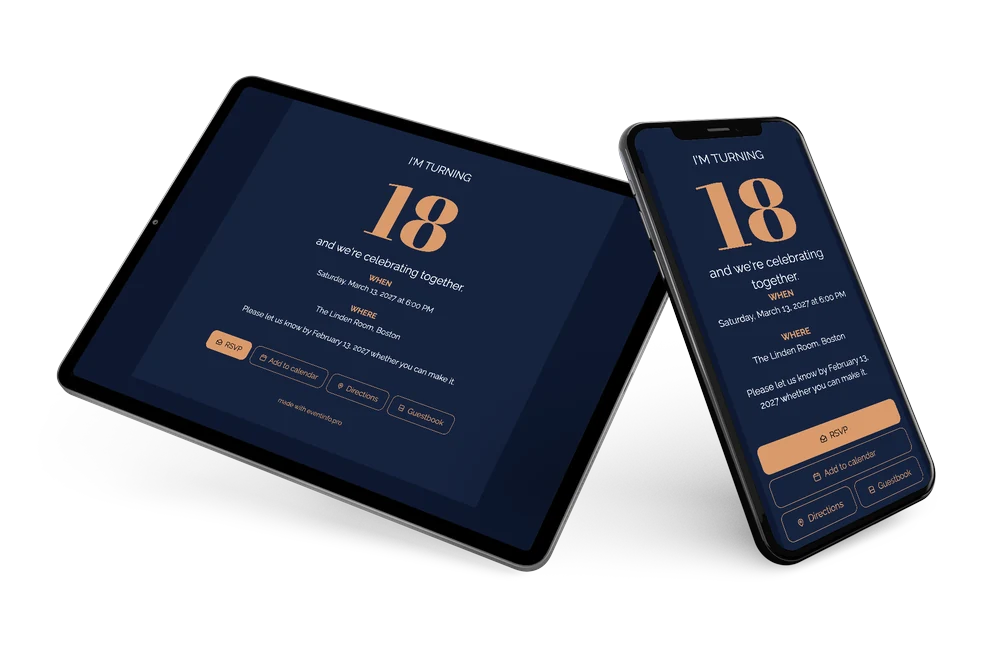
Your friends will open this online birthday invitation on the phone they are already holding. What they see: a midnight blue screen with an oversized copper 18 and the date and venue underneath. Clear, no fuss, and cool enough to pass around the group chat. Parents planning the party will find it just as easy.
One tap adds the date to their calendar, another opens directions to the venue. If anyone stays quiet, you can remind guests from your dashboard instead of chasing them one by one.
Create your own online birthday invitation
Use this design as a starting point and create a fitting birthday invitation within minutes.
Frequently asked questions
Can I send the invitation today?
Yes. As soon as you have replaced the sample text, share the link via WhatsApp, email or text.
What can guests do with the invitation?
They open the link on their phone, reply with the RSVP button and add the date to their calendar in one tap. Read more about adding the party to a calendar.
Can I change the number 18?
Yes. The big copper number is an ordinary text field, so you can type in any other age. The rest of the layout stays exactly the same.
Can I add a schedule for the party?
Yes. List drinks, dinner and dancing with their times, for example. Here is how to add a schedule.
Can I share the invitation with a QR code?
Yes, handy when you invite people in person. Learn how to create a QR code for your invitation.
Design details: fonts and colors
Fonts
- Header 1 — Raleway
- Header 2 — Abril Fatface
- Text — Raleway
Colors
- #EEF1F6 — Header 1
- #D99A6C — Header 2
- #EEF1F6 — Text
- #16233F — Card
- #0E1830 — Background
Use this design
Copy this design to your dashboard to use it as a starting point.
All example invitations are fictional. Photos of people are AI-generated; illustrations are licensed or AI-generated.