A quiet, composed funeral card
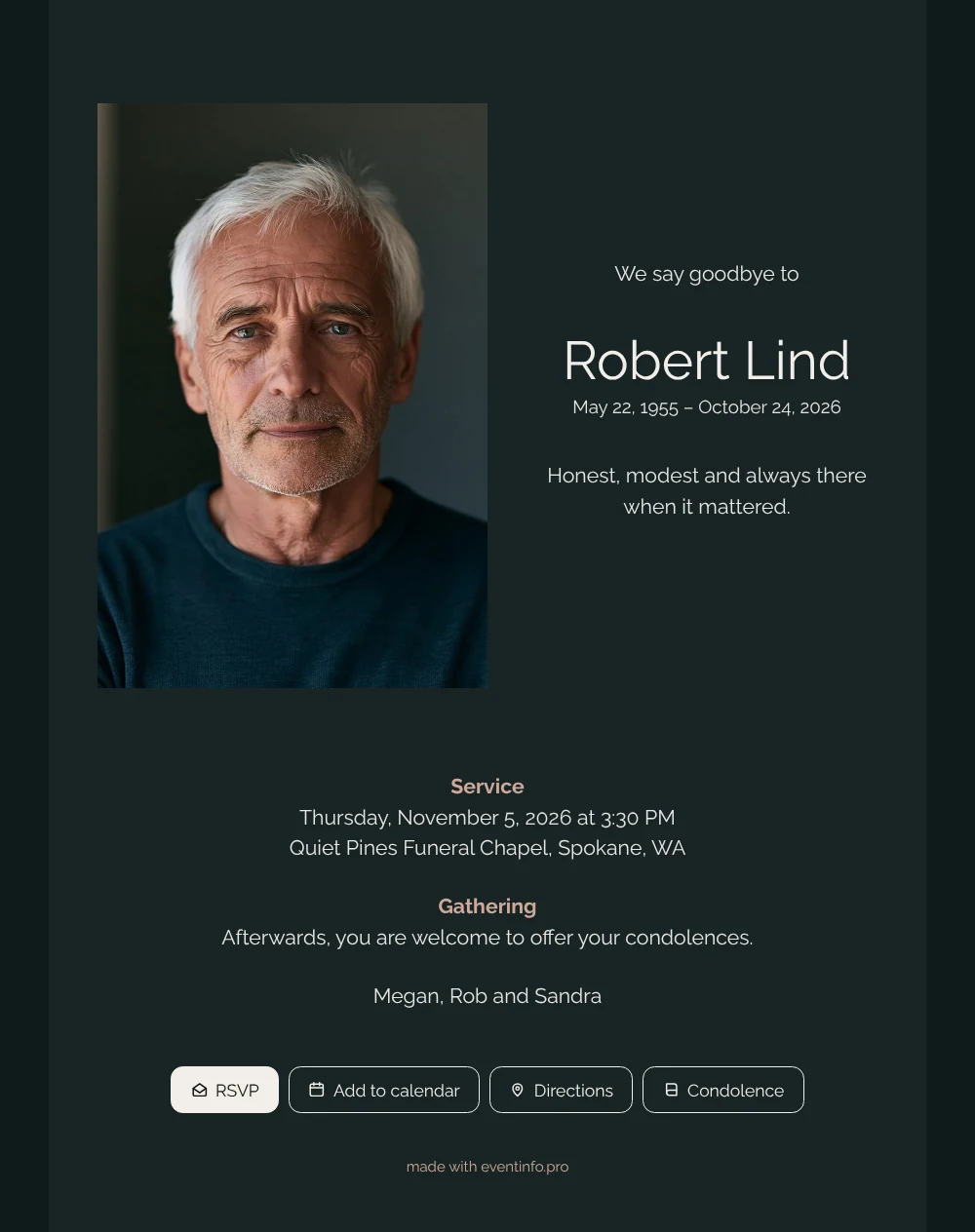
An online funeral card lets friends and relatives receive the news of a death as a link that opens on their own screen. Here they see a calm, dark card: an honest portrait on the left and, on the right, the name in large, light letters with the dates and one sentence about the person.
Those who cannot attend the service can still write to the family in the online condolence book.
Create your own online funeral card
Use this design as a starting point and create a fitting funeral card within minutes.
Frequently asked questions
How soon can people read the card?
As soon as the link is shared. You can send it to a whole group at once or to people one by one, with a few words of your own. Whoever taps the link sees the card straight away.
What can recipients do besides reading?
They can open the route to the venue, add the service to their calendar and write a message in the condolence book. The family can read those messages whenever they feel ready.
Which photo suits this dark card best?
A portrait with a neutral or dark background, such as the example against slate gray, merges smoothly with the card. Brighter photos work too and stand out more. These photo tips can help you choose.
Can the colors be lighter?
Yes. In the editor you can change the background, text and heading colors, and replace the photo and the text. That way the layout stays the same while the mood changes.
How else can I share the card?
Through WhatsApp, email, text message or social media, or with a QR code that people scan with their phone, for example on a printed notice.
Design details: fonts and colors
Fonts
- Header 1 — Raleway
- Header 2 — Raleway
- Text — Raleway
Colors
- #E8E5E0 — Header 1
- #F2EEE8 — Header 2
- #E8E5E0 — Text
- #182425 — Card
- #0F1A1B — Background
Use this design
Copy this design to your dashboard to use it as a starting point.

All example invitations are fictional. Photos of people are AI-generated; illustrations are licensed or AI-generated.