A calm and welcoming card
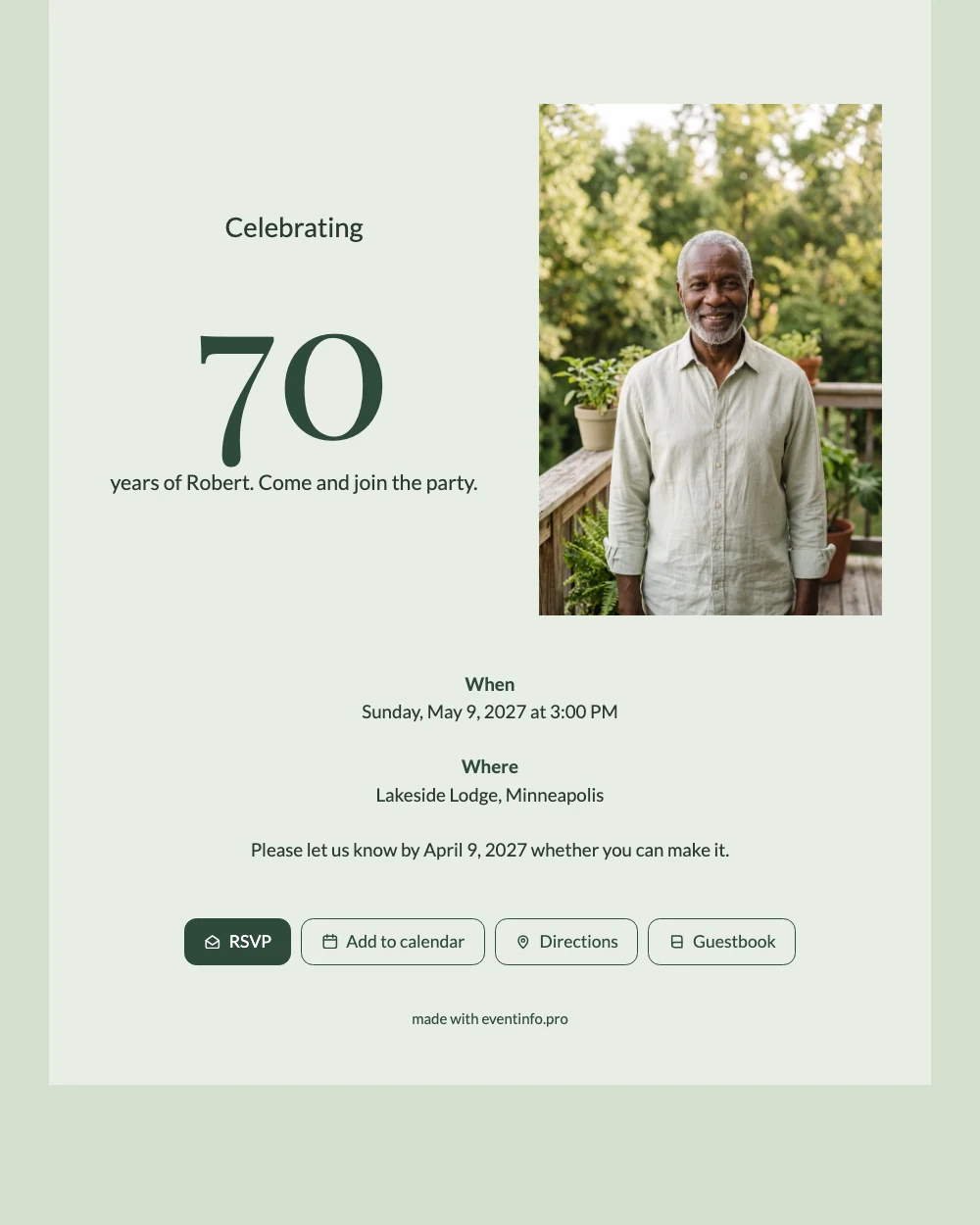
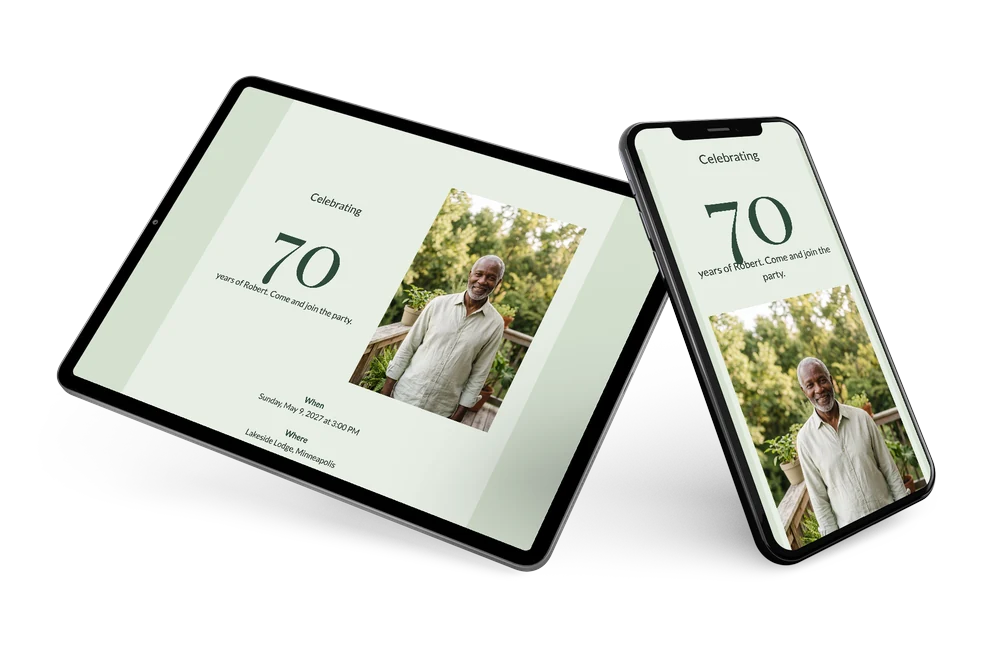
Guests who tap the link see a clear online birthday invitation: a big 70, the date and a friendly portrait on a balcony full of green. The soft sage tones and dark green letters are easy to read on any phone, also for older relatives. Everything they need for the party sits on one page.
Print a QR code for the guests you meet in person, or pass the link around by message. In your dashboard you see who is coming and remind anyone who has not replied yet.
Create your own online birthday invitation
Use this design as a starting point and create a fitting birthday invitation within minutes.
Frequently asked questions
Can I send the invitation right away?
Yes. Fill in the details, add a photo and share the link the same day.
What do guests see after tapping the link?
The invitation with an RSVP button, the route to the venue and the option to save the date in their calendar.
What kind of photo works well in this design?
An upright portrait, like the example photo of the man on the balcony. Daylight and greenery suit the sage background.
Can I change the colours and layout?
Colours, text and image are all editable. This guide shows how to customise a ready-made design.
How do I remind guests who have not replied?
Send a reminder from your dashboard. See how to remind guests.
Design details: fonts and colors
Fonts
- Header 1 — Lato
- Header 2 — Playfair Display
- Text — Lato
Colors
- #2B3A31 — Header 1
- #2F4A3A — Header 2
- #2B3A31 — Text
- #E7EEE4 — Card
- #D5E0D0 — Background
Use this design
Copy this design to your dashboard to use it as a starting point.
All example invitations are fictional. Photos of people are AI-generated; illustrations are licensed or AI-generated.