A spacious, gentle memorial card
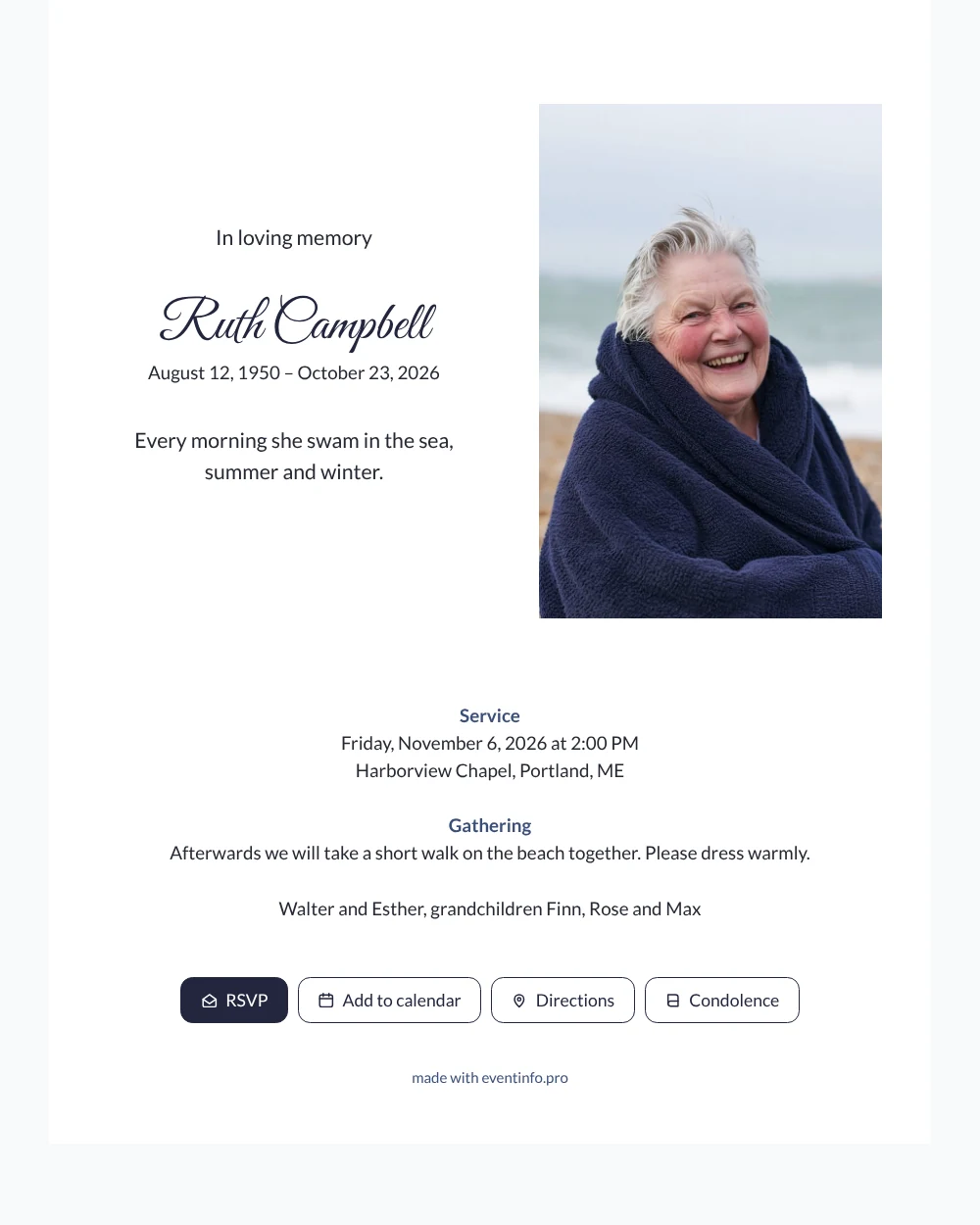
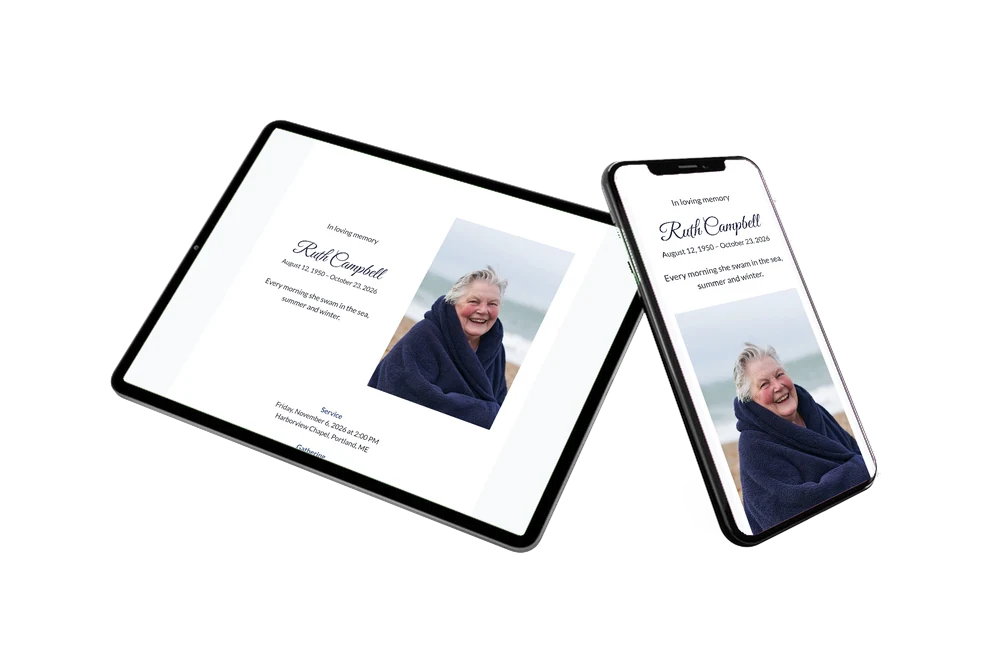
With an online funeral card, friends, neighbors and relatives receive the news as a link that opens straight away on their phone. What they see here is a clear white card: a smiling portrait on the right, the name in graceful navy handwriting on the left, and the details of the farewell below.
You can share it through WhatsApp, email, text message or social media, or use a QR code.
Create your own online funeral card
Use this design as a starting point and create a fitting funeral card within minutes.
Frequently asked questions
When will people receive it?
The moment you send the link. It arrives in an app they already use every day, so nobody has to wait for the post.
Can recipients offer condolences?
Yes. Through the condolence book on the card they write a personal message that the family can read back later. They can also save the date and open directions to the venue.
Why is the photo beside the text and not above it?
Placing the portrait next to the name keeps the face and the name together at first glance. It gives the card a balanced, airy look with plenty of white space, which suits a lively photo like the one in the example.
Can I use a photo of my own?
Of course. Upload a picture from your phone or computer and position it in the frame. These tips on choosing a photo can help if you are unsure which one to use.
Who should receive the card?
Everyone who would have received a printed card: family, friends, neighbors, colleagues and old acquaintances. Ask a few people to pass the link on to others they know.
Design details: fonts and colors
Fonts
- Header 1 — Lato
- Header 2 — Great Vibes
- Text — Lato
Colors
- #262833 — Header 1
- #23263E — Header 2
- #262833 — Text
- #FFFFFF — Card
- #F8F9FB — Background
Use this design
Copy this design to your dashboard to use it as a starting point.
All example invitations are fictional. Photos of people are AI-generated; illustrations are licensed or AI-generated.