A relaxed, adventurous invitation
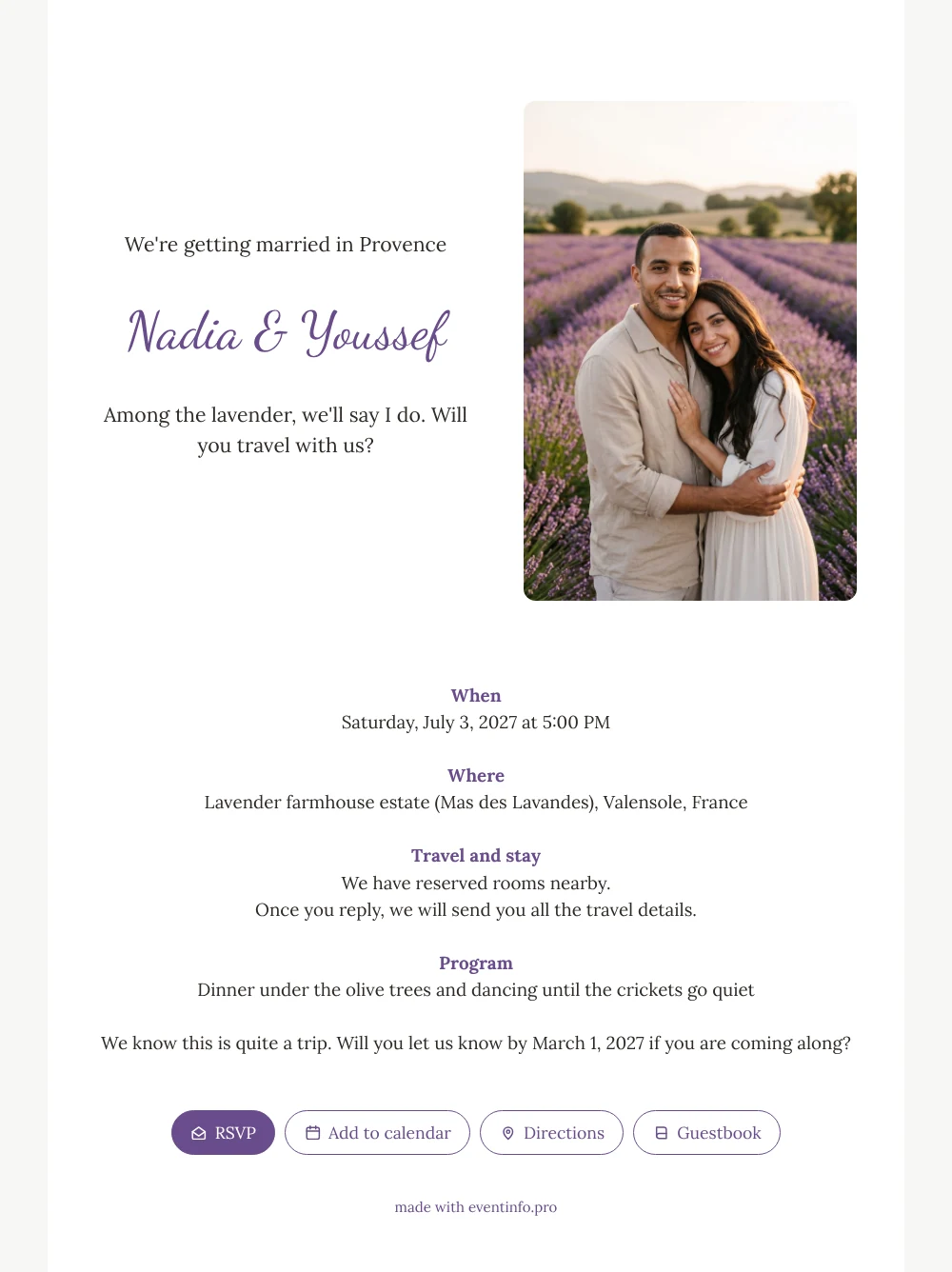
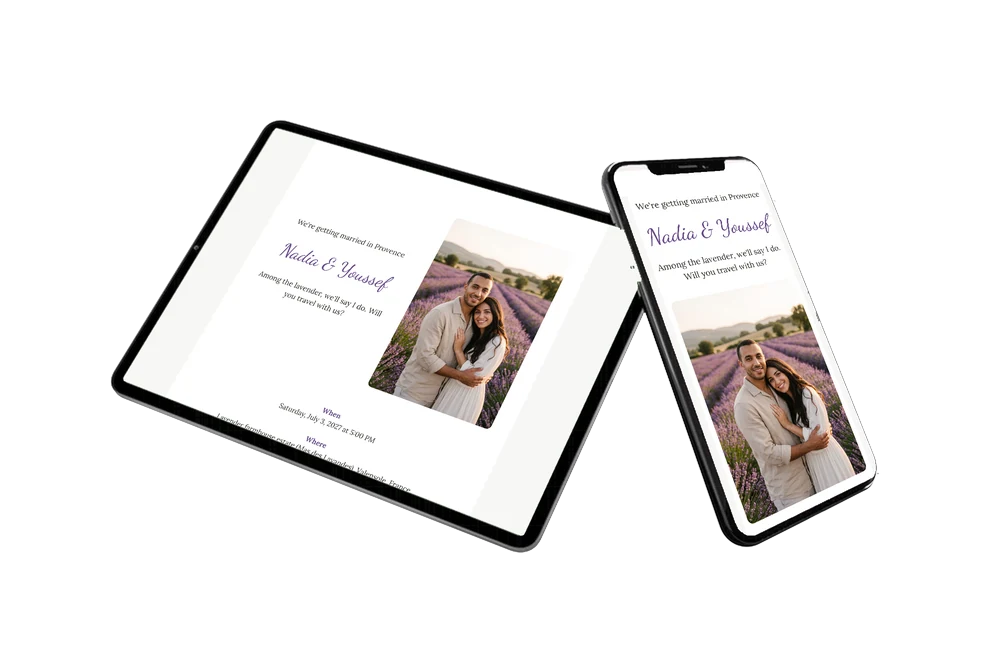
An online wedding invitation gives guests everything they need on their phone, from the date to the venue, and lets them reply in one tap. For a wedding abroad, that matters even more: guests want to know early where they are going, where they can sleep and how long they will stay. This white card shows a couple embracing among rows of lavender, with soft purple headings and a clear block about travel and stay.
Guests often forward the invitation to a partner or travel companion before they decide. Send it via WhatsApp or by email, and replies come in through the RSVP button. On the day itself guests open the route to the venue from their phone. Afterwards they can write a few words in the online guestbook, even if they could not make the trip.
Create your own online wedding invitation
Use this design as a starting point and create a fitting wedding invitation within minutes.
Frequently asked questions
Can I send it to guests straight away?
Yes. As soon as your names, date, venue and photo are in, you can share the link. Most couples finish within minutes.
How do guests reply and find the venue?
They tap the RSVP button to say whether they are coming and open the route to the venue from the card. They can also add the date to their calendar and leave a message in the guestbook.
Will guests understand that this is a trip?
Yes. The heading names the destination, the opening line asks whether they will travel with you, and the travel and stay block explains the practical side. The closing line gently mentions that it is quite a journey.
Can I use our own photo and colours?
Of course. Replace the AI-generated couple with your own photo and change the colours in the editor. You can customise the ready-made design block by block.
Can guests open the invitation with a QR code?
Yes. You can share a QR code for your invitation, for example on a printed note. Scanning it opens the same online invitation.
Design details: fonts and colors
Fonts
- Header 1 — Lora
- Header 2 — Dancing Script
- Text — Lora
Colors
- #2E2A26 — Header 1
- #6A4C8C — Header 2
- #2E2A26 — Text
- #FFFFFF — Card
- #F7F7F5 — Background
Use this design
Copy this design to your dashboard to use it as a starting point.
All example invitations are fictional. Photos of people are AI-generated; illustrations are licensed or AI-generated.