A relaxed, urban wedding invitation
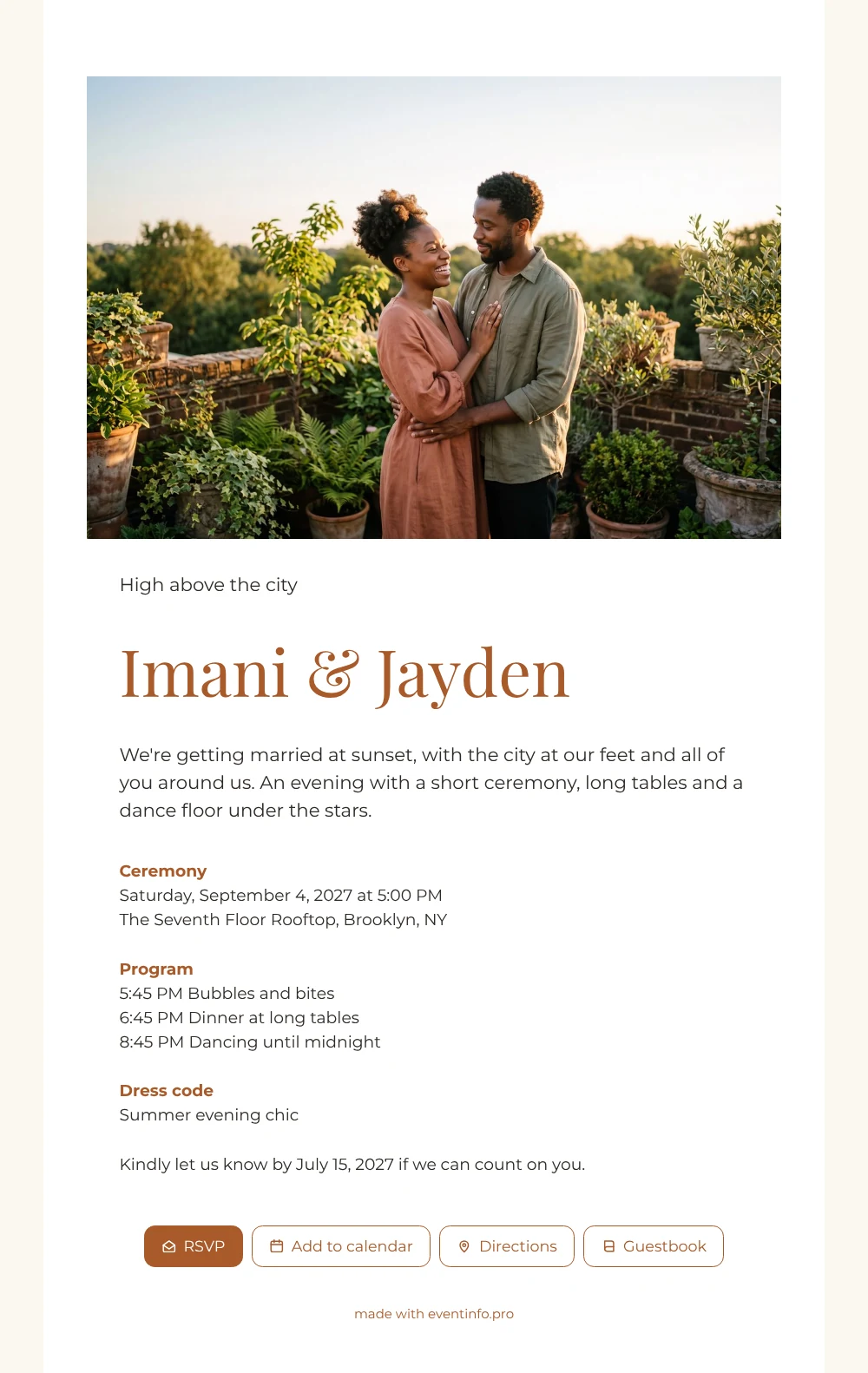
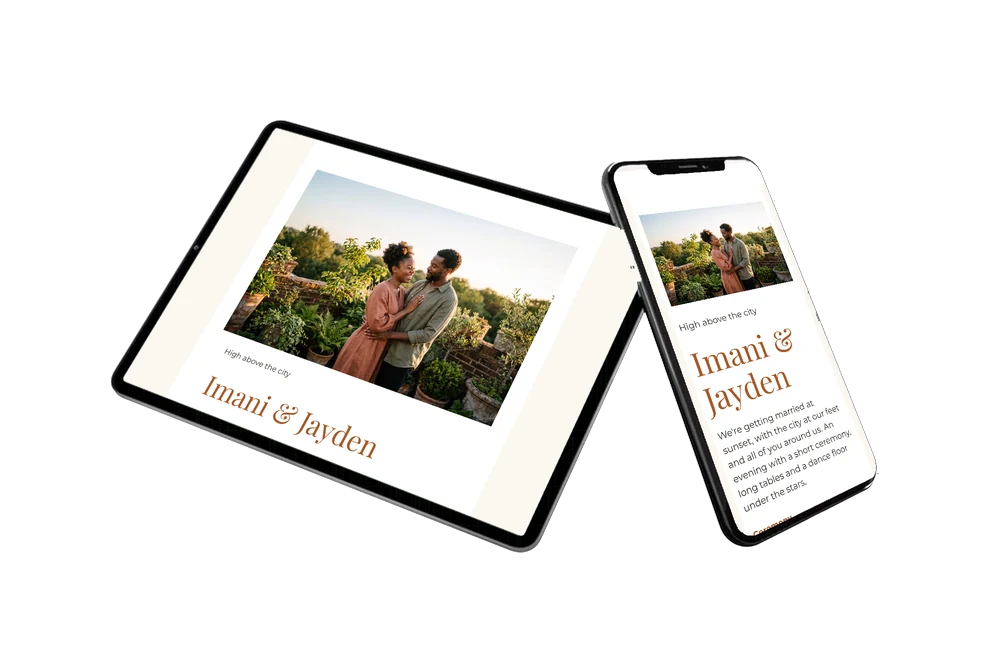
An online wedding invitation lets guests open your invitation on their phone, reply straight away and find everything they need without hunting through messages. Start from the guests’ side: they see a wide golden-hour photo of a couple on a green rooftop terrace, your names, and a white card with warm brown headings that is easy to read on any screen. The evening is spelled out, from the ceremony to the last dance, so nobody has to guess.
Guests are likely to share the link with partners or ask each other what to wear; the dress code block answers that before they ask. Send the invitation in a group chat or one by one, for example via WhatsApp, and replies come in through the RSVP button. Guests can put the date in their calendar, open the route on the day itself and leave a congratulation in the guestbook.
Create your own online wedding invitation
Use this design as a starting point and create a fitting wedding invitation within minutes.
Frequently asked questions
How fast can I send this to our guests?
Once your names, date, venue and photo are in, you can share it immediately. Most couples finish within minutes and send the link the same day.
How do guests reply and find the venue?
They tap the RSVP button to say whether they are coming, and open the route to the venue from the invitation. They can also add the evening to their calendar and leave a message in the guestbook.
Will guests understand the evening at a glance?
Yes. The wide photo is followed by a short welcome, the ceremony details, a three-step program with times and a dress code. Everything is on one white page, so guests can scroll through it on their phone in a few seconds.
Can I use my own colours and photo?
Of course. Swap the AI-generated couple for your own photo and change the colours in the editor if you prefer another accent than rust brown. You can also customise the ready-made design further, block by block.
Can guests print the invitation or scan it?
You can share a QR code for your invitation, for example on a printed note or a save-the-date. Guests scan it and land on the same online invitation.
Design details: fonts and colors
Fonts
- Header 1 — Montserrat
- Header 2 — Playfair Display
- Text — Montserrat
Colors
- #2E2A26 — Header 1
- #A85A2A — Header 2
- #2E2A26 — Text
- #FFFFFF — Card
- #FBF7F0 — Background
Use this design
Copy this design to your dashboard to use it as a starting point.
All example invitations are fictional. Photos of people are AI-generated; illustrations are licensed or AI-generated.