A lively, modern advance wedding card
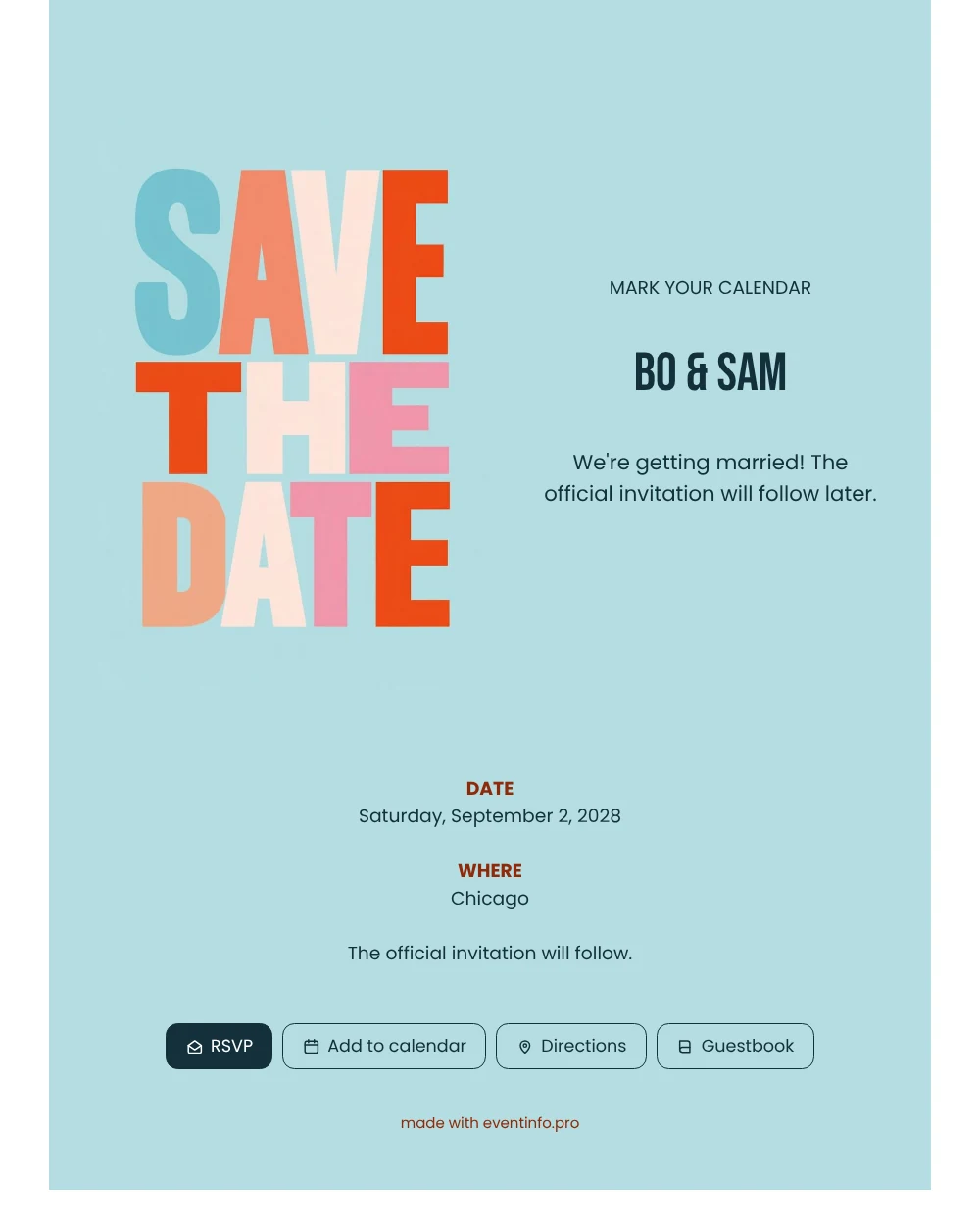
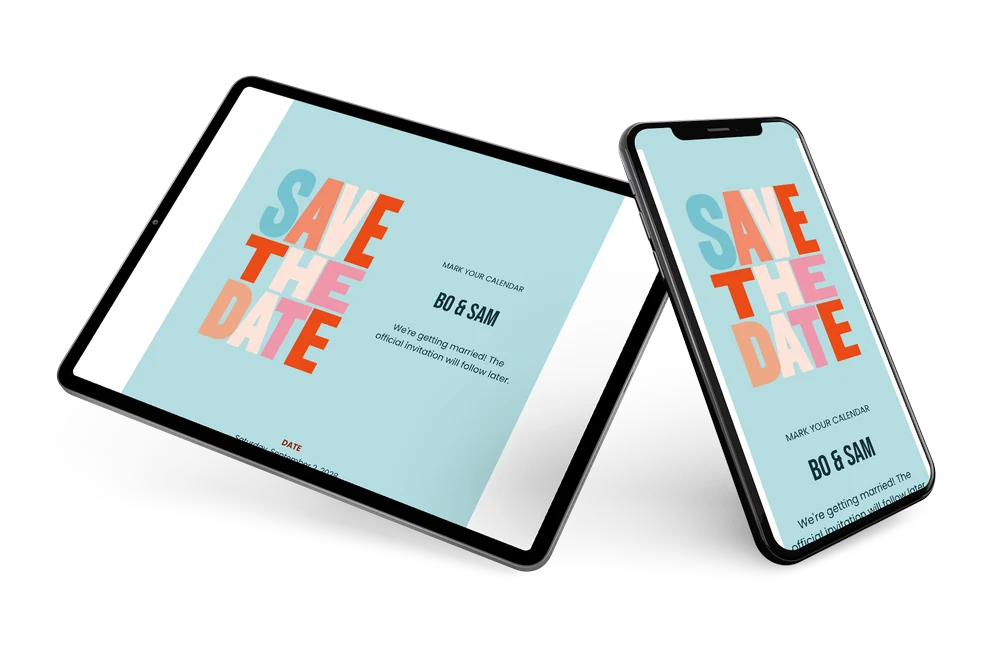
Think of an online wedding invitation as a card that lives on a link: guests open it on their phone, wherever they are, and always see the current details. This save the date gives them the news in the most direct way possible. Bold letters in coral, orange, pink and pale blue fill an icy blue illustration next to the text, and the white page around it keeps everything fresh and easy to read.
For guests, the first question is simple: which weekend should I keep open? They get the answer in one glance. Friends abroad know early enough to book a flight, and family members forward the link in seconds, especially when you send the invitation via WhatsApp to a family group.
Create your own online wedding invitation
Use this design as a starting point and create a fitting wedding invitation within minutes.
Frequently asked questions
Can I send it today?
Yes. Change the names, the date and the location, check it on your phone and share the link. Since a save the date carries so little text, it is one of the quickest cards to finish, and you can still adjust details later on the same link.
What will my guests be able to do?
They read the news, save the date in their calendar and open the route to the city or venue. They can leave a congratulation in the guestbook, and if you want an early idea of numbers, they can use the RSVP button.
Is this design formal or casual?
Clearly casual and cheerful. The giant, slightly uneven block letters and the warm mix of colours feel like a happy shout rather than a formal announcement, which suits a relaxed wedding or a couple with a playful style.
Can I make the colours match our wedding theme?
Yes. The editor lets you change the colours, the text and the image, or upload your own photo or illustration. The steps are explained in the guide to customising a ready-made design.
What if some guests do not respond?
In your dashboard you can see who has responded, and you can remind guests who have not reacted yet. When the official invitation is ready, you change the details on the same link.
Design details: fonts and colors
Fonts
- Header 1 — Poppins
- Header 2 — Bebas Neue
- Text — Poppins
Colors
- #14303A — Header 1
- #14303A — Header 2
- #14303A — Text
- #B4DDE1 — Card
- #FFFFFF — Background
Use this design
Copy this design to your dashboard to use it as a starting point.
All example invitations are fictional. Photos of people are AI-generated; illustrations are licensed or AI-generated.