You're invited: how it works
Your invitation is an ordinary web page. Open the link on your phone or computer: there is nothing to install and you don’t need an account.
What’s on the page
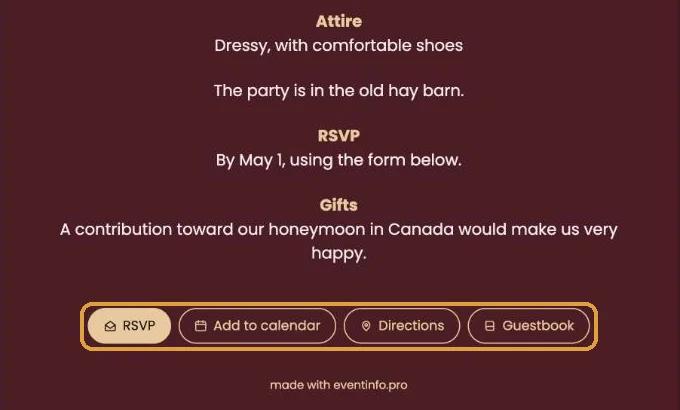
At the top is the invitation itself, with everything the host wants you to know. Below it you’ll find a few buttons. The host decides which ones appear.
- RSVP: let the host know whether you’re coming (Let the host know if you're coming).
- Add to calendar: save the date in your own calendar (Adding the date to your calendar).
- Directions: open the address in Google Maps or Apple Maps (Getting directions to the venue).
- Guestbook: leave a message or a photo (Leaving a message or photo in the guestbook). For a funeral this button is called Condolence.
Something changed?
The host can update the invitation at any time. The same link then shows the new details straight away, so feel free to open it again later.
Keep the link handy. Save the message or email with the link somewhere you can find it, or add the date to your calendar right away.
Next step: Let the host know if you're coming
Last updated: October 23, 2026