Add a live feed link
Let guests join online
Can’t everyone be there in person? Add a link to a live stream so guests can still take part. A live feed helps distant friends and family feel included and connected — especially for moments like ceremonies, celebrations, or memorials.

How to add the link
To create a link to your live stream, open your invite in the editor and follow these steps:
- Select the text where you want the link to appear — for example, “Follow our live feed.”
- Click the link icon in the toolbar.
- Paste the link to your live stream and confirm.
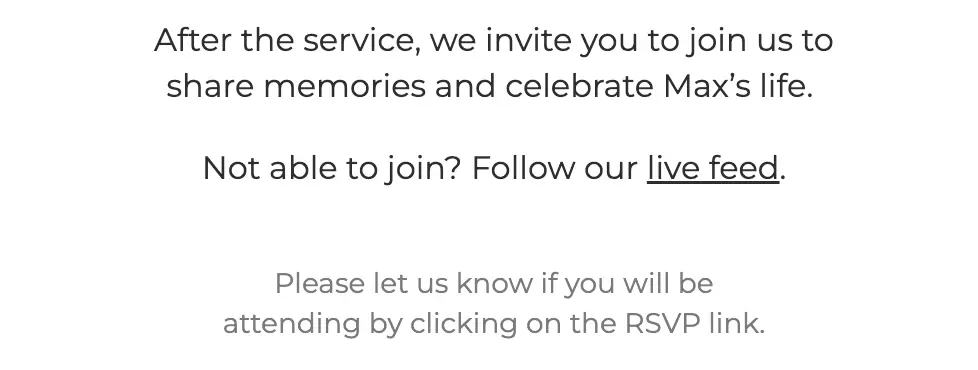
When they click the link, it opens directly in their browser or video app.
Specialized live streaming services
Want a private, simple stream? Try one of these event-focused tools:
- EventLive.pro – Built for weddings, funerals, and private celebrations. Easy for guests, no logins.
- OneRoomStreaming.com – Designed for memorial services with secure, private access links.
- FuneralStream.tv – Professional funeral streaming with recording and sharing options.
- LoveStream.io – Tailored for weddings and family events, with custom pages and replays.
- ViewStub.com – Live and hybrid events for business or ticketed audiences.
Last Update: 10 October 2025