Can I take a look before I pay?
Yes. As soon as you save your invitation, it’s online at its own link. You can view it and show it to others without paying.
What you see
Open the link while you’re logged in and you’ll see a bar at the top with Preview and the text Not activated yet. You can already share this link so others can take a look. Below that: Only you can see this bar because you are logged in.
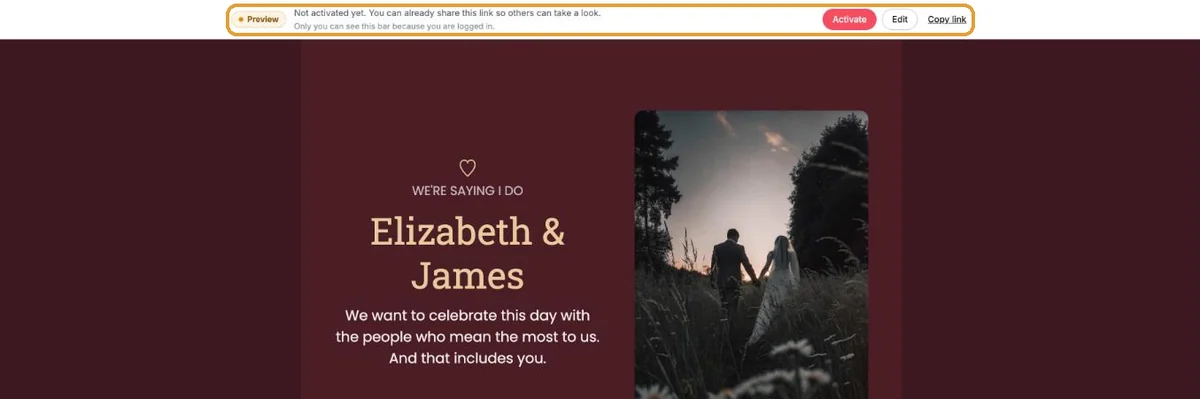
The bar has three buttons: Activate, Edit and Copy link.
Getting a second opinion
Copy the link and send it to your partner, a sister or a colleague. A second pair of eyes often spots a typo in a time or a street name right away. They’ll see the invitation the way guests will, with one difference: a label at the top reads Preview – this invitation is not final yet.
Want to check it yourself without your own bar? Open the link in a private browser window. See also Checking your invitation the way guests see it.
And then?
If everything’s right, activate the invitation. The label disappears and you can send the link to all your guests.
Next step: Save with a credit bundle
Last updated: October 23, 2026