Ready-made design or start from scratch?
A ready-made design is the quickest route: colours, fonts and sample text are already in place. Starting (almost) from scratch gives you a calm base and more freedom, but you write more yourself.
A ready-made design
Each occasion has dozens of designs, with or without a photo. Pick one, enter your details and replace the rest of the sample text and the photo.
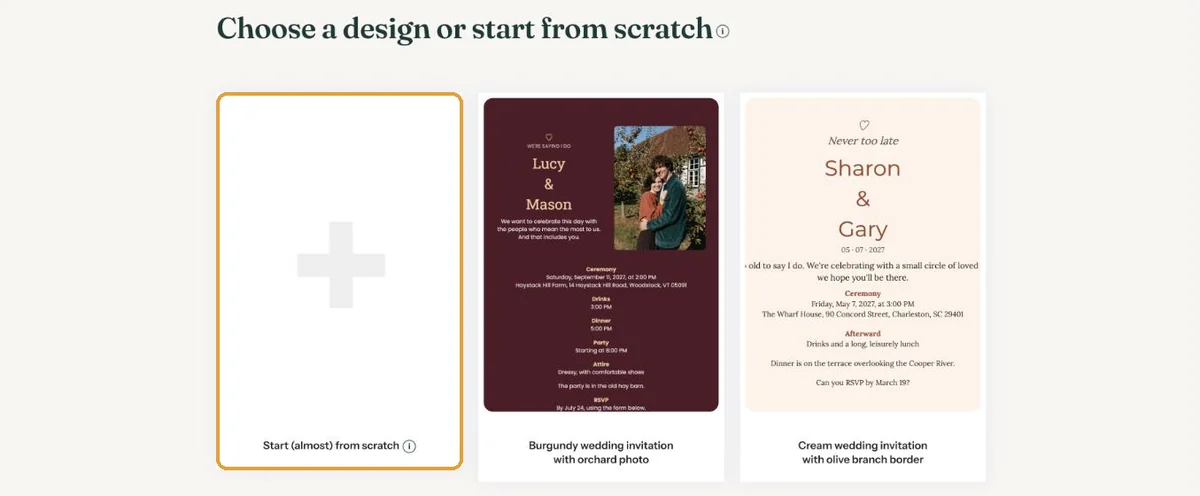
This suits you if a design catches your eye, or if time is short.
Starting (almost) from scratch
Click the first tile, Start (almost) from scratch. After the details you get two extra questions.
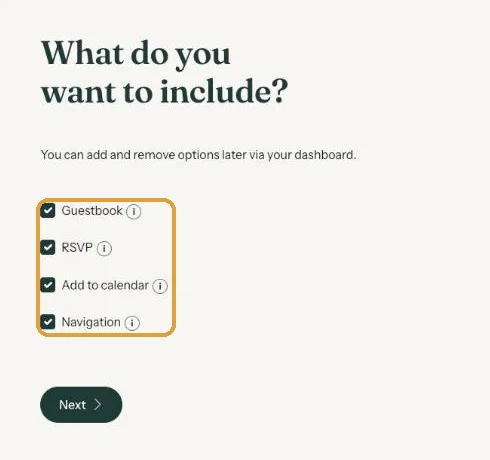
- What do you want to include? Tick the buttons you want: Guestbook, RSVP, Add to calendar and Navigation. You can change this later.
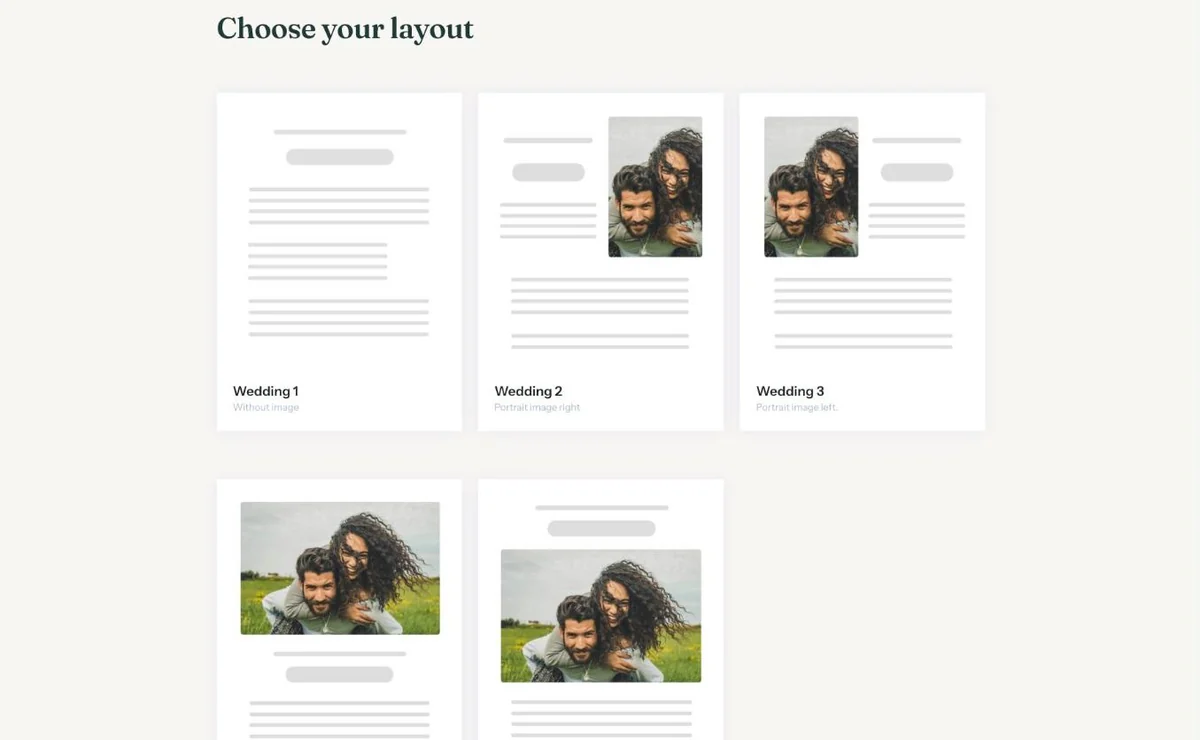
- Choose your layout. Without image, with a portrait photo beside the text, starting with a large photo, or starting with a heading.
You get a simple card with text based on your details. With Redesign you can then try other styles, themes and colours in a few clicks. Your texts and photos stay as they are.
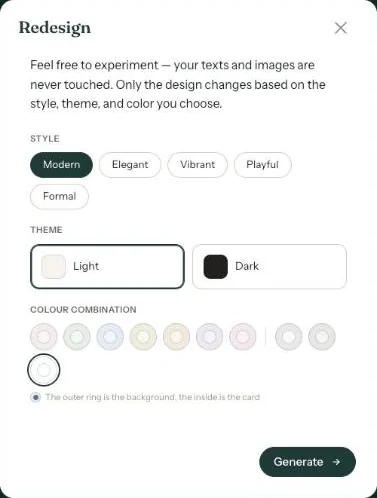
Redesign is only available for an invitation you start (almost) from scratch. A ready-made design keeps its own style.
Which one suits you?
- Ready-made if you want to be done quickly, or a design already has the mood you’re after.
- From scratch if you have your own text, or want to compare a few styles side by side.
Next step: Which buttons can you turn on?
Last updated: October 23, 2026