Newsletter and notifications
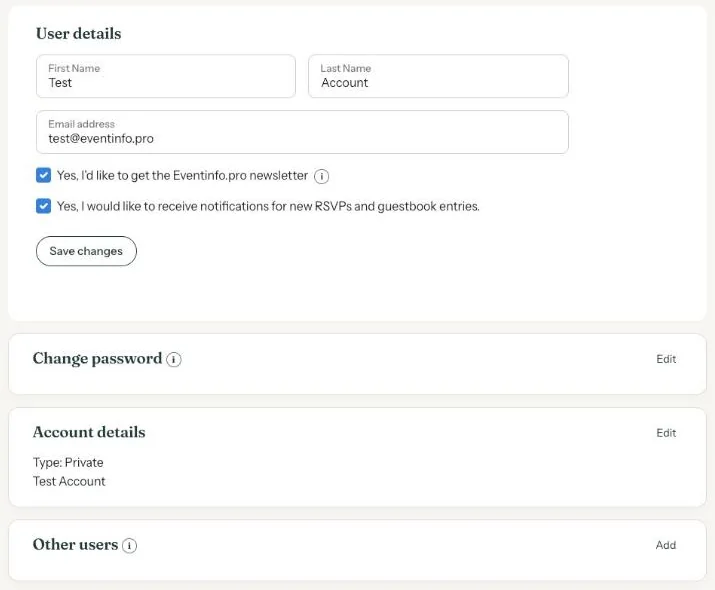
The Account page has two tick boxes: one for the Eventinfo.pro newsletter and one for notifications when guests respond to your invitation.
The newsletter
The tick box reads Yes, I’d like to get the Eventinfo.pro newsletter. It arrives at most once a month, with tips and inspiration. Unsubscribe with this tick box or with one click at the bottom of the newsletter.
RSVP and guestbook notifications
The second tick box is Yes, I would like to receive notifications for new RSVPs and guestbook entries. A notification is an email with the guest’s name and message. It goes to the email address of whoever created the invitation.
All responses are also always in your dashboard, under RSVP and Guestbook.
Changing the settings
- Go to Account.
- Tick or untick the boxes.
- Click Save changes. Without saving, nothing changes.
Working on invitations with several people, for example as a business? Have a look at Business.
Last updated: October 23, 2026