Archive or delete
Archive takes an invitation out of your dashboard without losing anything; you can always restore it. Delete is final.
Archiving
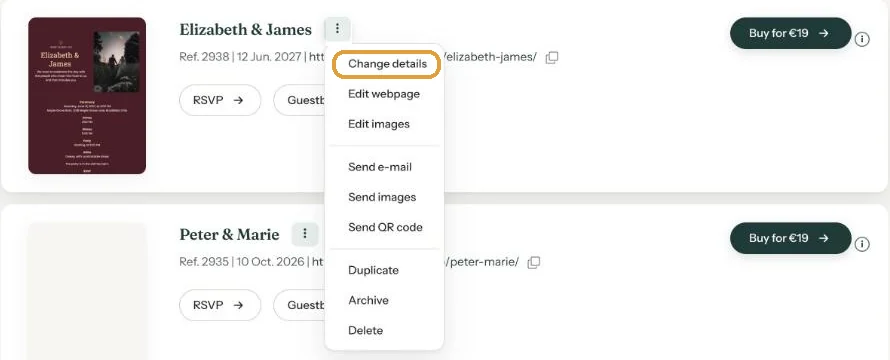
In the menu (three dots), choose Archive. The invitation moves to the Archive page in the navigation.
- Guests can no longer open the invitation. Anyone following the link lands on the Eventinfo.pro home page.
- RSVPs and guestbook messages are kept. Open them with the RSVP and Guestbook buttons on the archive page.
- Unarchive in the menu puts the invitation back in your dashboard, and the link works again as before.
Deleting
- In the menu, choose Delete.
- The Delete this event window asks if you’re sure.
- Click Delete event.
The link stops working, and you won’t see this invitation’s RSVPs or guestbook messages again. There’s no way to bring a deleted invitation back.
Save first, then delete. Download the guest list and the guestbook before you delete. See Download your guest list and Keep your guestbook.
Next step: Changing your account details and password
Last updated: October 23, 2026