Deleting your account
You delete your account at the bottom of the Account page, under Delete your account. Every invitation in the account goes offline immediately, and you can no longer log in.
Save first
Download what you want to keep: the guest lists from your RSVPs and the messages and photos from your guestbooks. After deletion you can’t get to them. Download your guest list and Keep your guestbook explain how.
How to delete your account
- Go to Account and scroll to Delete your account.
- Click Edit.
- Enter your Password.
- Click Delete account. You’ll see Account deleted.
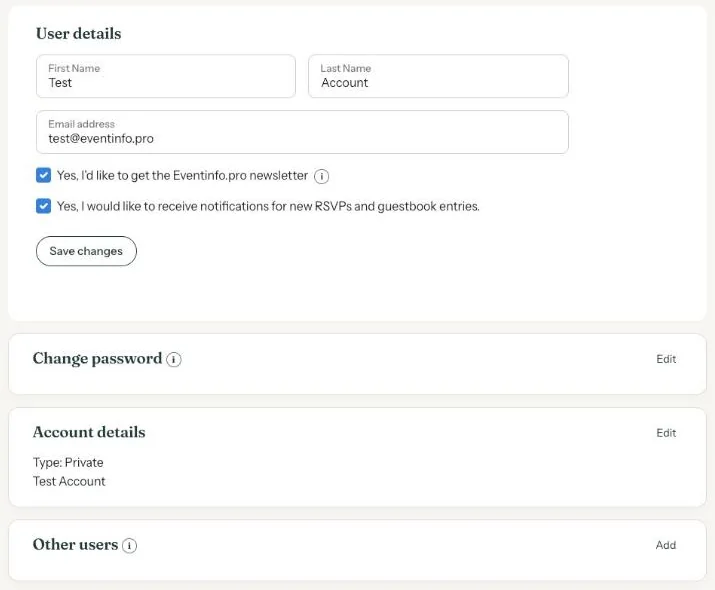
Only the person who created the account sees this option. If someone added you as a user, ask them to delete the account.
You can’t undo this yourself. Only want to take one invitation offline? Archiving or deleting that invitation is enough; see Archive or delete.
What happens to your data is explained in Privacy Policy and the other pages under Terms.
Last updated: October 23, 2026