Business occasions
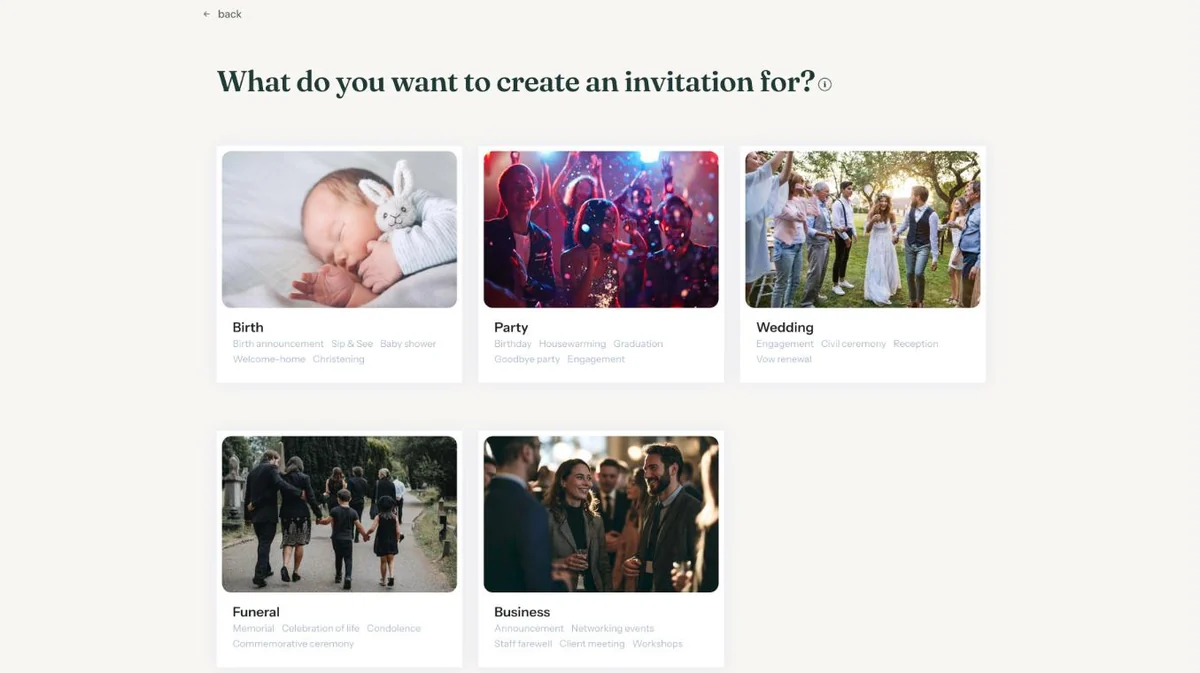
When creating a new invitation, choose the Business occasion. You’ll see designs for announcements, networking events, staff farewells, client meetings and workshops, among others.
Choosing the occasion
In your dashboard, click Create new invitation and choose Business. A team outing or the opening of a new office fits here too; you write the texts yourself anyway.
Which buttons make sense?
- RSVP if you need numbers, for the catering for instance.
- Add to calendar, so the event lands straight in Outlook or Google Calendar.
- Directions to the venue, useful when guests don’t know the address.
- Guestbook for a farewell, where colleagues can leave a message or photo.
You can change which buttons are on later via Change details (Updating your event settings).
Tone and text
Keep it short. What is it, when and where, and who is it for? A programme with times simply goes in the text (Adding a schedule for the day). Sending to a list of business contacts? See Sending by e-mail through Eventinfo.pro.
A complete plan for a business event is in A business event. More by occasion in By occasion.
Last updated: October 23, 2026