My invitation looks different on mobile
That’s right: on a narrow screen Eventinfo.pro adjusts the layout. Your text, colours and photo stay the same, but the arrangement changes.
What’s different on a phone
- In a layout with the photo next to the text, the photo moves above or below the text.
- The card fills the width of the screen, with a narrow border around it.
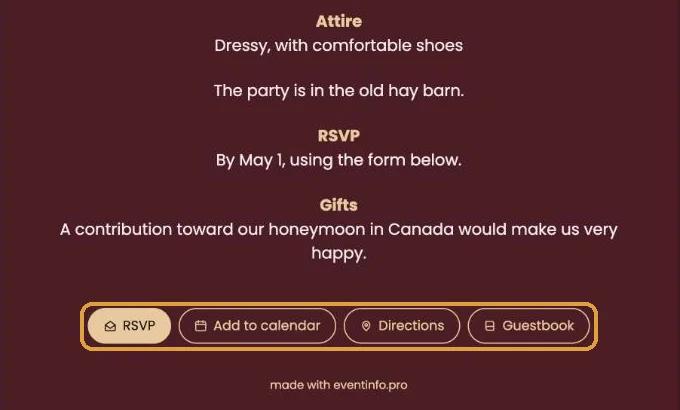
- The buttons at the bottom spread across the width; the first one (usually RSVP) gets a line of its own.
What you can improve
- Long words in big letters. A name in the largest font size can break over two lines on a phone. Pick a smaller size in the builder.
- Empty lines. Blank lines added to line things up on a computer leave big gaps on a phone. Remove them.
- Light text on a light card. Outdoors in the sun that’s hard to read. Choose more contrast.
Check it on your own phone. Open your invitation link on your phone, or make your browser window on the computer very narrow. Then you see what your guests see.
Also useful: Checking your invitation the way guests see it.
Last updated: October 23, 2026
- My guests didn't receive the email
- WhatsApp or Facebook shows an old image
- My photo won't upload
- My invitation still shows example details
- Payment failed or invitation not activated
- My invitation looks different on mobile
- Checking your invitation the way guests see it
- The Add to calendar or Directions button doesn't work