A wedding: from save the date to guestbook
For a wedding you’ll usually use Eventinfo.pro twice: well in advance for a save the date, and later for the actual invitation with the programme, RSVP and directions.
Well in advance: the save the date
Date fixed, but not much else yet? Send a save the date first. On freesavethedate.online you can make one for free, with just the date and the place. When to send it is covered in When should you send a save the date?.
The invitation itself
- Choose Wedding and a design. In the details, enter the couple’s names along with the date, time and location (Create your first invitation).
- Put the day’s programme in the text, for example the ceremony at 2 pm and the party from 8.30 pm. Adding a schedule for the day shows how to lay it out neatly.
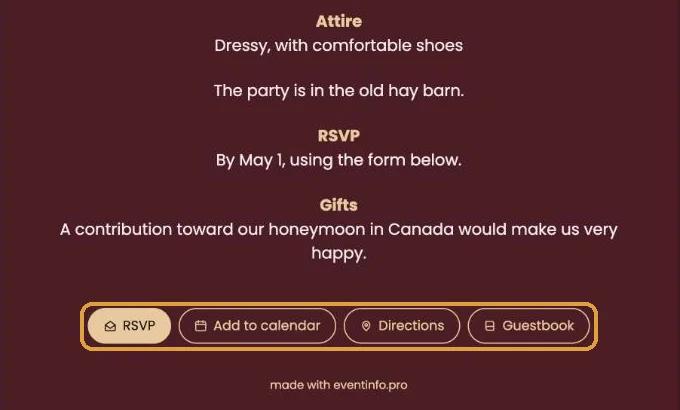
- Leave RSVP switched on. Guests then also tell you how many people are coming (What do guests see when they RSVP?). Mention a reply-by date in the text (Set a reply-by date).
- Check the directions. The Directions button points to one address. If the ceremony and the party are in different places, put the second address in the text (Several venues on one day).
After the wedding
Guests can leave congratulations and photos in the guestbook. The page stays online until 30 days after the wedding date. RSVPs and the guestbook remain in your account for at least a year after the date, as long as your account is active. Download whatever you want to keep (Keep your guestbook).
Next step: Turn on RSVP and set it up
Last updated: October 23, 2026