Undoing changes
Text changes are undone with Ctrl+Z (Windows) or Cmd+Z (Mac). A redesign is undone with the Undo button. Colours and patterns have no undo; you simply choose them again.
Undoing text
- Click into the text field where you made the change.
- Press Ctrl+Z, or Cmd+Z on a Mac. Each press goes back one step, including formatting such as bold or a new colour.
- Gone back too far? Ctrl+Shift+Z (Mac: Cmd+Shift+Z) redoes the step. On Windows, Ctrl+Y works too.
Each text field keeps track of its own changes. If your cursor is in a different field, nothing happens there. When you reopen the builder or use Redesign, that history starts again from scratch.
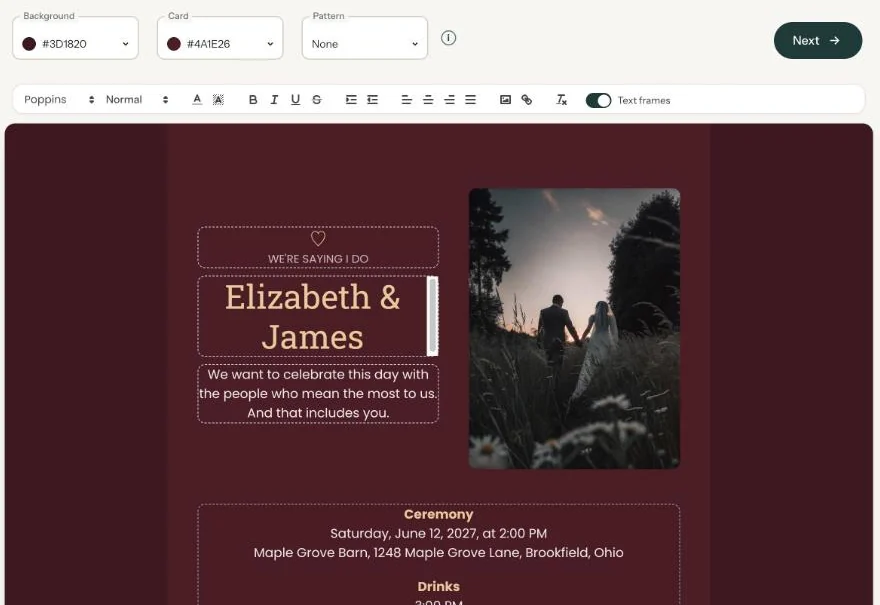
Undoing a redesign
Once you’ve used Redesign, a small button with two curved arrows appears next to it. That’s Undo: it restores the fonts and colours you had before. It stays visible for as long as there’s something to undo, and only appears on invitations you started (almost) from scratch.
Colour, pattern or photo
There’s no undo for these. Pick the old colour or pattern again. That’s why it helps to note the colour code from the Background or Card field before you start experimenting.
Next step: Moving and aligning text
Last updated: October 23, 2026
- Designing your invitation: the basics
- Choosing a layout
- Choosing the background and card colour
- Using the colour picker and pipette
- Editing and formatting text
- Replacing the example text with your own details
- A new look in seconds with Redesign
- Undoing changes
- Moving and aligning text
- Showing or hiding text frames
- Adding a pattern
- Adding a link to your text
- Adding a schedule for the day
- Customising a ready-made design
- Using keyboard shortcuts